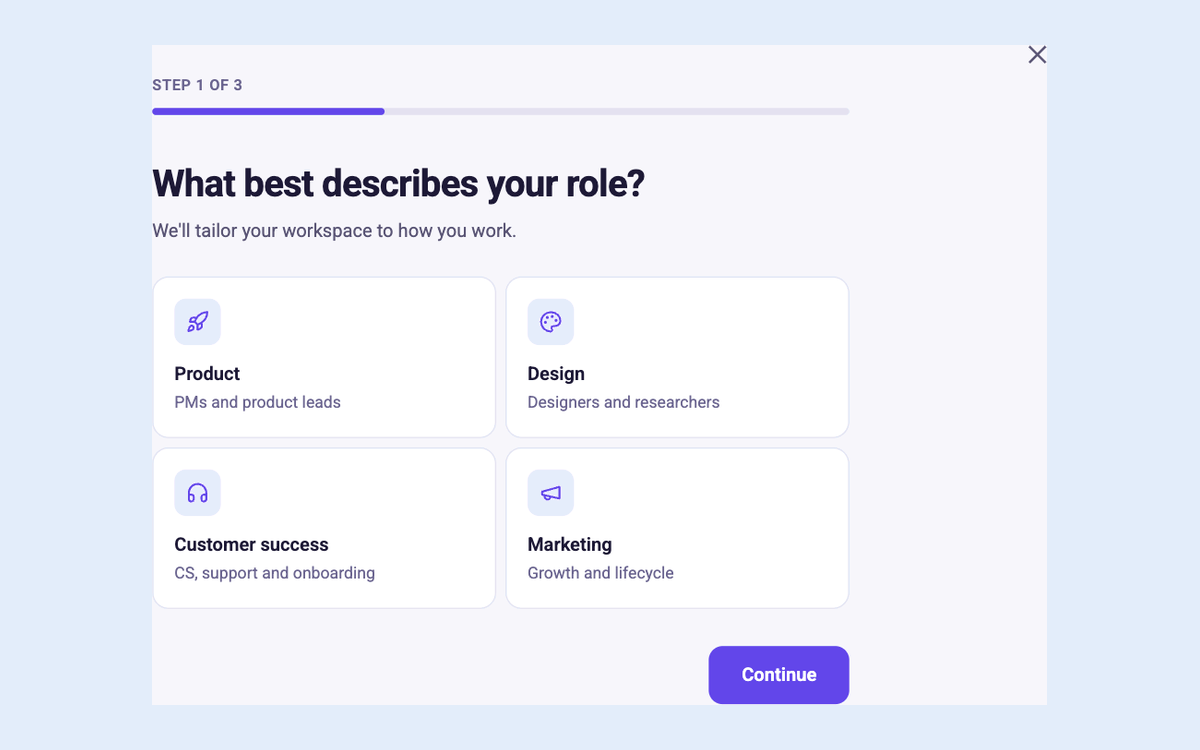
Product Walkthrough Tour walks through three steps on the main screen. Setup Checklist Card presents setup actions in a compact card. Compare the tour preview
Does a welcome flow have to be a survey?
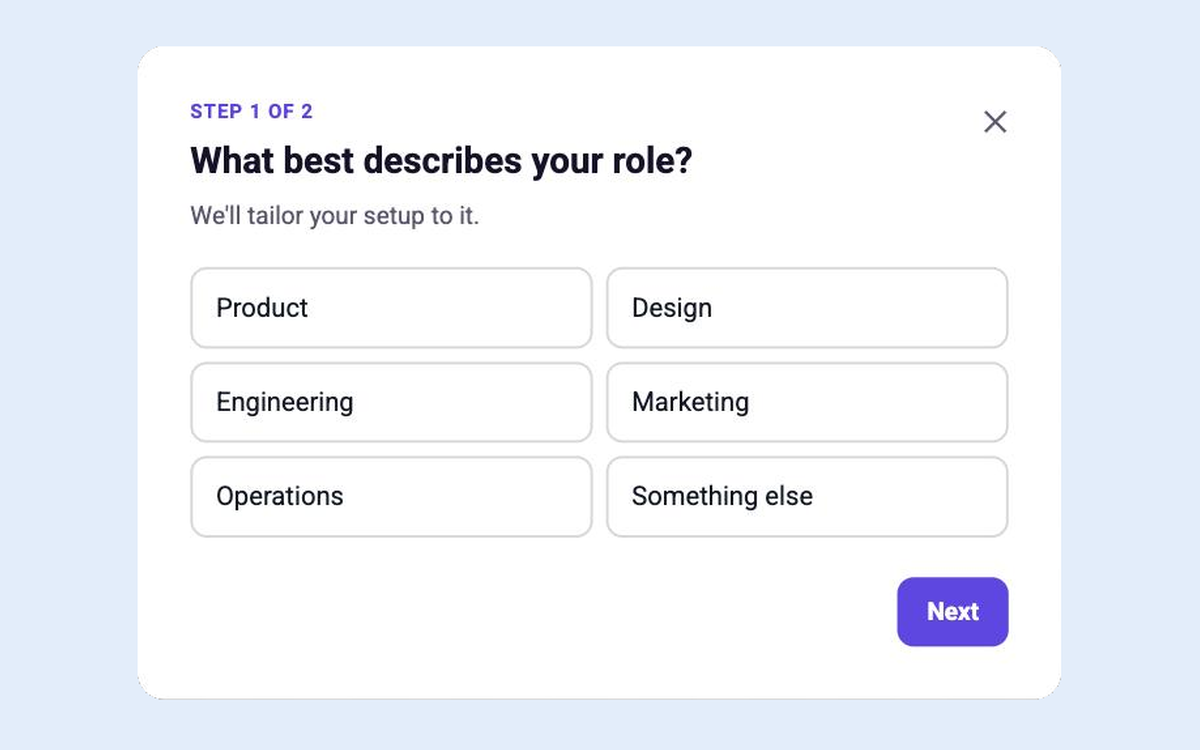
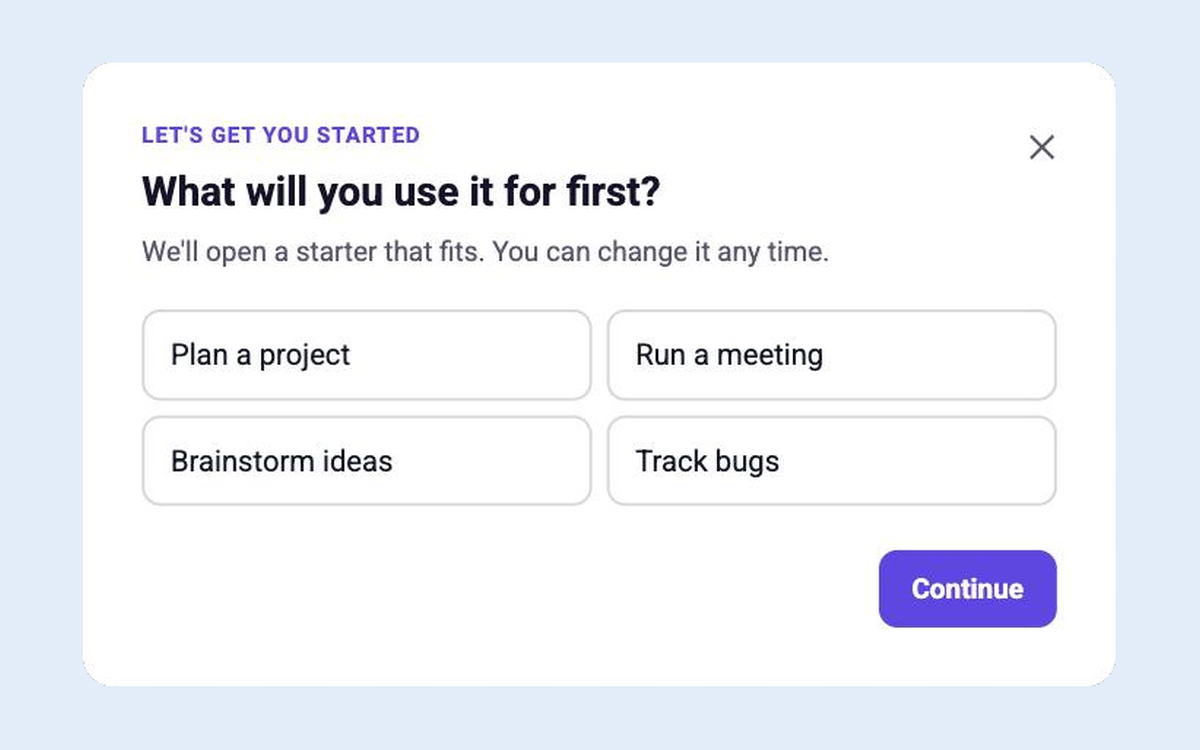
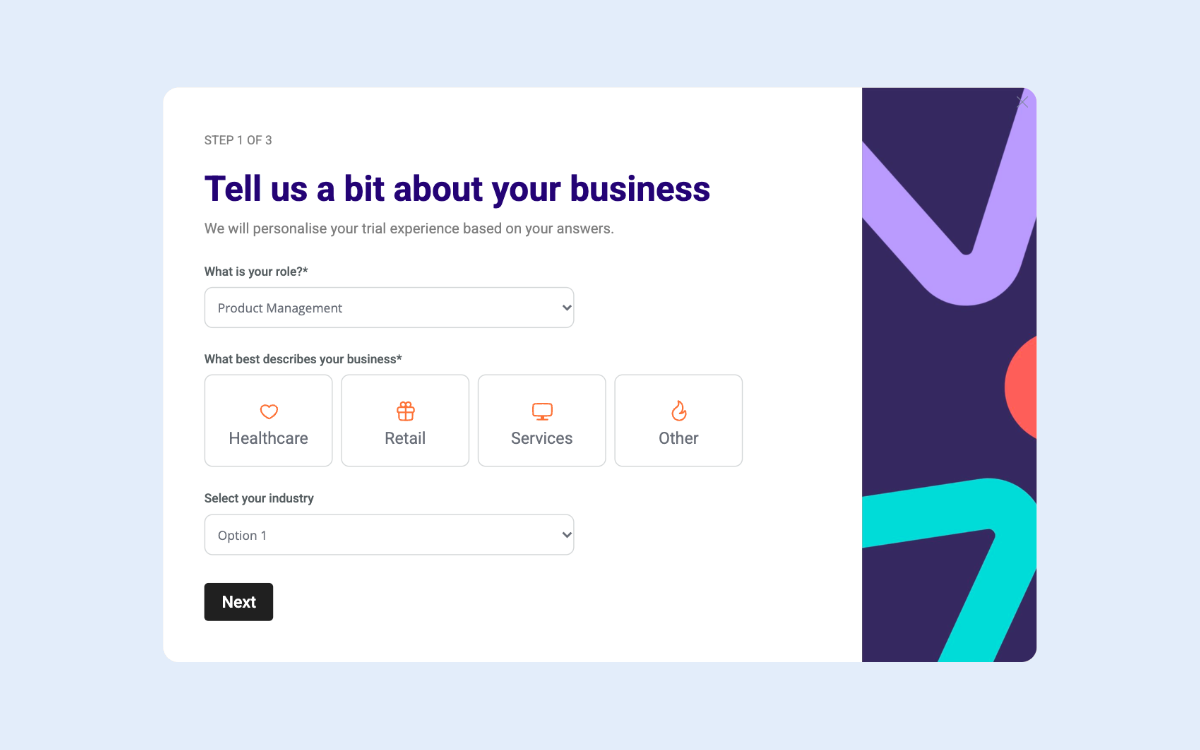
Welcome and Tour Choice lets users choose a tour or explore. Welcome Survey asks two questions to help tailor setup. See Welcome and Tour Choice
Browse by type
{"templates": [{"s": "product-walkthrough-tour", "n": "Product Walkthrough Tour", "c": "Product Tours", "f": "Tours & hotspots", "o": 106, "d": "A three-step tour of the main screen with Back and Next", "w": "First visit to the main screen, after the welcome survey", "goal": "onboarding", "url": "https://www.candu.ai/templates/product-walkthrough-tour", "image": "https://s3.amazonaws.com/webflow-prod-assets/606724dc991c740fedd6fe24/6ad25b975b005bfb02d6ebae_c26-template-menu-product-walkthrough-tour.svg", "featured": true, "patterns": ["tour"]}, {"s": "role-based-getting-started", "n": "Role-based Getting Started", "c": "Onboarding Checklists", "f": "In-page", "o": 203, "d": "Getting-started steps that change with the user's role", "w": "Getting started page", "goal": "onboarding", "url": "https://www.candu.ai/templates/role-based-getting-started", "image": "https://s3.amazonaws.com/webflow-prod-assets/606724dc991c740fedd6fe24/6ad25b97270f579cb13b09de_c26-template-menu-role-based-getting-started.svg", "featured": true, "patterns": ["checklist"]}, {"s": "hotspot-trio", "n": "Hotspot Trio", "c": "Product Tours", "f": "Tours & hotspots", "o": 101, "d": "Three hotspots that explain a busy or redesigned screen", "w": "A redesigned or dense screen", "goal": "onboarding", "url": "https://www.candu.ai/templates/hotspot-trio", "image": "https://cdn.prod.website-files.com/606724dc991c7435ead6fe50/6abc1fb9fccd7e10403f08f3_6abc1ed9c444eb112b2e06c2_template-hotspot-trio-v17.png", "featured": false, "patterns": ["tour"]}, {"s": "tour-checklist", "n": "Tour Checklist", "c": "Product Tours", "f": "In-page", "o": 102, "d": "A checklist where each row starts its own short tour", "w": "Onboarding hub or help page", "goal": "onboarding", "url": "https://www.candu.ai/templates/tour-checklist", "image": "https://cdn.prod.website-files.com/606724dc991c7435ead6fe50/6abc1fb9fccd7e10403f08ed_6abc1ed8c444eb112b2e06ad_template-tour-checklist-v17.png", "featured": false, "patterns": ["tour", "checklist"]}, {"s": "welcome-and-tour-choice", "n": "Welcome and Tour Choice", "c": "Product Tours", "f": "Modal", "o": 103, "d": "Welcome new users and let them choose a tour or explore", "w": "First login only", "goal": "onboarding", "url": "https://www.candu.ai/templates/welcome-and-tour-choice", "image": "https://cdn.prod.website-files.com/606724dc991c7435ead6fe50/6abc1fb1fccd7e10403f07e4_6abc1ed09a81d466a5c6b056_template-welcome-and-tour-choice-v17.png", "featured": false, "patterns": ["tour", "welcome"]}, {"s": "tour-launcher-card", "n": "Tour Launcher Card", "c": "Product Tours", "f": "In-page", "o": 104, "d": "Invite new users into a short tour and preview its steps", "w": "Home or empty dashboard, until the tour is finished or dismissed", "goal": "onboarding", "url": "https://www.candu.ai/templates/tour-launcher-card", "image": "https://cdn.prod.website-files.com/606724dc991c7435ead6fe50/6abc1fb1fccd7e10403f07d3_6abc1ed0e0b614d6aafb38d5_template-tour-launcher-card-v17.png", "featured": false, "patterns": ["tour"]}, {"s": "team-activation-checklist", "n": "Team Activation Checklist", "c": "Onboarding Checklists", "f": "In-page", "o": 201, "d": "The steps that turn one user into an active team", "w": "After the individual checklist is done", "goal": "onboarding", "url": "https://www.candu.ai/templates/team-activation-checklist", "image": "https://cdn.prod.website-files.com/606724dc991c7435ead6fe50/6abc1fb9fccd7e10403f08e2_6abc1ed83f2214e707c4a360_template-team-activation-checklist-v17.png", "featured": false, "patterns": ["checklist"]}, {"s": "whats-next", "n": "What's Next", "c": "Onboarding Checklists", "f": "In-page", "o": 202, "d": "Suggest three advanced next steps once setup is done", "w": "Right after the setup checklist completes", "goal": "onboarding", "url": "https://www.candu.ai/templates/whats-next", "image": "https://cdn.prod.website-files.com/606724dc991c7435ead6fe50/6abc1fb1fccd7e10403f07d6_6abc1ed284cc7f347a607fdf_template-whats-next-v17.png", "featured": false, "patterns": ["checklist"]}, {"s": "setup-checklist-card", "n": "Setup Checklist Card", "c": "Onboarding Checklists", "f": "In-page", "o": 204, "d": "Setup steps that tick off when users really do them", "w": "Home, until complete", "goal": "onboarding", "url": "https://www.candu.ai/templates/setup-checklist-card", "image": "https://cdn.prod.website-files.com/606724dc991c7435ead6fe50/6abc1fb1fccd7e10403f07b7_6abc1ecf625786b9ccf7b749_template-setup-checklist-card-v17.png", "featured": false, "patterns": ["checklist"]}, {"s": "floating-rewards-checklist", "n": "Floating Rewards Checklist", "c": "Onboarding Checklists", "f": "Floating", "o": 205, "d": "A minimizable checklist whose rows check off as users do each task", "w": "", "goal": "onboarding", "url": "https://www.candu.ai/templates/floating-rewards-checklist", "image": "https://cdn.prod.website-files.com/606724dc991c7435ead6fe50/6abc1faefccd7e10403f0766_6abc1e7a7052bdca67220814_template-floating-rewards-checklist-v17.png", "featured": false, "patterns": ["checklist"]}, {"s": "guided-path-checklist", "n": "Guided Path Checklist", "c": "Onboarding Checklists", "f": "Floating", "o": 206, "d": "A dark floating checklist that tracks setup progress", "w": "", "goal": "onboarding", "url": "https://www.candu.ai/templates/guided-path-checklist", "image": "https://cdn.prod.website-files.com/606724dc991c7435ead6fe50/6abc1faefccd7e10403f0743_6abc1e7901d6cc6429cbab03_template-guided-path-checklist-v17.png", "featured": false, "patterns": ["checklist"]}, {"s": "overlay-checklist", "n": "Overlay Checklist", "c": "Onboarding Checklists", "f": "Floating", "o": 207, "d": "Track progress with actionable task lists", "w": "", "goal": "onboarding", "url": "https://www.candu.ai/templates/overlay-checklist", "image": "https://cdn.prod.website-files.com/606724dc991c7435ead6fe50/6abc1faefccd7e10403f0746_6abc1e7939e8b430e10e7de7_template-overlay-checklist-v17.png", "featured": false, "patterns": ["checklist"]}, {"s": "dynamic-getting-started-page", "n": "Dynamic Getting Started Page", "c": "Onboarding Checklists", "f": "In-page", "o": 208, "d": "Onboard new users with a dynamic, horizontal checklist", "w": "", "goal": "onboarding", "url": "https://www.candu.ai/templates/dynamic-getting-started-page", "image": "https://cdn.prod.website-files.com/606724dc991c7435ead6fe50/6abc1fb9fccd7e10403f0920_6abc1ed916e741e8569e7819_template-dynamic-getting-started-page-v17.png", "featured": false, "patterns": ["checklist"]}, {"s": "activation-homepage", "n": "Activation Homepage", "c": "Onboarding Checklists", "f": "In-page", "o": 209, "d": "Centralize all getting started resources", "w": "", "goal": "onboarding", "url": "https://www.candu.ai/templates/activation-homepage", "image": "https://cdn.prod.website-files.com/606724dc991c7435ead6fe50/6abc1faefccd7e10403f074c_6abc1e795027f2cdf448eab1_template-activation-homepage-v17.png", "featured": false, "patterns": ["checklist"]}, {"s": "personalised-welcome-page", "n": "Personalised Welcome Page", "c": "Onboarding Flows", "f": "In-page", "o": 301, "d": "A home page that greets users with their next steps", "w": "Home, first 14 days", "goal": "onboarding", "url": "https://www.candu.ai/templates/personalised-welcome-page", "image": "https://cdn.prod.website-files.com/606724dc991c7435ead6fe50/6abc1fb1fccd7e10403f07d0_6abc1ed1625786b9ccf7b7e1_template-personalised-welcome-page-v17.png", "featured": false, "patterns": ["welcome"]}, {"s": "welcome-video", "n": "Welcome Video", "c": "Onboarding Flows", "f": "Modal", "o": 302, "d": "A one-minute welcome video with a clear next step", "w": "First login, for products that sell on story", "goal": "onboarding", "url": "https://www.candu.ai/templates/welcome-video", "image": "https://cdn.prod.website-files.com/606724dc991c7435ead6fe50/6abc1fb1fccd7e10403f07f8_6abc1ed1625786b9ccf7b7cc_template-welcome-video-v17.png", "featured": false, "patterns": ["welcome"]}, {"s": "connect-your-first-integration", "n": "Connect Your First Integration", "c": "Onboarding Flows", "f": "Modal", "o": 303, "d": "Show what an integration does, then connect it", "w": "Second session, or from the setup checklist", "goal": "onboarding", "url": "https://www.candu.ai/templates/connect-your-first-integration", "image": "https://cdn.prod.website-files.com/606724dc991c7435ead6fe50/6abc1fb1fccd7e10403f07f0_6abc1ed1e1481b4803a7a9c7_template-connect-your-first-integration-v17.png", "featured": false, "patterns": ["welcome"]}, {"s": "import-your-data", "n": "Import Your Data", "c": "Onboarding Flows", "f": "Modal", "o": 304, "d": "Help new users bring their work in from another tool", "w": "After the welcome survey, if the user said they are switching", "goal": "onboarding", "url": "https://www.candu.ai/templates/import-your-data", "image": "https://cdn.prod.website-files.com/606724dc991c7435ead6fe50/6abc1fb1fccd7e10403f07ea_6abc1ed1e0b614d6aafb393a_template-import-your-data-v17.png", "featured": false, "patterns": ["welcome"]}, {"s": "empty-state-that-teaches", "n": "Empty State That Teaches", "c": "Onboarding Flows", "f": "In-page", "o": 305, "d": "Turn an empty page into the first thing users create", "w": "Any empty list or page", "goal": "onboarding", "url": "https://www.candu.ai/templates/empty-state-that-teaches", "image": "https://cdn.prod.website-files.com/606724dc991c7435ead6fe50/6abc1fb1fccd7e10403f07e7_6abc1ed18b71b15df22aa6c1_template-empty-state-that-teaches-v17.png", "featured": false, "patterns": ["welcome"]}, {"s": "welcome-survey", "n": "Welcome Survey", "c": "Onboarding Flows", "f": "Modal", "o": 306, "d": "Two quick questions that personalise the whole setup", "w": "First login", "goal": "onboarding", "url": "https://www.candu.ai/templates/welcome-survey", "image": "https://cdn.prod.website-files.com/606724dc991c7435ead6fe50/6abc1fb1fccd7e10403f07e1_6abc1ed19a81d466a5c6b0ba_template-welcome-survey-v17.png", "featured": false, "patterns": ["welcome"]}, {"s": "use-case-picker", "n": "Use-case Picker", "c": "Onboarding Flows", "f": "Modal", "o": 307, "d": "Ask what users are here to do and start them there", "w": "First login, before the empty workspace", "goal": "onboarding", "url": "https://www.candu.ai/templates/use-case-picker", "image": "https://cdn.prod.website-files.com/606724dc991c7435ead6fe50/6abc1fb1fccd7e10403f07f4_6abc1ed1787f0cfed2c1d743_template-use-case-picker-v17.png", "featured": false, "patterns": ["welcome"]}, {"s": "full-page-onboarding-survey", "n": "Full-page Onboarding Survey", "c": "Onboarding Flows", "f": "In-page", "o": 308, "d": "Three pages of choice cards and questions that tailor onboarding", "w": "", "goal": "onboarding", "url": "https://www.candu.ai/templates/full-page-onboarding-survey", "image": "https://cdn.prod.website-files.com/606724dc991c7435ead6fe50/6abc1faefccd7e10403f0775_6abc1e7afccd7e10403eb656_template-full-page-onboarding-survey-v17.png", "featured": false, "patterns": ["welcome"]}, {"s": "modal-onboarding-flow", "n": "Modal Onboarding Flow", "c": "Onboarding Flows", "f": "Modal", "o": 309, "d": "Gather vital information about your new users as you onboard them into your product", "w": "", "goal": "onboarding", "url": "https://www.candu.ai/templates/modal-onboarding-flow", "image": "https://cdn.prod.website-files.com/606724dc991c7435ead6fe50/6abc1fb9fccd7e10403f08fe_6abc1ed984b3e8f48d23bfe1_template-modal-onboarding-flow-v17.png", "featured": false, "patterns": ["welcome"]}, {"s": "invite-teammates", "n": "Invite Teammates", "c": "Marketing & Growth", "f": "Modal", "o": 904, "d": "Let the assistant send invites after a quick confirm", "w": "After the first item is created or shared", "goal": "onboarding", "url": "https://www.candu.ai/templates/invite-teammates", "image": "https://cdn.prod.website-files.com/606724dc991c7435ead6fe50/6abc1fb7fccd7e10403f08b6_6abc1ed6e1481b4803a7abb6_template-invite-teammates-v17.png", "featured": false, "patterns": []}], "page": 2, "size": 12}
READY WHEN YOU ARE
Your next launch, without the ticket.
Within 48 hours of agreeing access and the first journey, we'll map your product or build something small in it.