

Start from a template that already works
85 ready-to-use templates for onboarding, launches, upgrades and feedback. Pick one and make it yours.
Thank you! Your submission has been received!
Oops! Something went wrong while submitting the form.
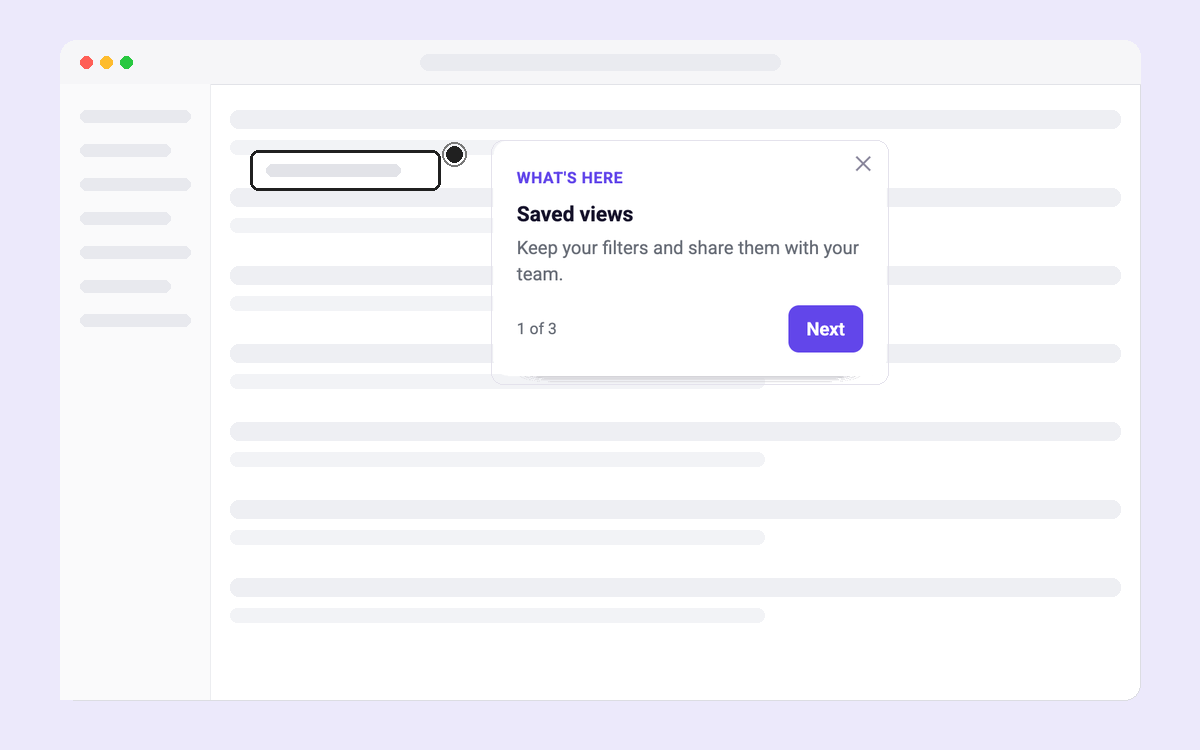
Hotspot Trio
Three hotspots that explain a busy or redesigned screen
Product Tours
All
Tours & hotspots
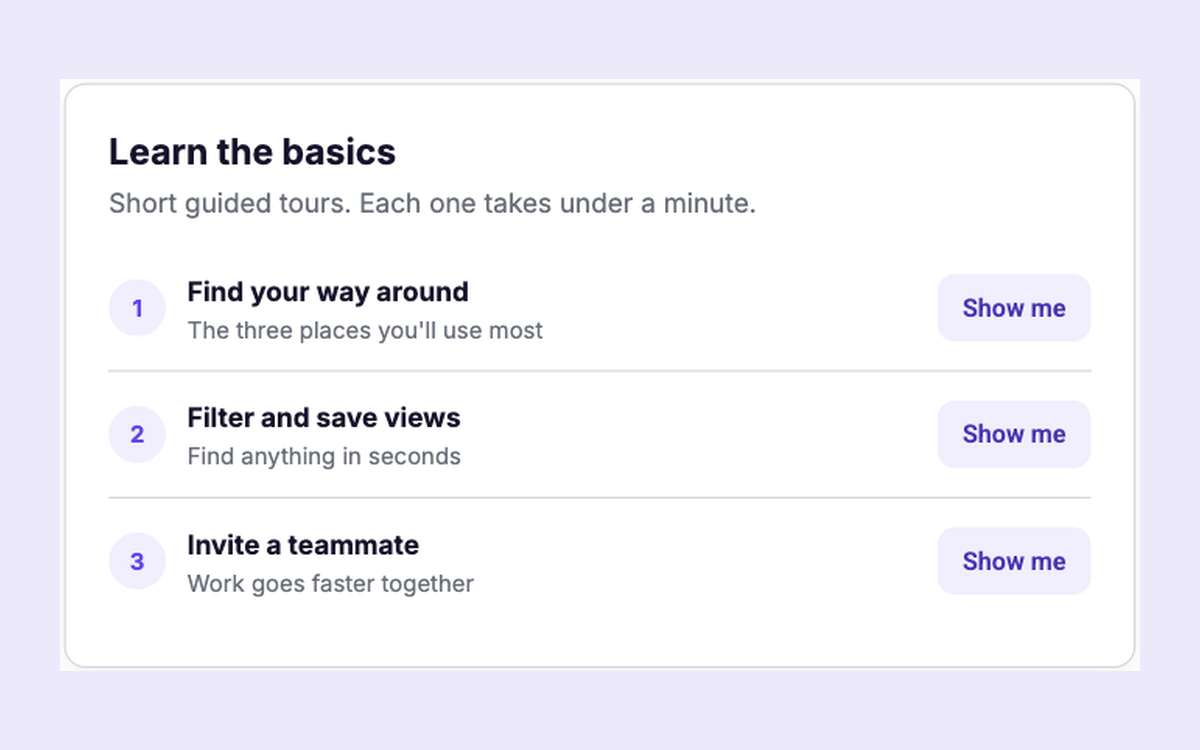
Tour Checklist
A checklist where each row starts its own short tour
Product Tours
All
In-page
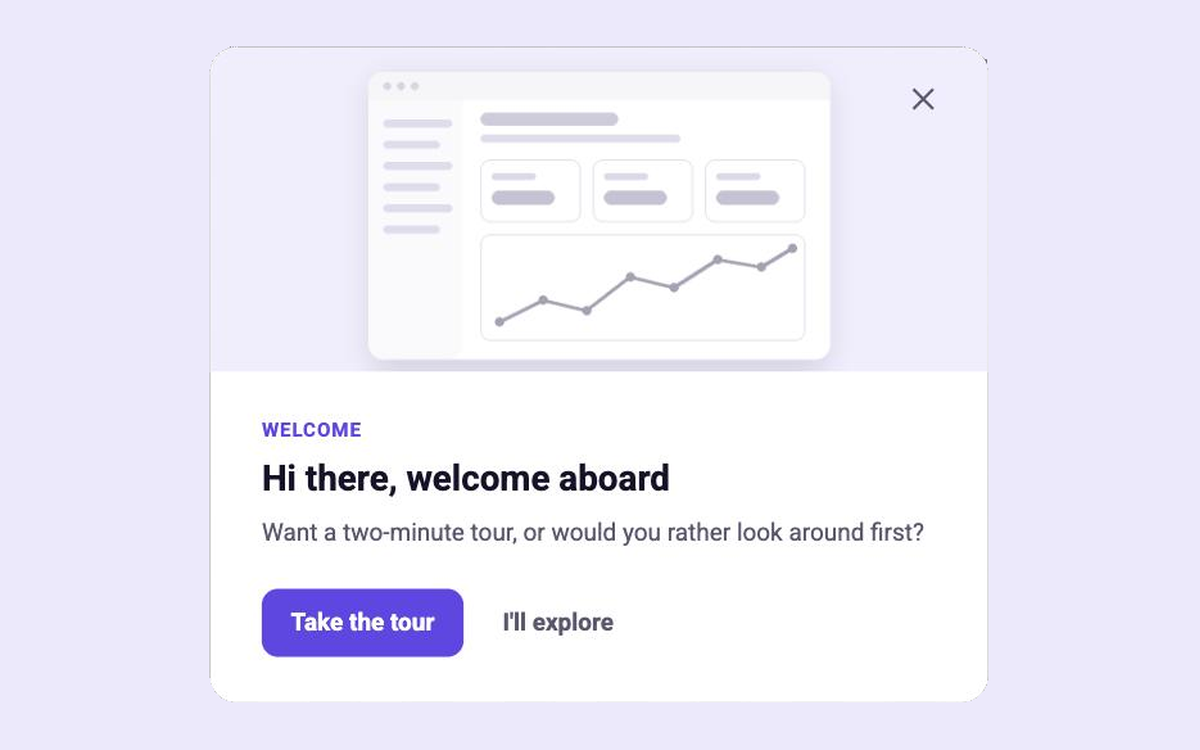
Welcome and Tour Choice
Welcome new users and let them choose a tour or explore
Product Tours
All
Modal
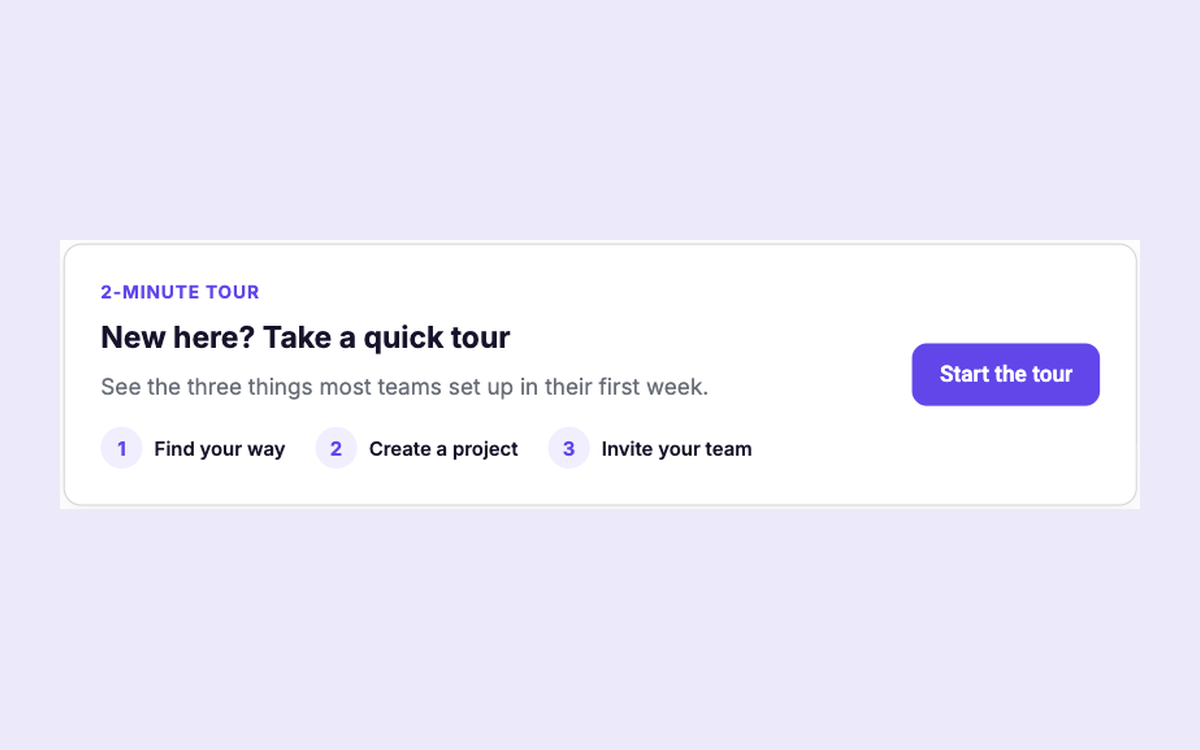
Tour Launcher Card
Invite new users into a short tour and preview its steps
Product Tours
All
In-page
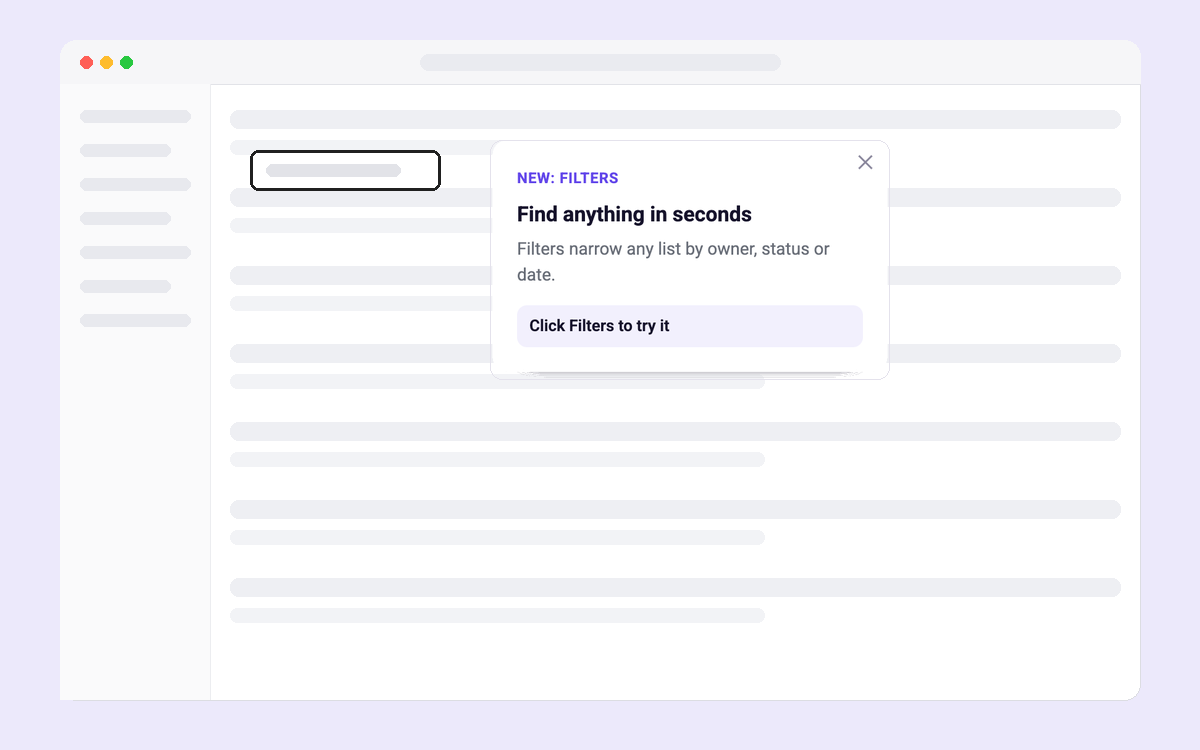
Click-Through Feature Tour
A tour users move through by clicking the real UI
Product Tours
All
Tours & hotspots
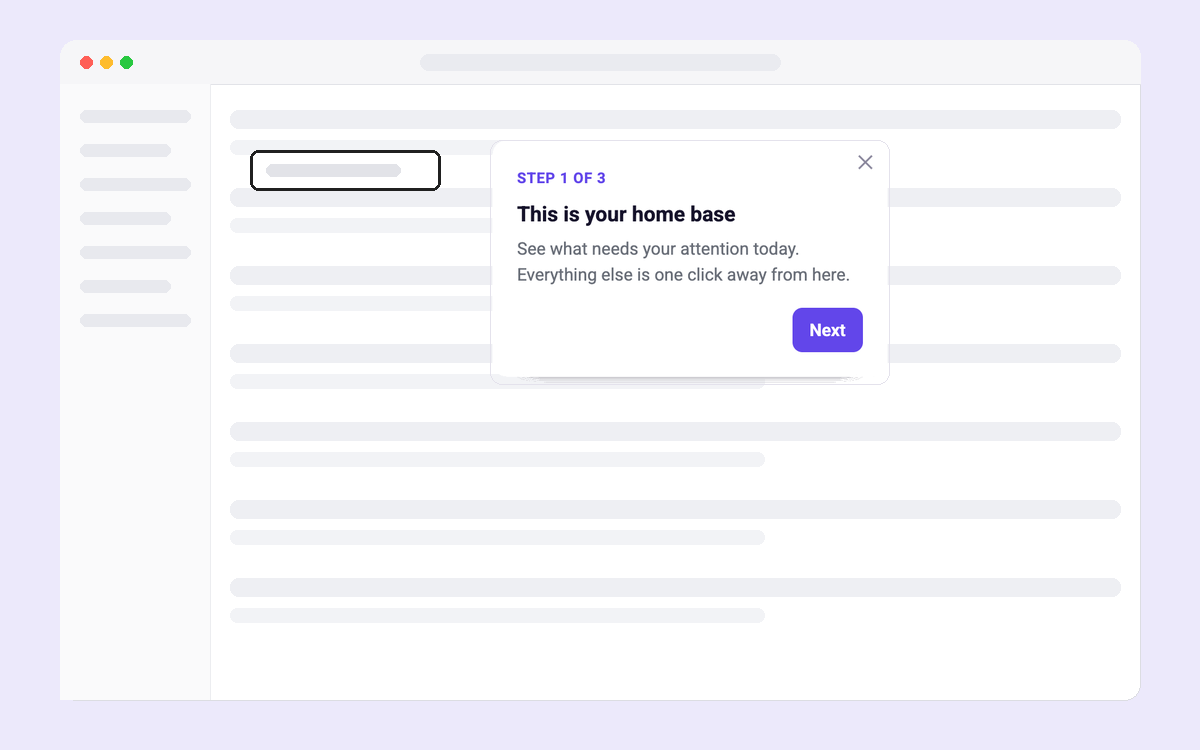
Product Walkthrough Tour
A three-step tour of the main screen with Back and Next
Product Tours
All
Tours & hotspots
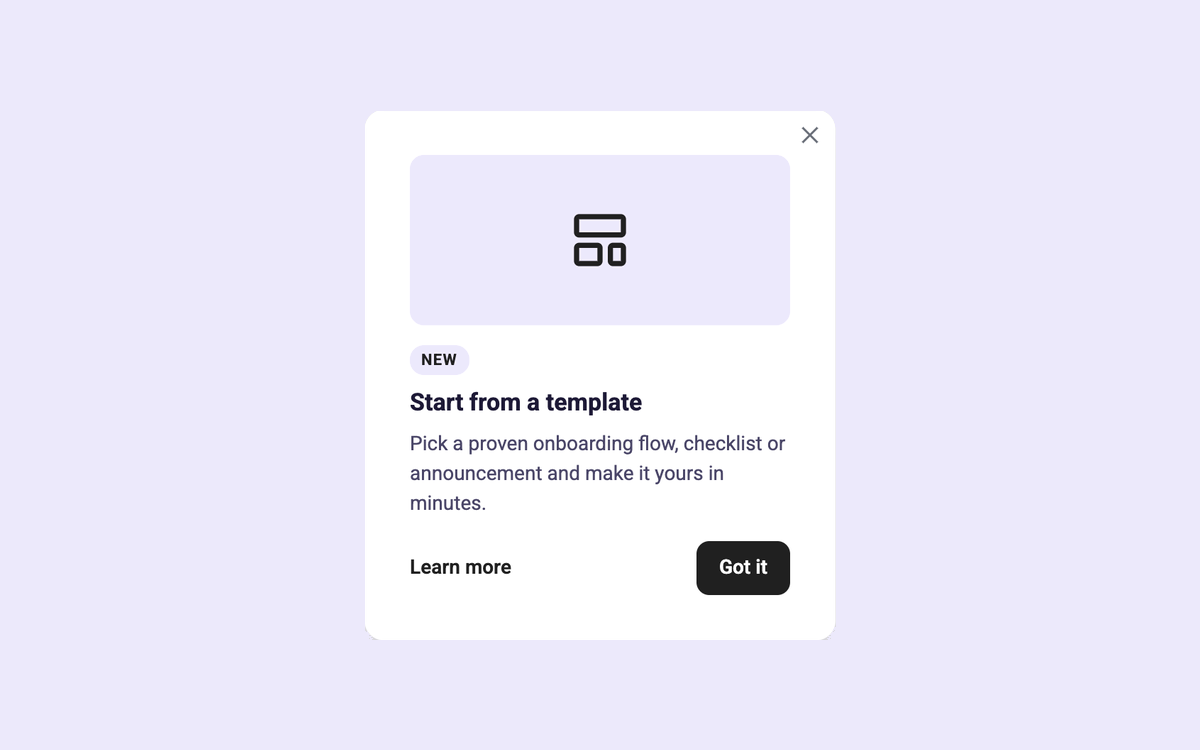
Feature Hotspot
Point out a new feature right where it lives
Product Tours
All
Tours & hotspots
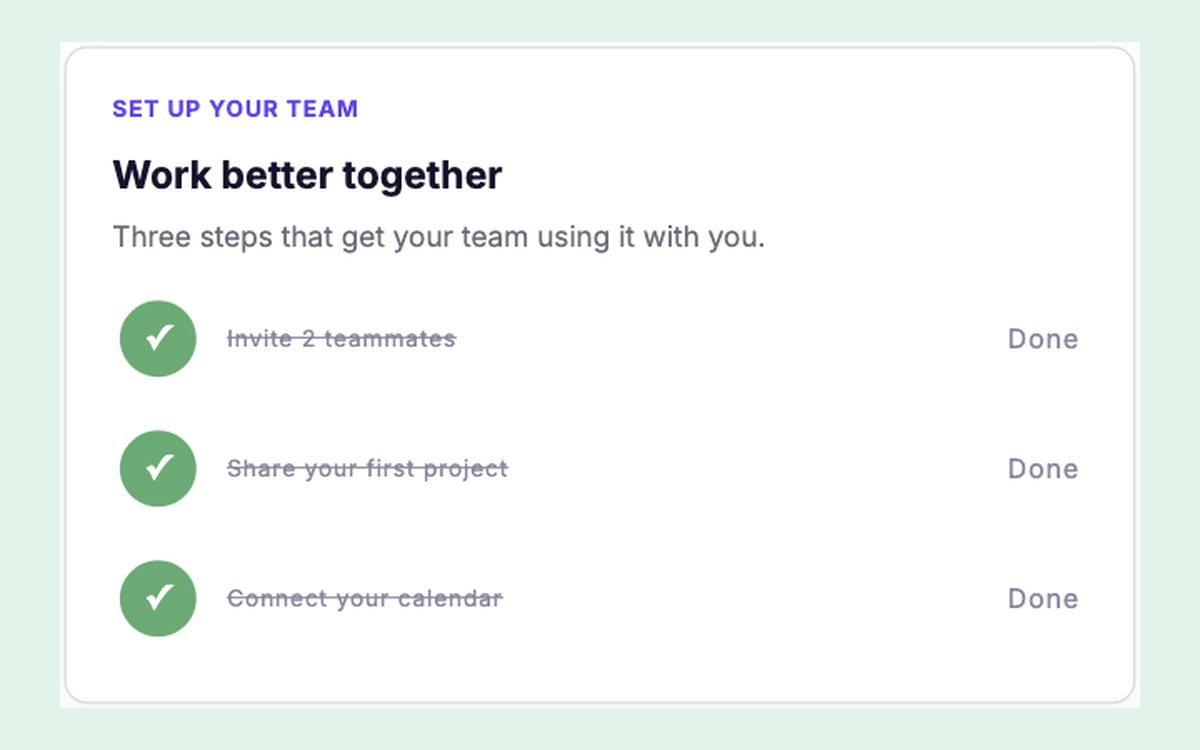
Team Activation Checklist
The steps that turn one user into an active team
Onboarding Checklists
All
In-page
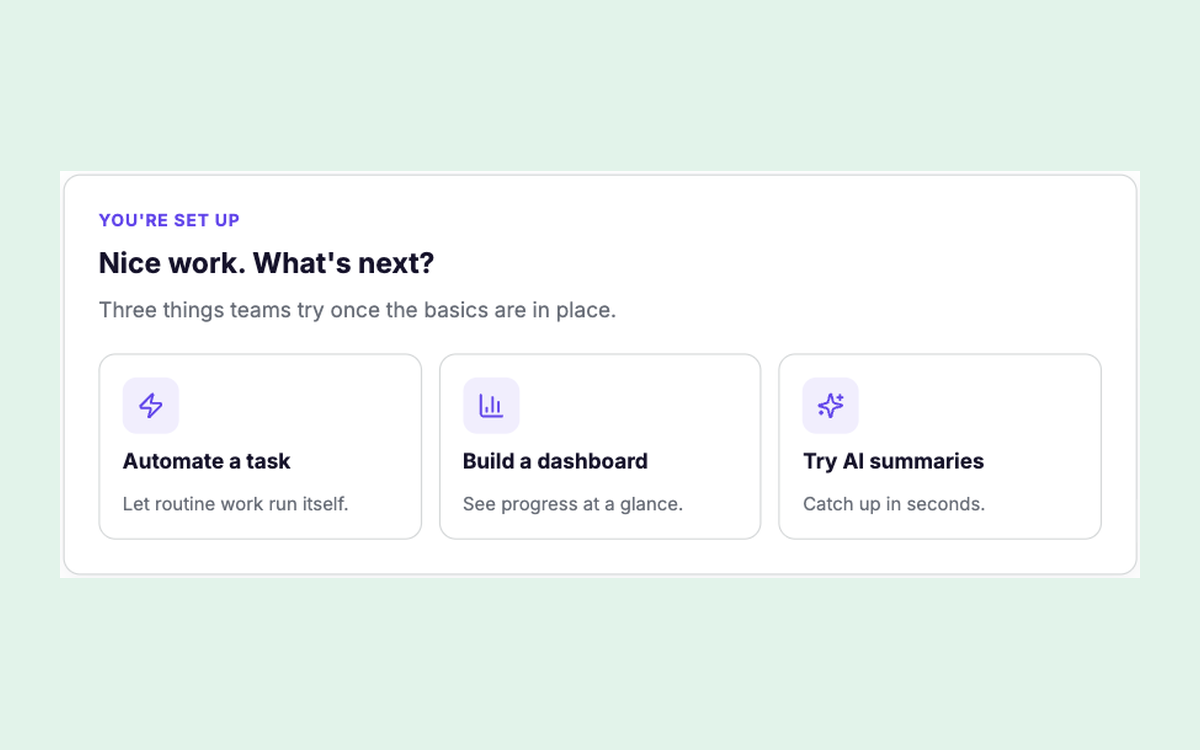
What's Next
Suggest three advanced next steps once setup is done
Onboarding Checklists
All
In-page
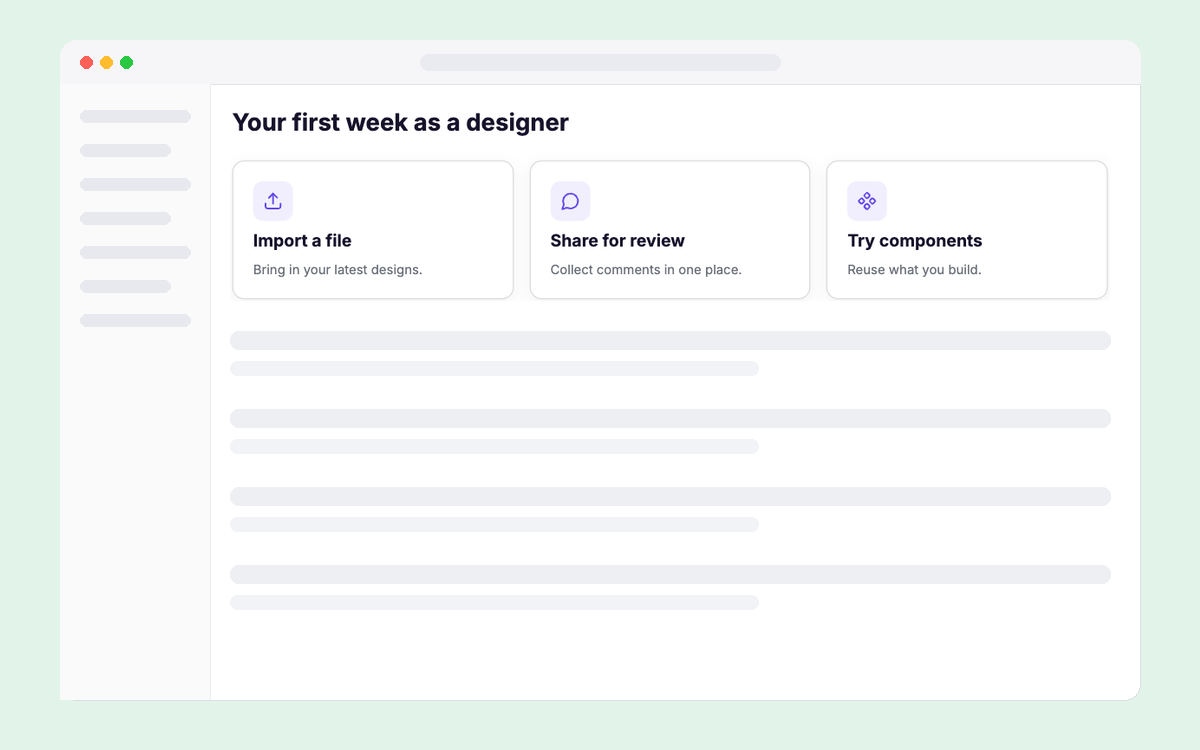
Role-based Getting Started
Getting-started steps that change with the user's role
Onboarding Checklists
All
In-page
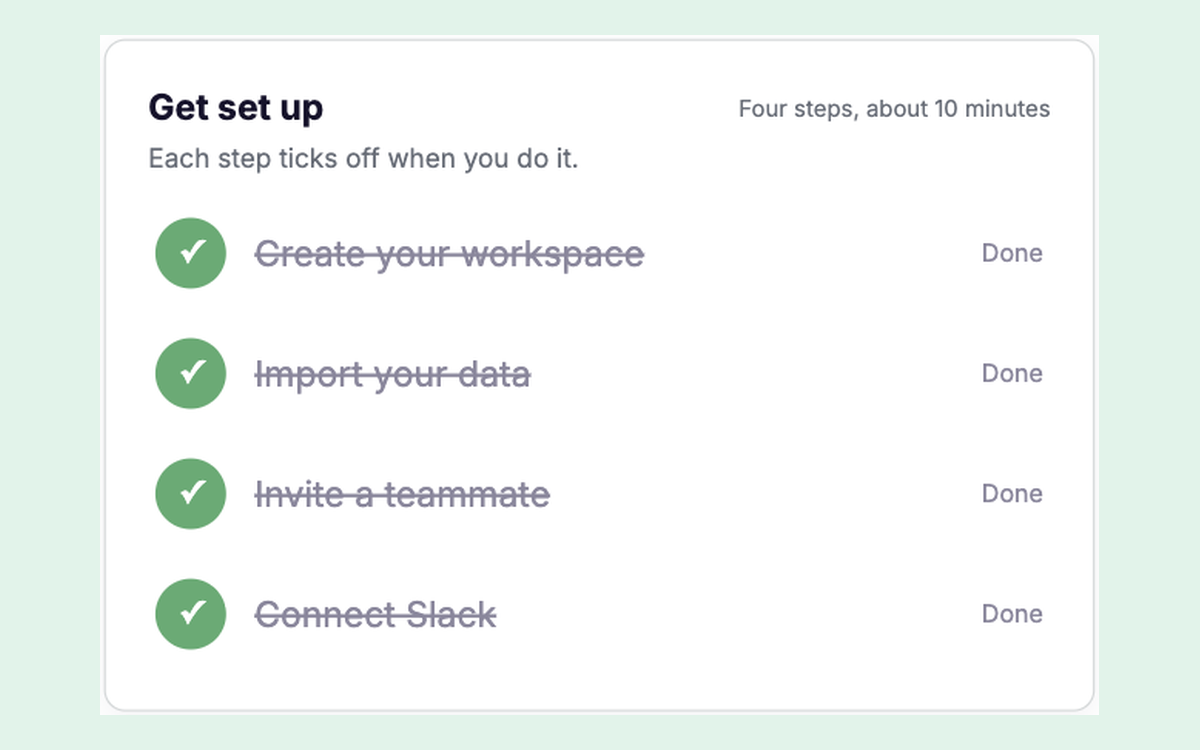
Setup Checklist Card
Setup steps that tick off when users really do them
Onboarding Checklists
All
In-page
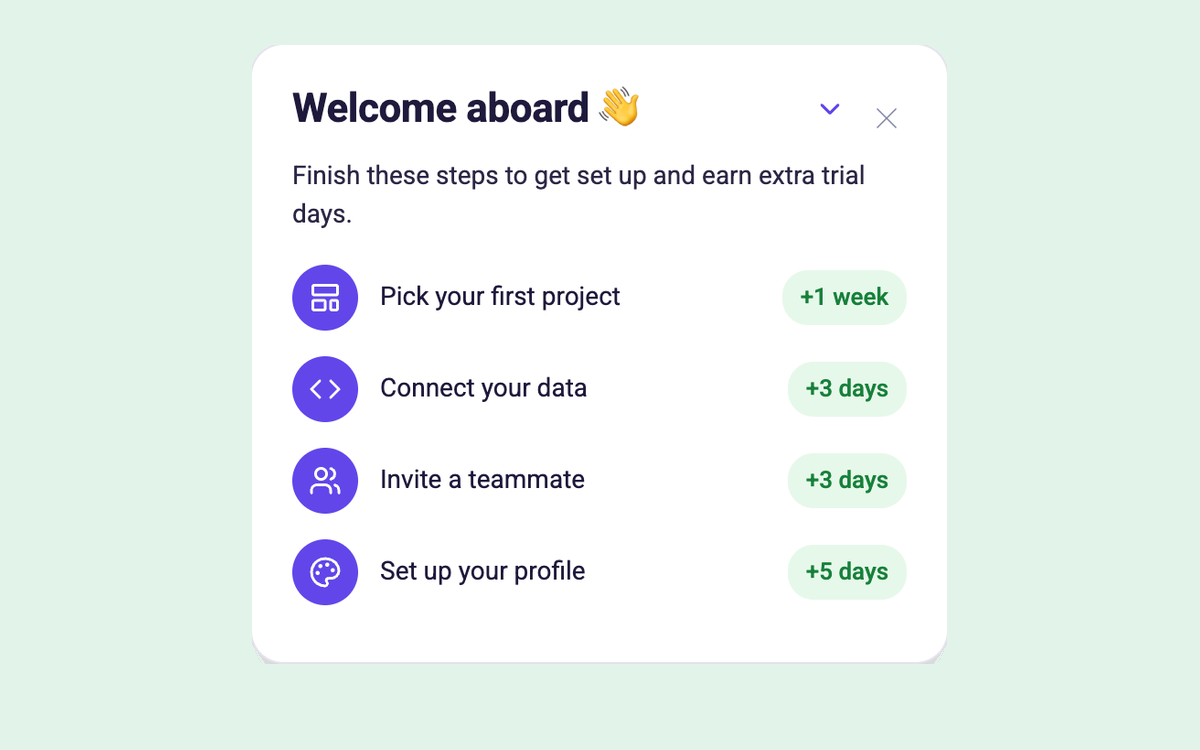
Floating Rewards Checklist
A minimizable checklist whose rows check off as users do each task
Onboarding Checklists
All
Floating
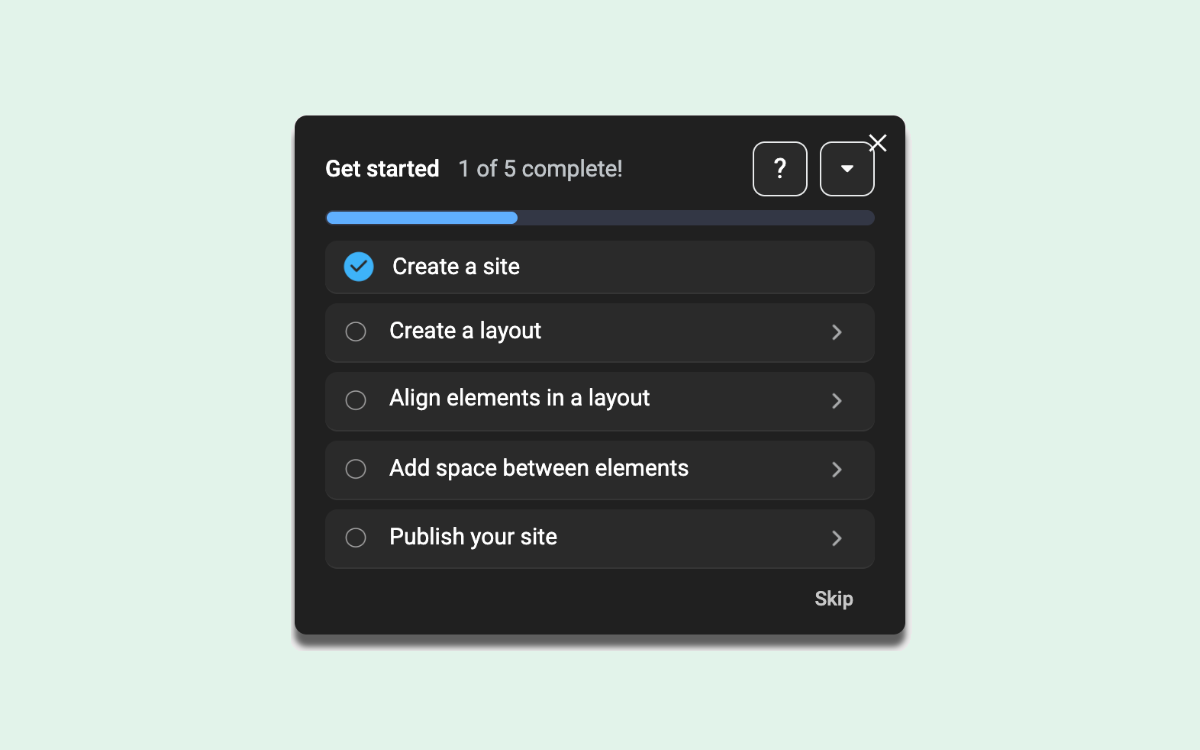
Guided Path Checklist
A dark floating checklist that tracks setup progress
Onboarding Checklists
All
Floating
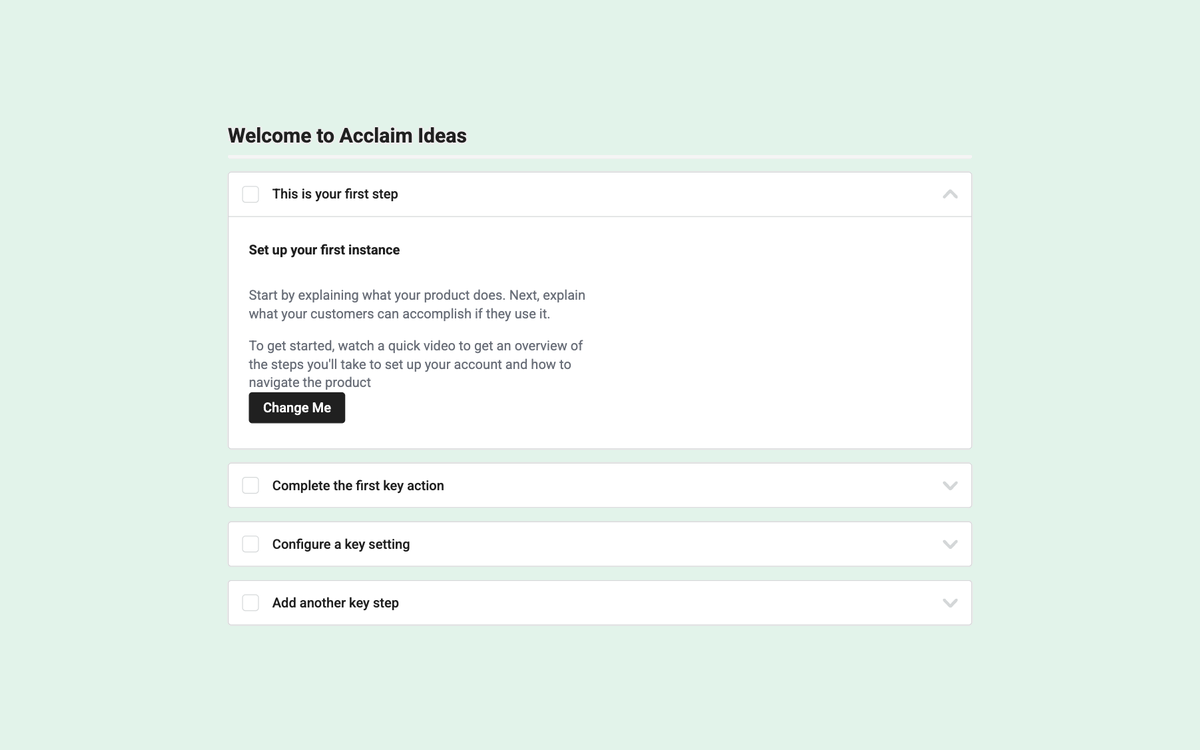
Overlay Checklist
Track progress with actionable task lists
Onboarding Checklists
All
Floating
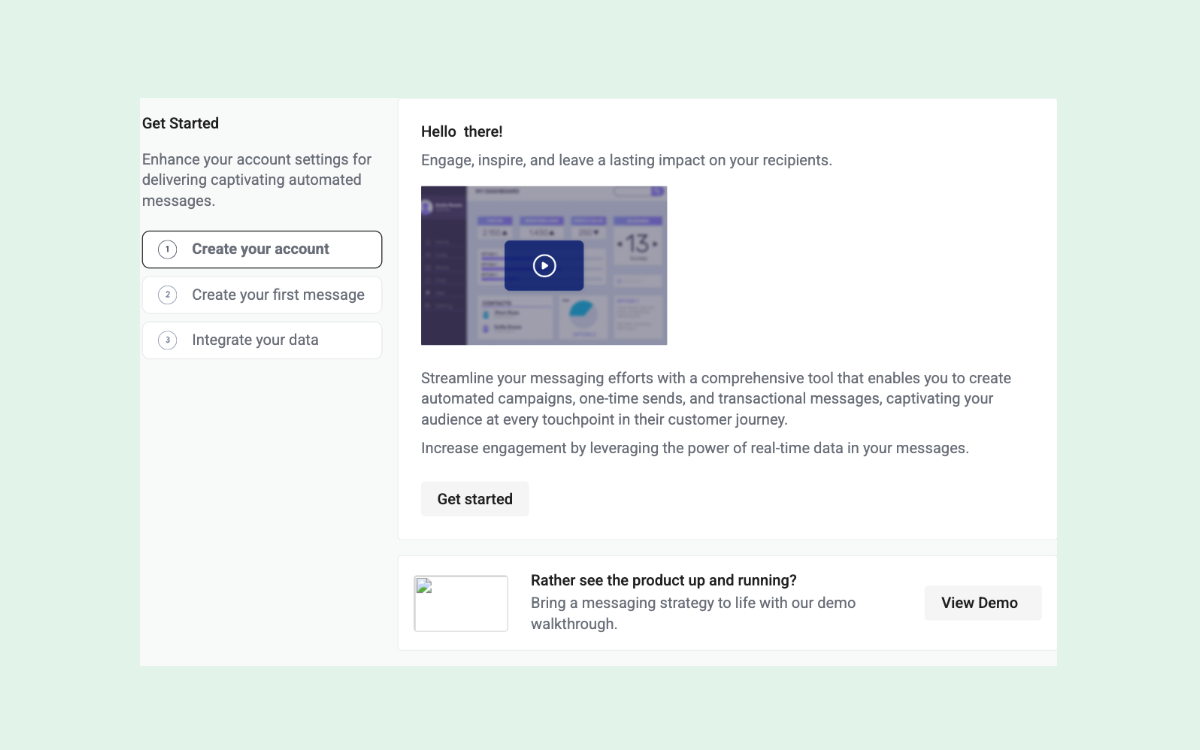
Dynamic Getting Started Page
Onboard new users with a dynamic, horizontal checklist
Onboarding Checklists
All
In-page
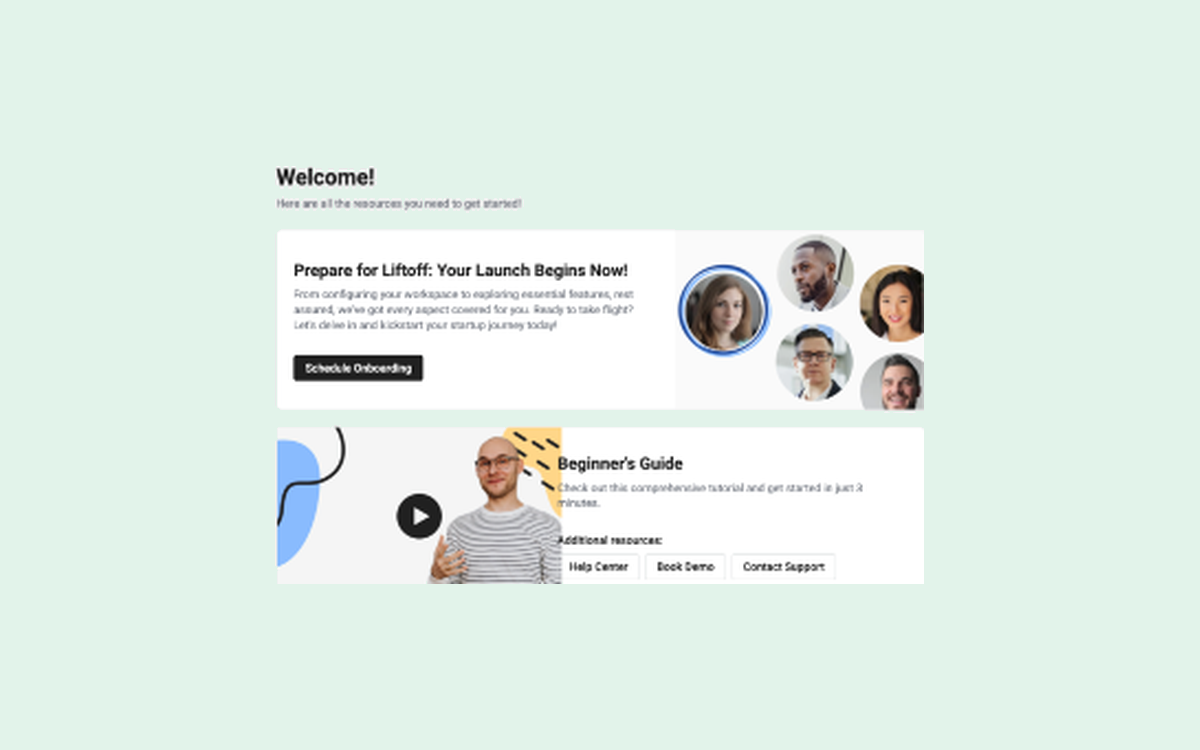
Activation Homepage
Centralize all getting started resources
Onboarding Checklists
All
In-page
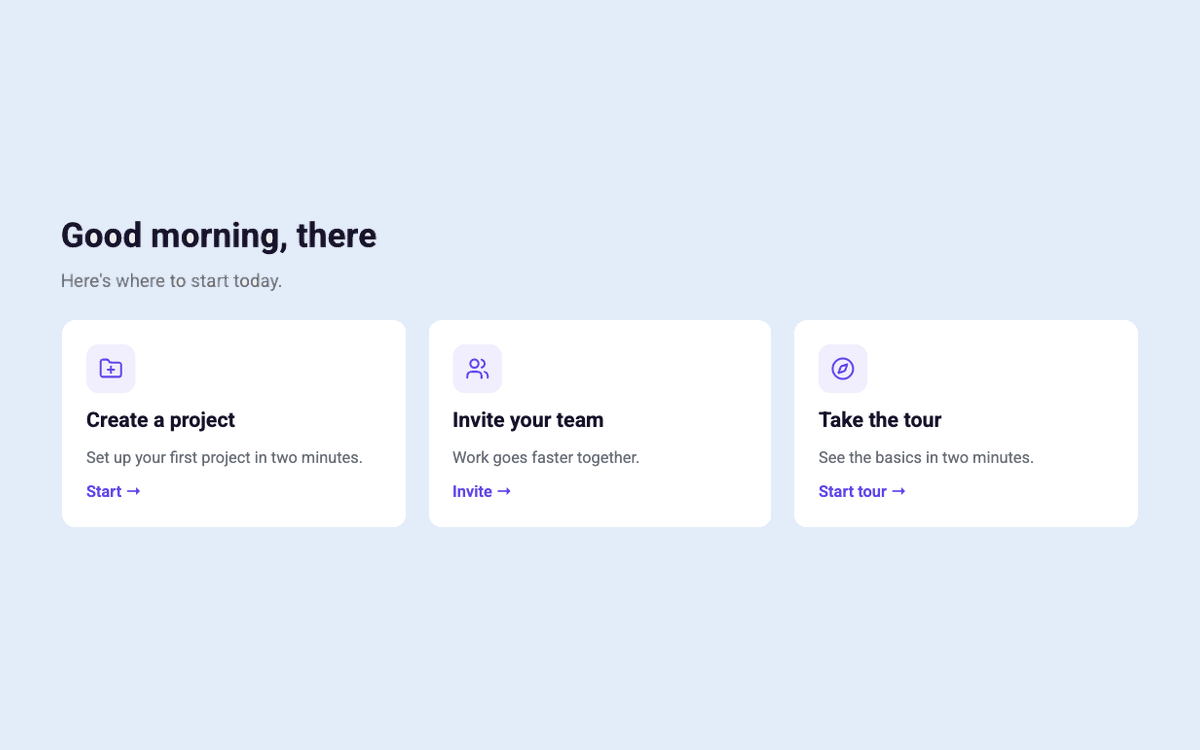
Personalised Welcome Page
A home page that greets users with their next steps
Onboarding Flows
All
In-page
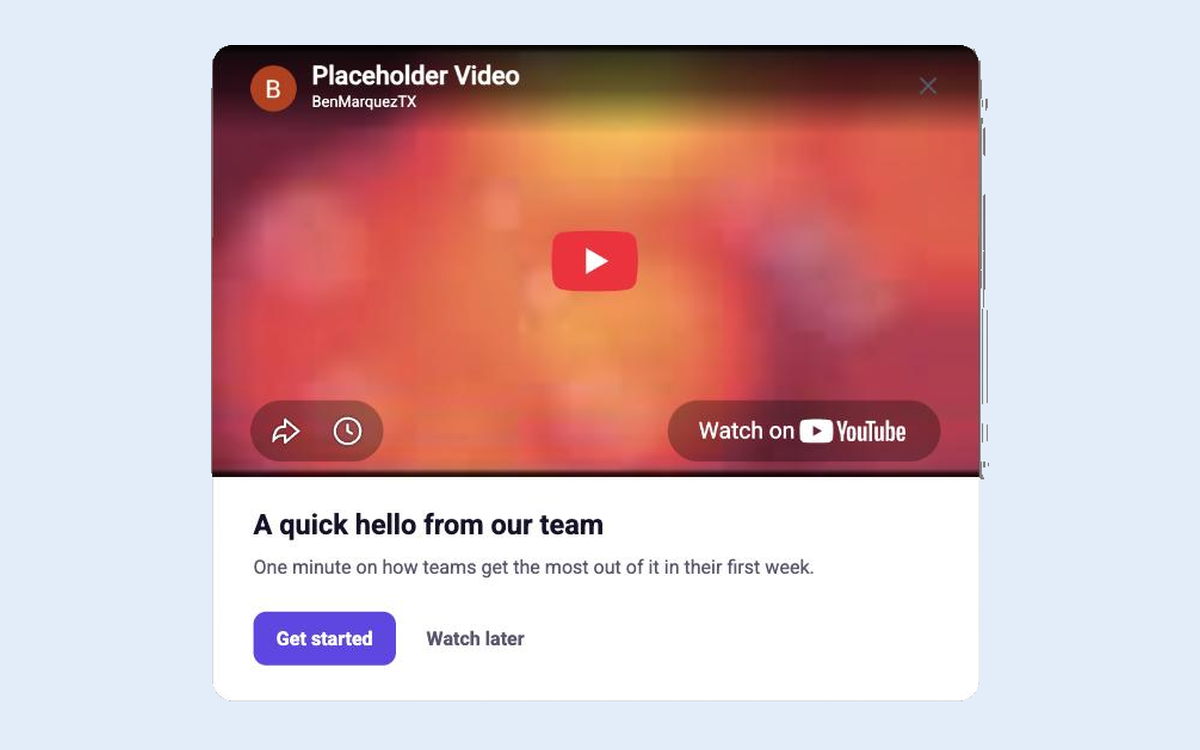
Welcome Video
A one-minute welcome video with a clear next step
Onboarding Flows
All
Modal
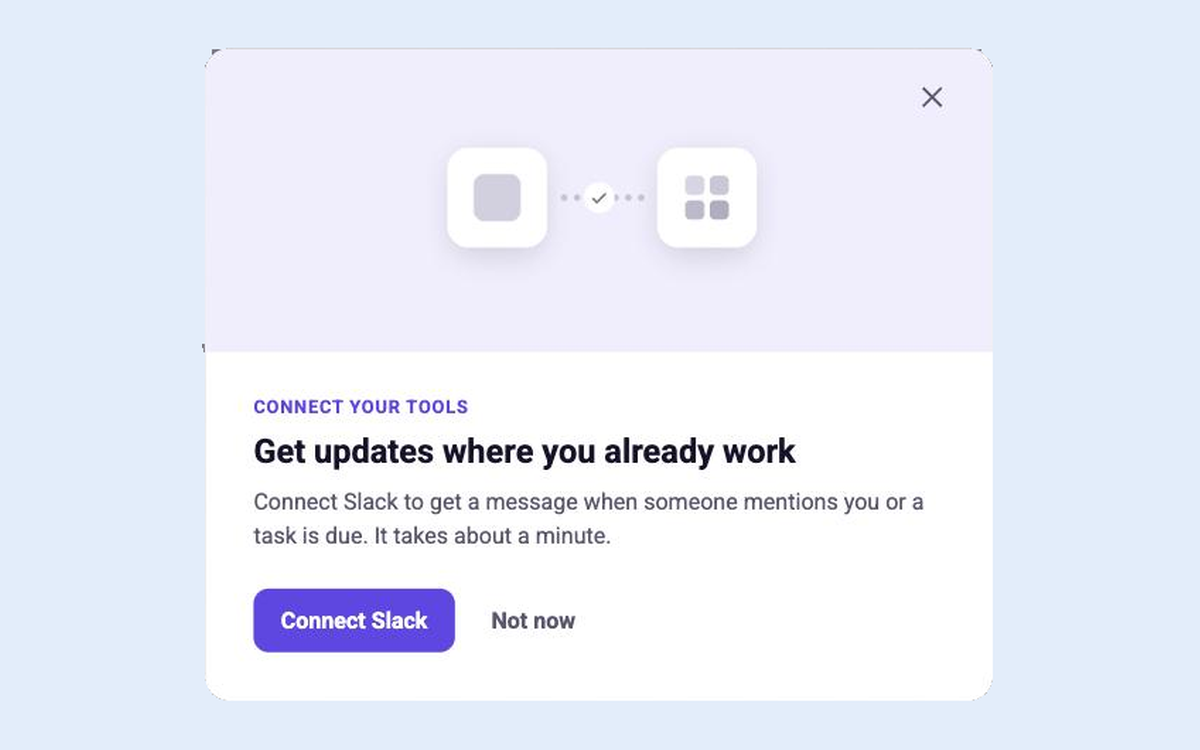
Connect Your First Integration
Show what an integration does, then connect it
Onboarding Flows
All
Modal
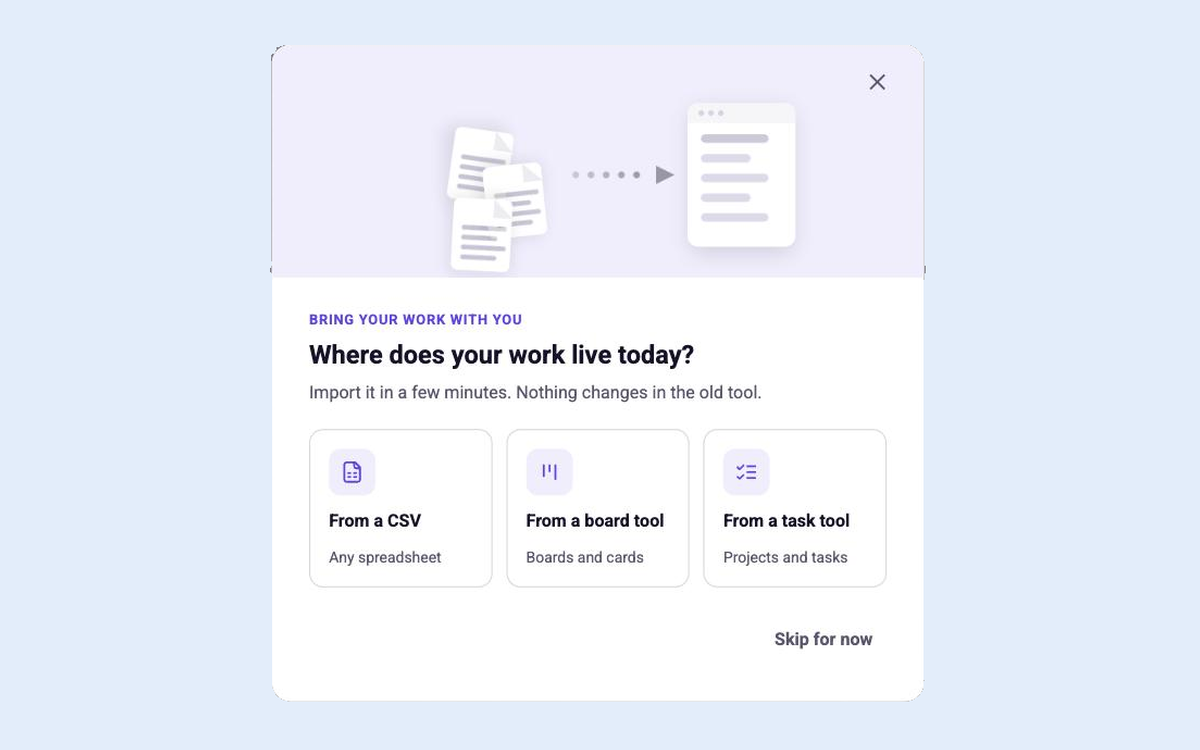
Import Your Data
Help new users bring their work in from another tool
Onboarding Flows
All
Modal
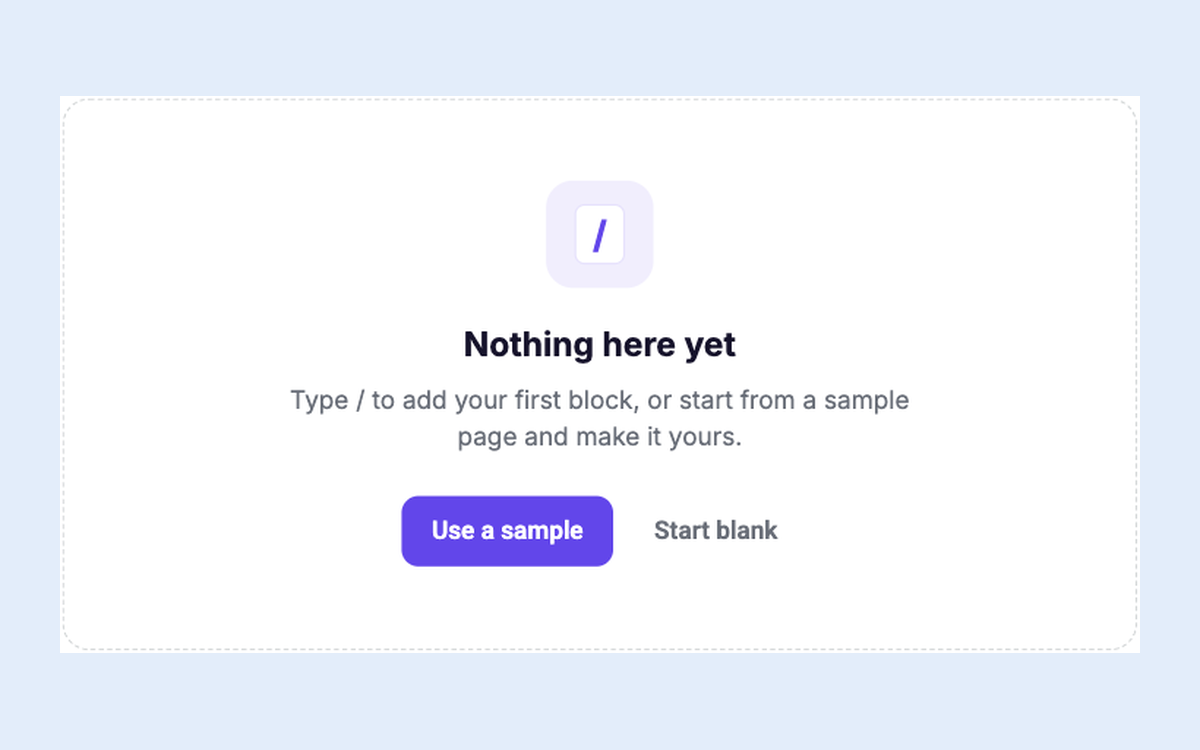
Empty State That Teaches
Turn an empty page into the first thing users create
Onboarding Flows
All
In-page
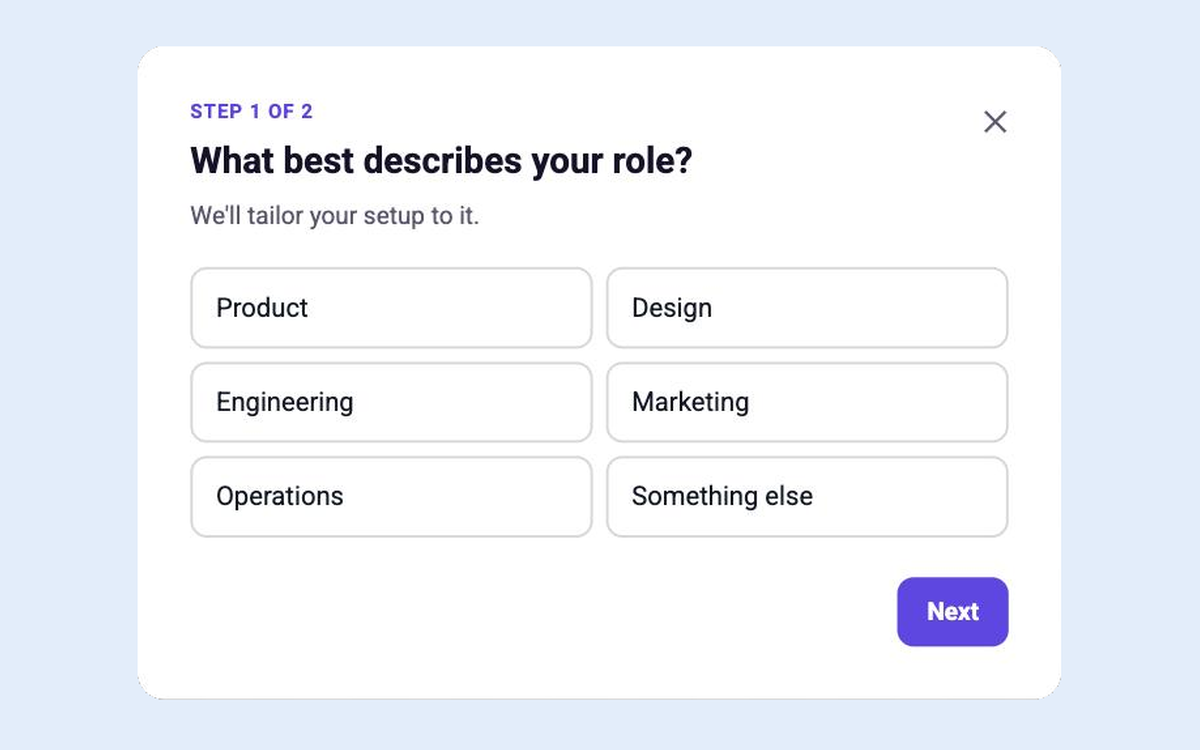
Welcome Survey
Two quick questions that personalise the whole setup
Onboarding Flows
All
Modal
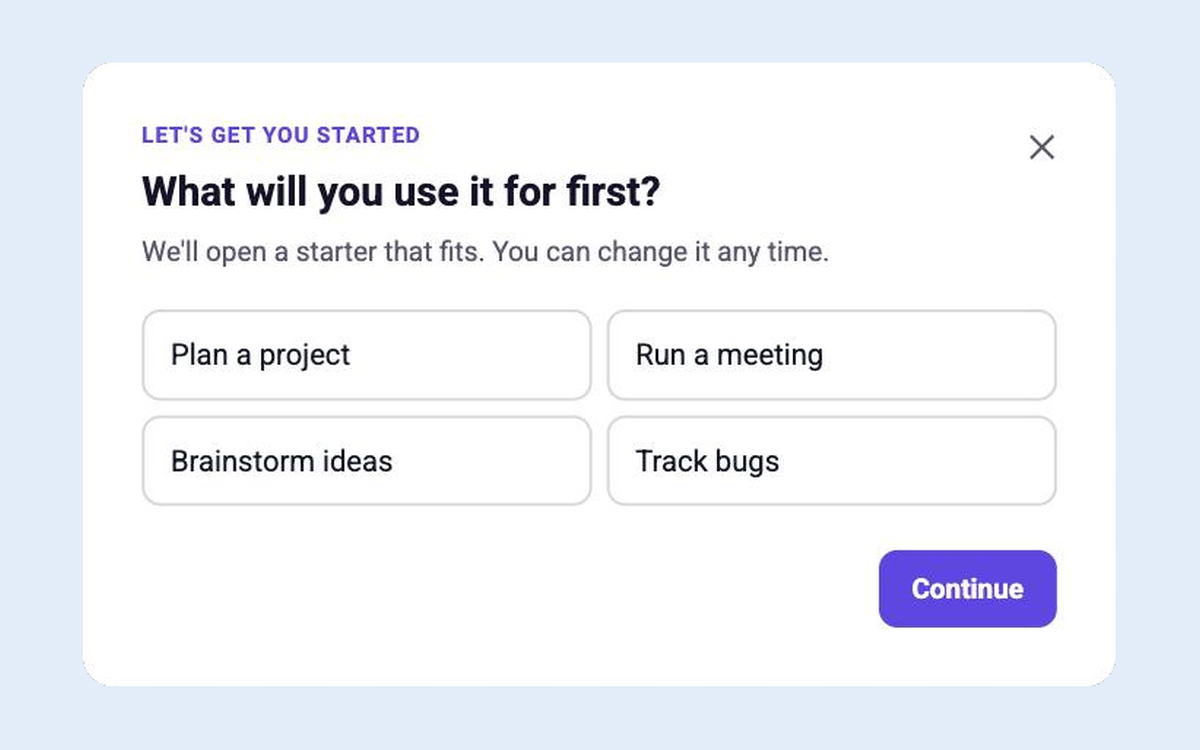
Use-case Picker
Ask what users are here to do and start them there
Onboarding Flows
All
Modal
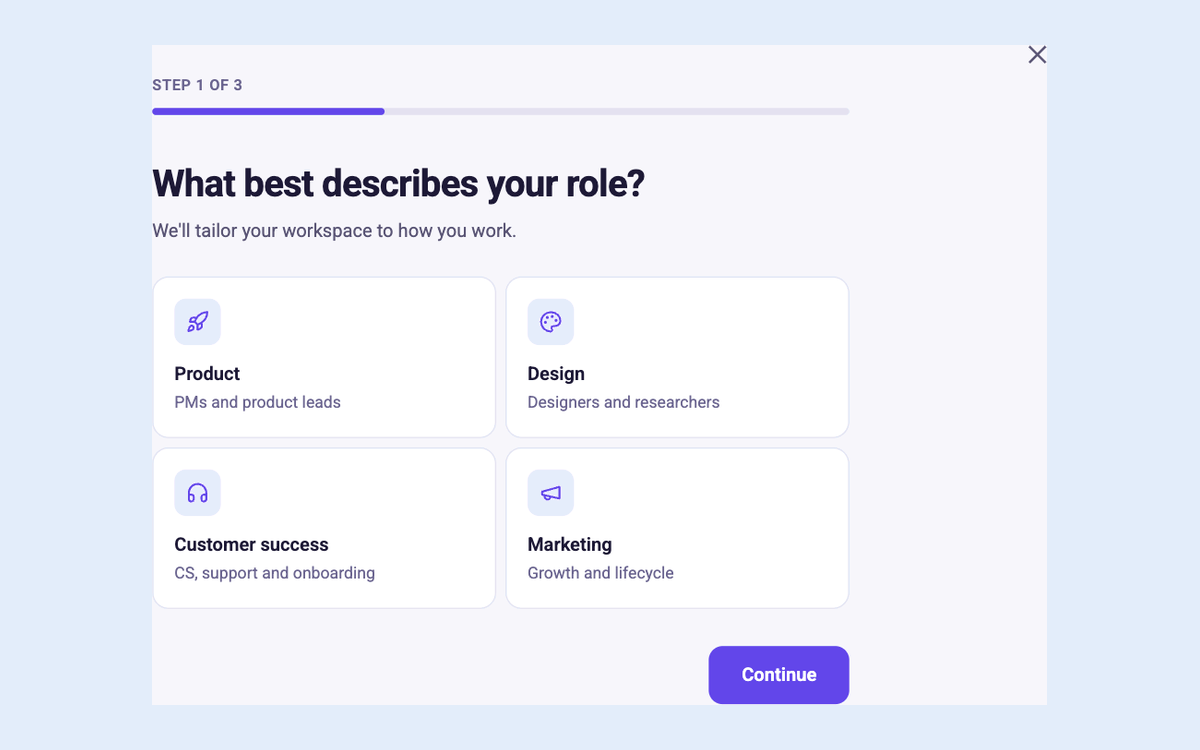
Full-page Onboarding Survey
Three pages of choice cards and questions that tailor onboarding
Onboarding Flows
All
In-page
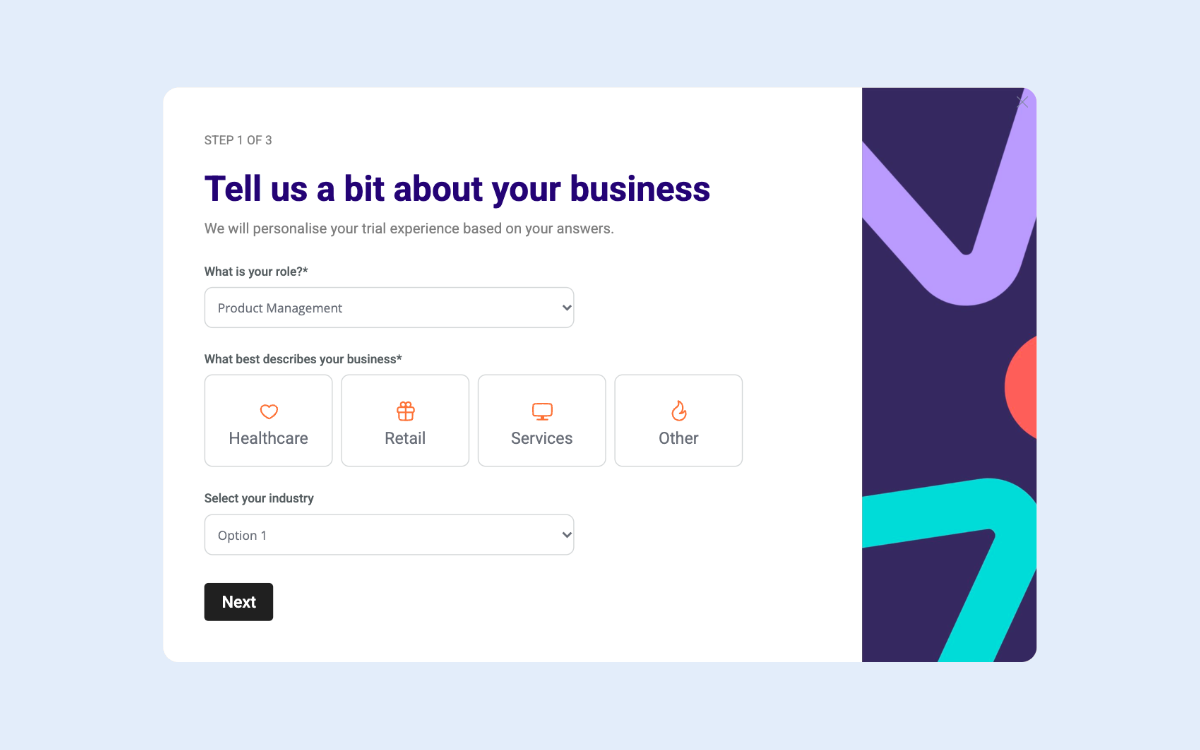
Modal Onboarding Flow
Gather vital information about your new users as you onboard them into your product
Onboarding Flows
All
Modal
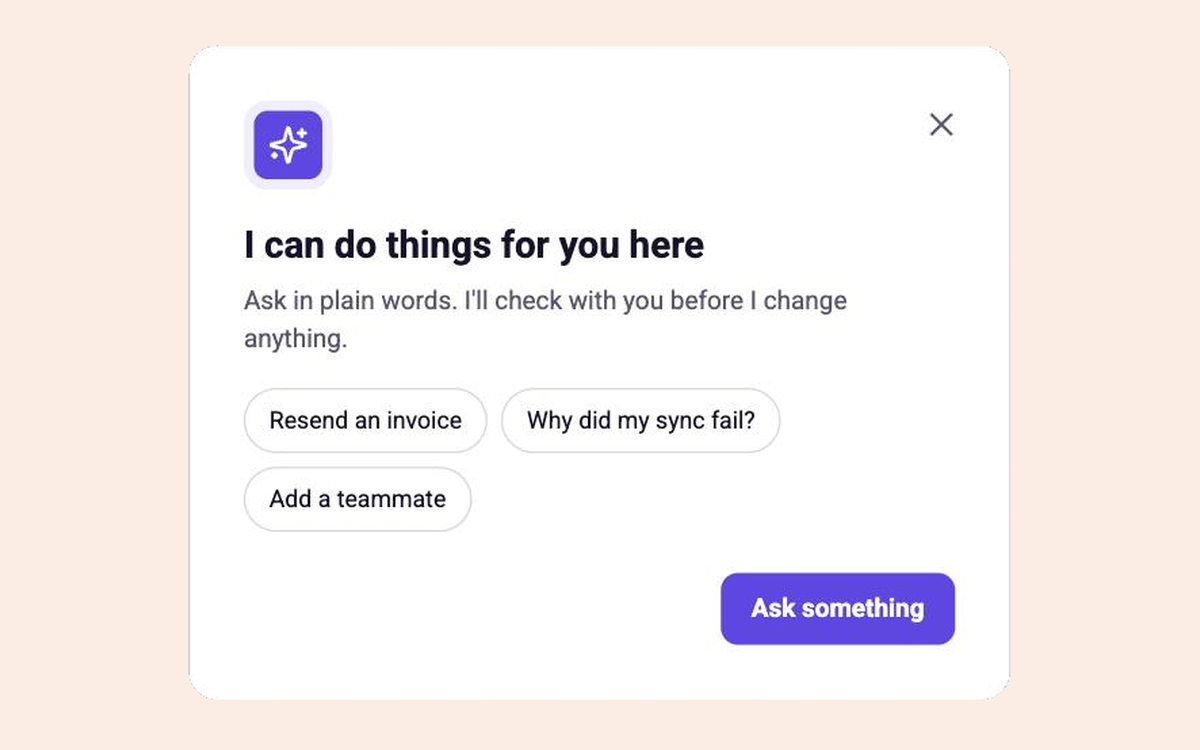
Agent Welcome
Introduce the in-app assistant and what it can do
Product Education
All
Modal
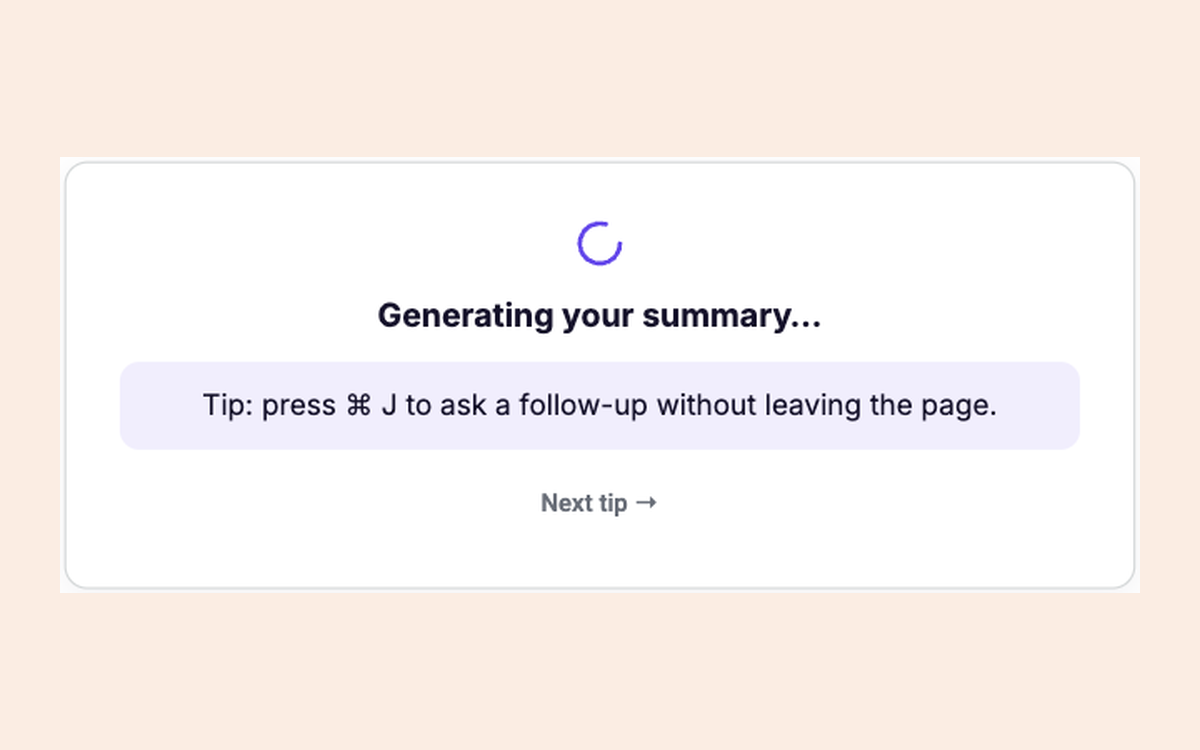
While You Wait
Rotating tips while an AI result or import generates
Product Education
All
In-page
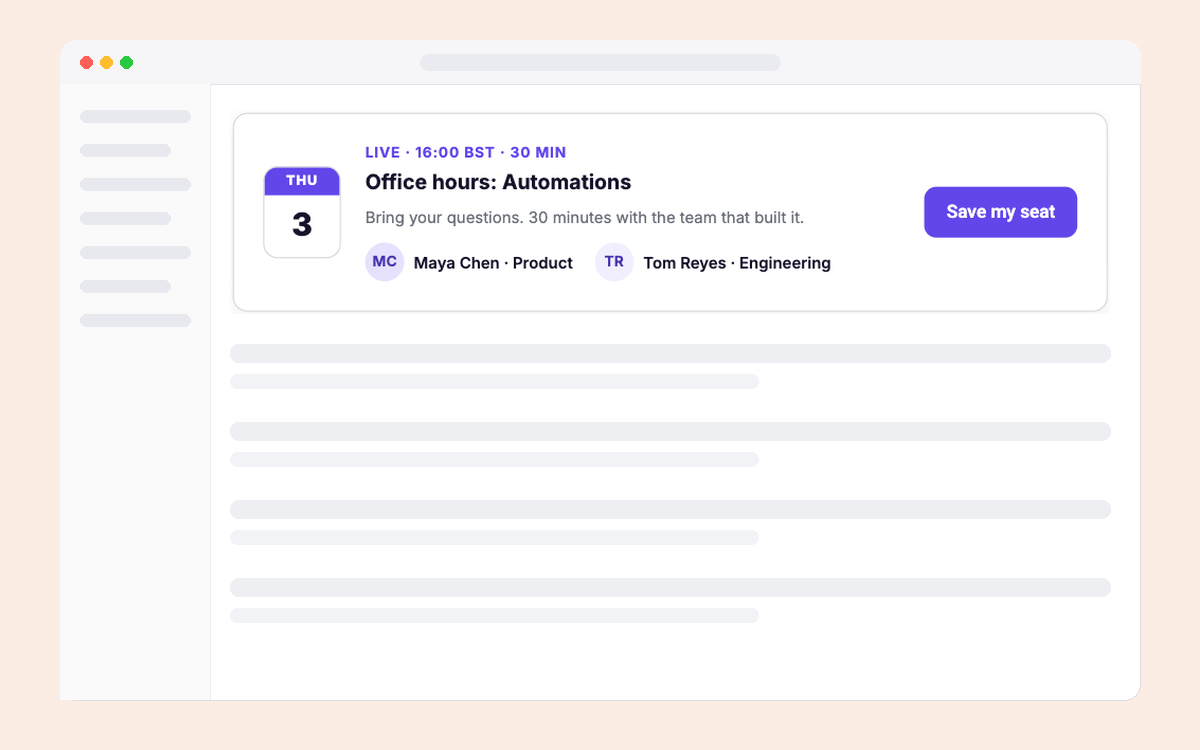
Live Office Hours
Promote a live session with its hosts and date
Product Education
All
In-page
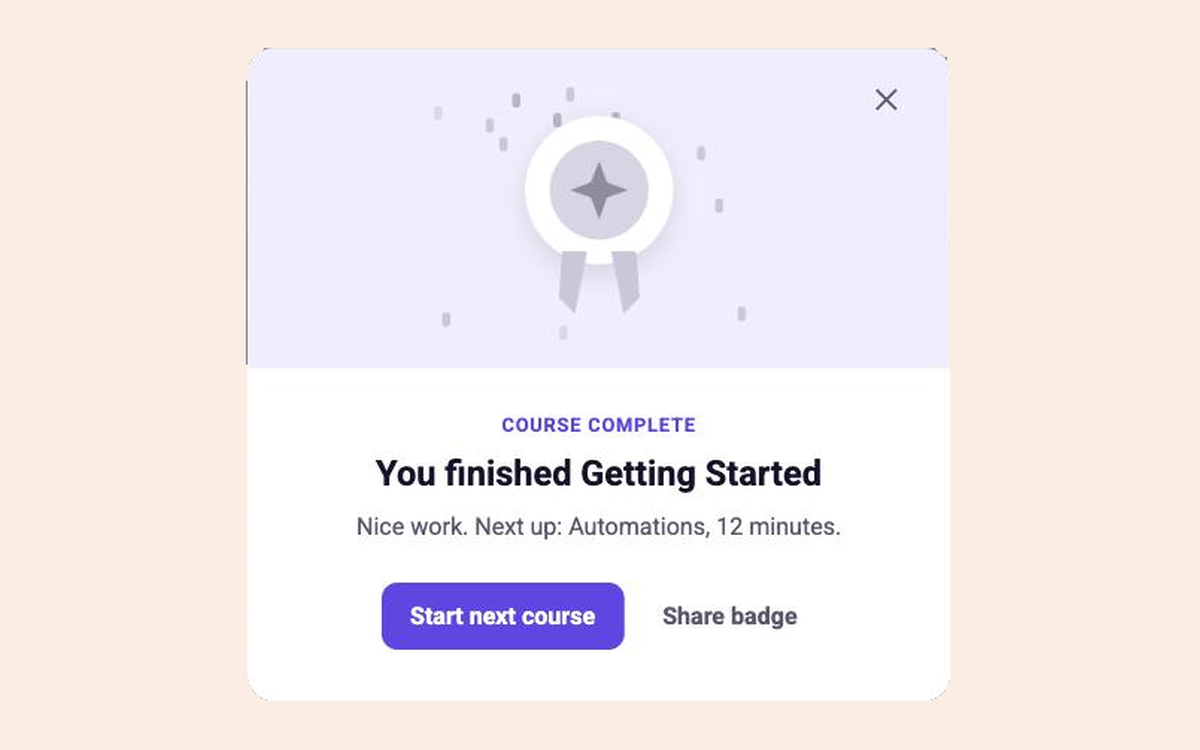
Course Complete
Celebrate a finished course and suggest the next one
Product Education
All
Modal
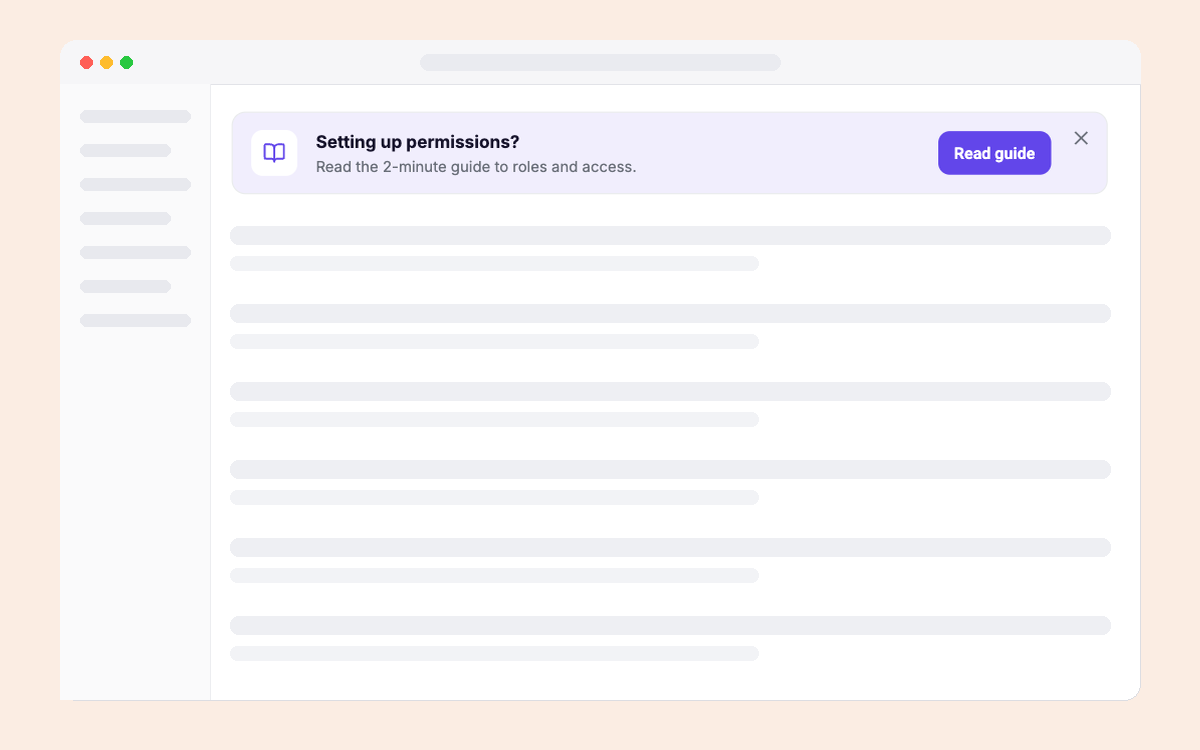
Just-in-time Article
The one article that answers this page's question
Product Education
All
In-page
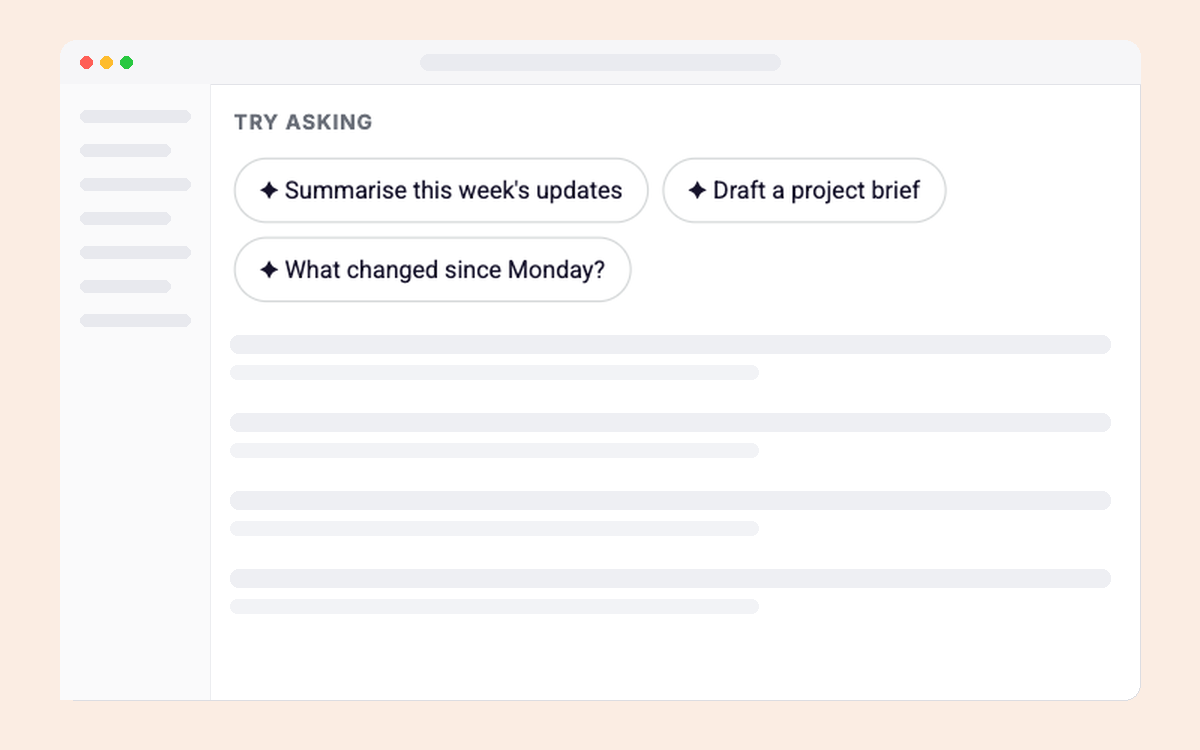
Prompt Starters
Example prompts that open the assistant ready to go
Product Education
All
In-page
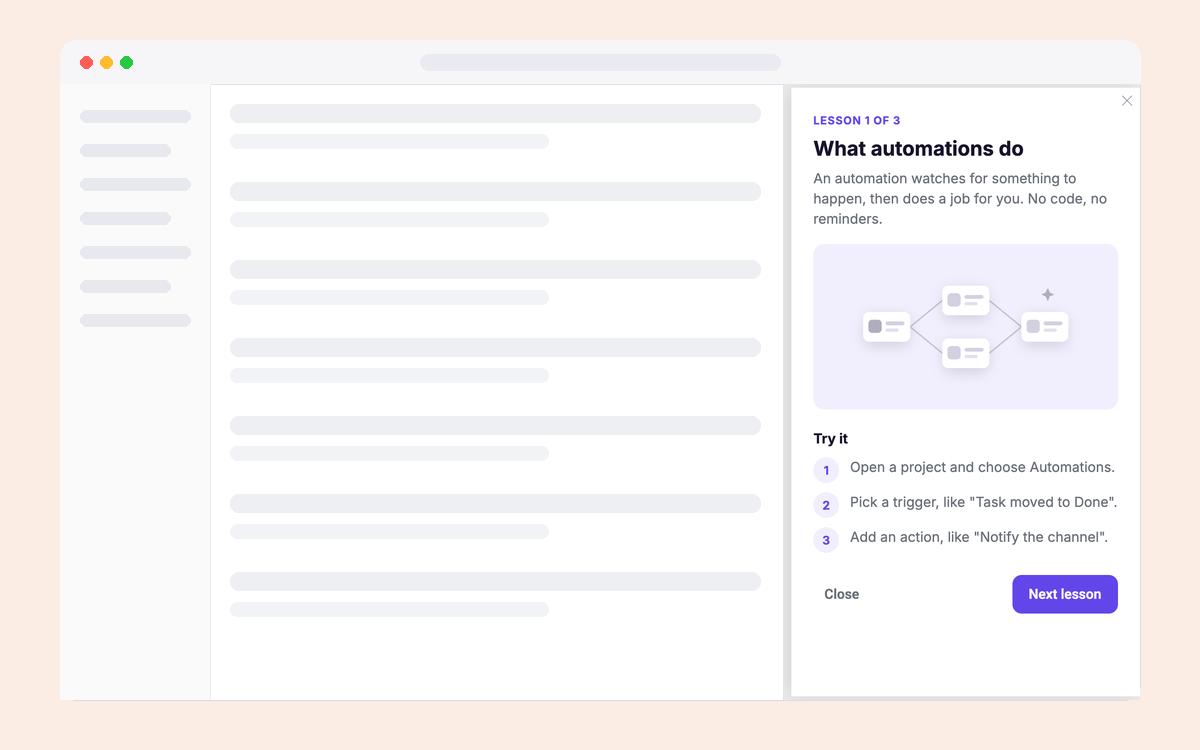
Learn-in-Context Panel
A short lesson that opens right next to the feature
Product Education
All
Side panel
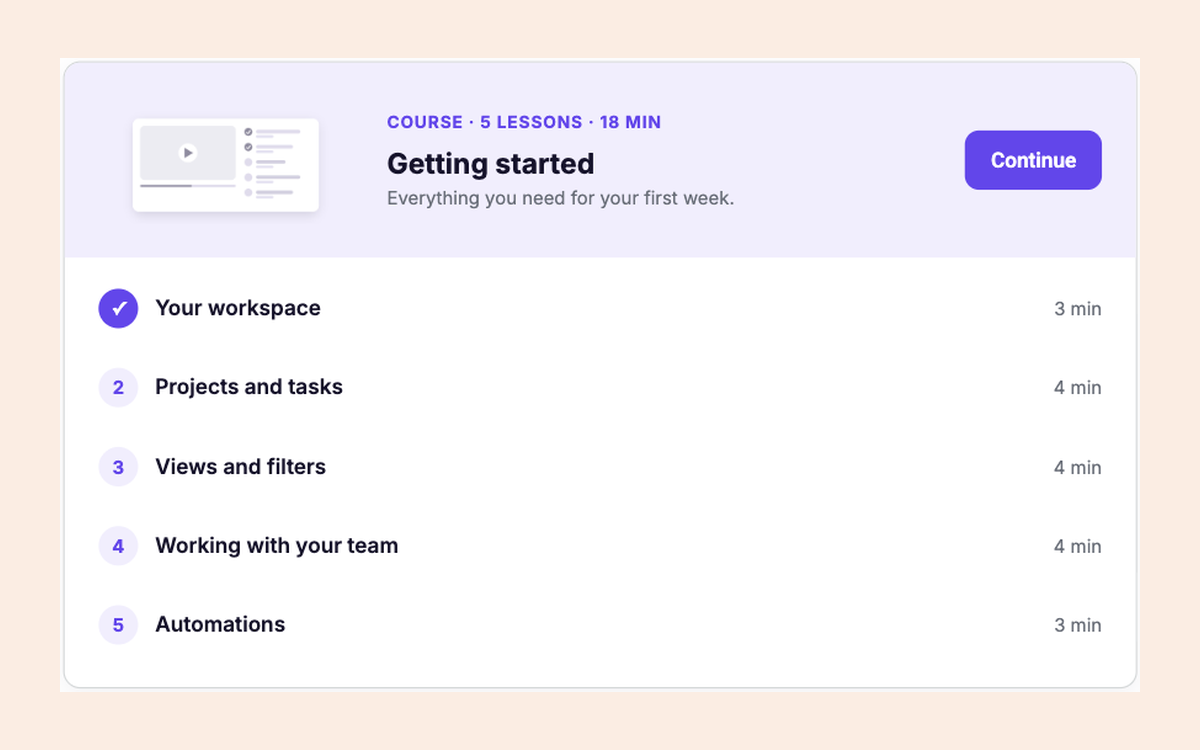
Academy Course Page
A course with lessons, durations and progress
Product Education
All
In-page
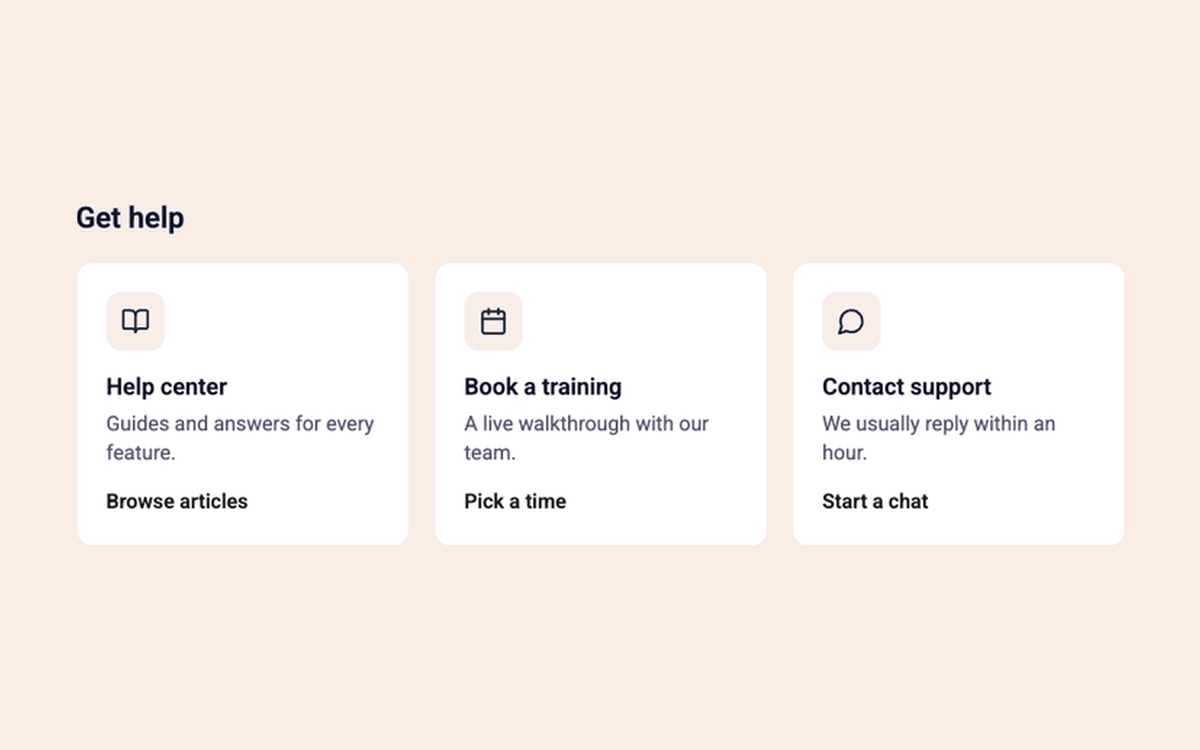
Help Options Grid
Point users to help articles, training and support
Product Education
All
In-page
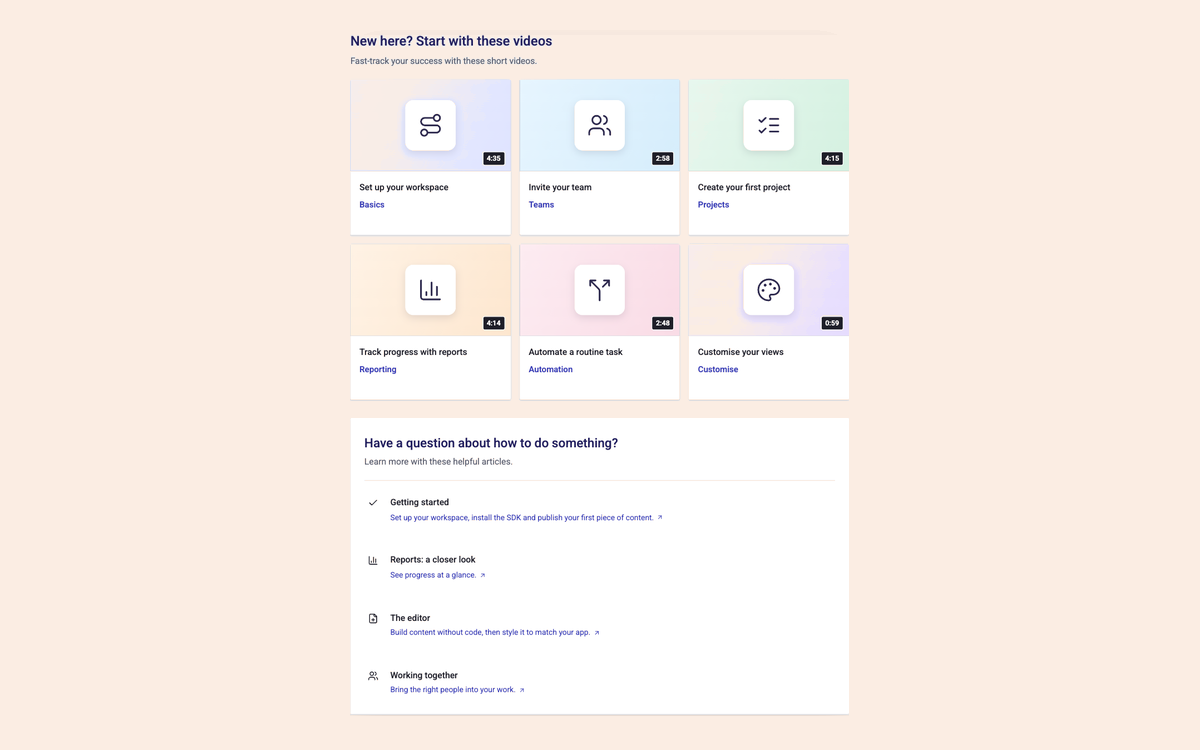
Video Resource Grid
A grid of video tutorials with a list of help articles
Product Education
All
In-page
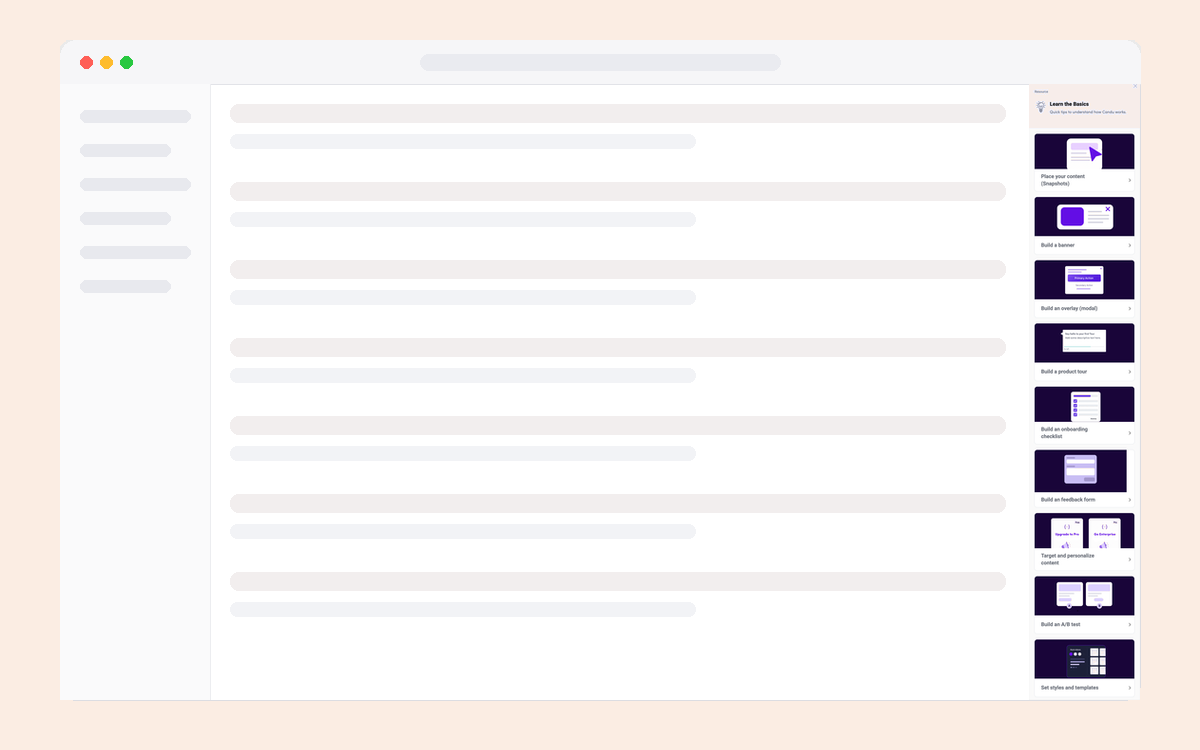
Lessons Sidebar
Step-by-step onboarding guides
Product Education
All
Side panel
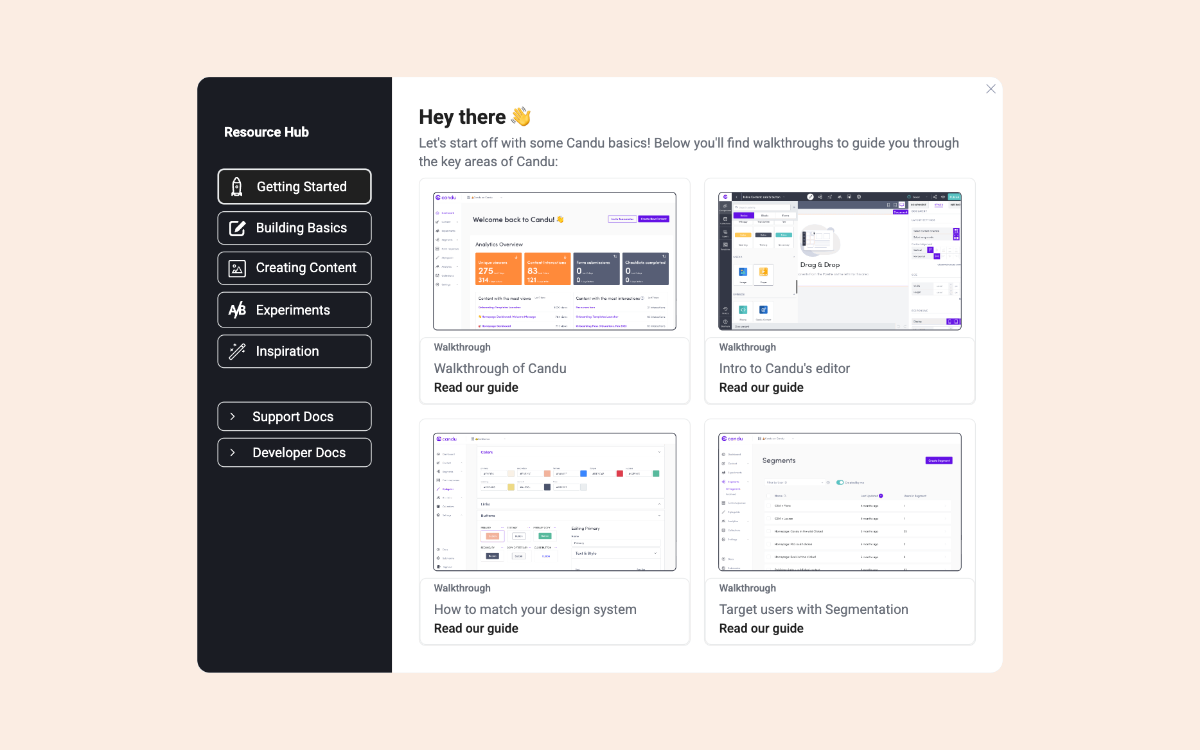
Resource Hub Modal
Pop-Up Resource Hub with bitesize enablement material
Product Education
All
Modal
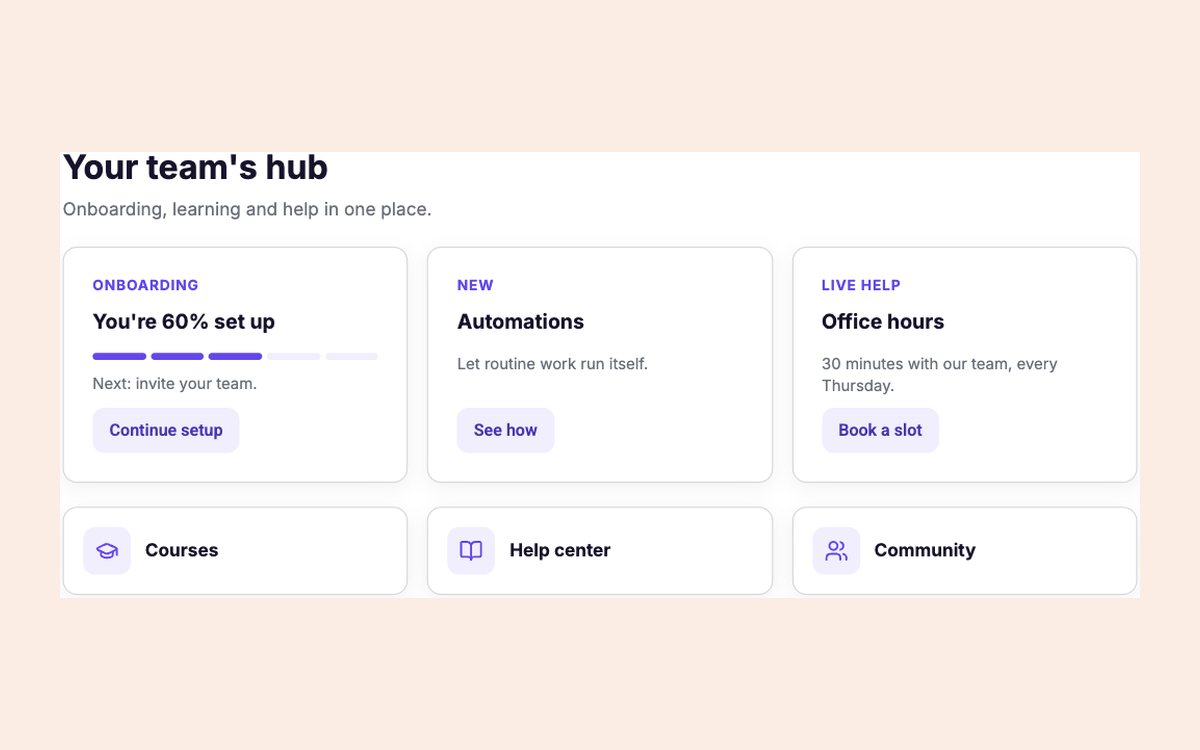
Customer Hub
Onboarding, courses, news and help in one hub
Product Education
All
In-page
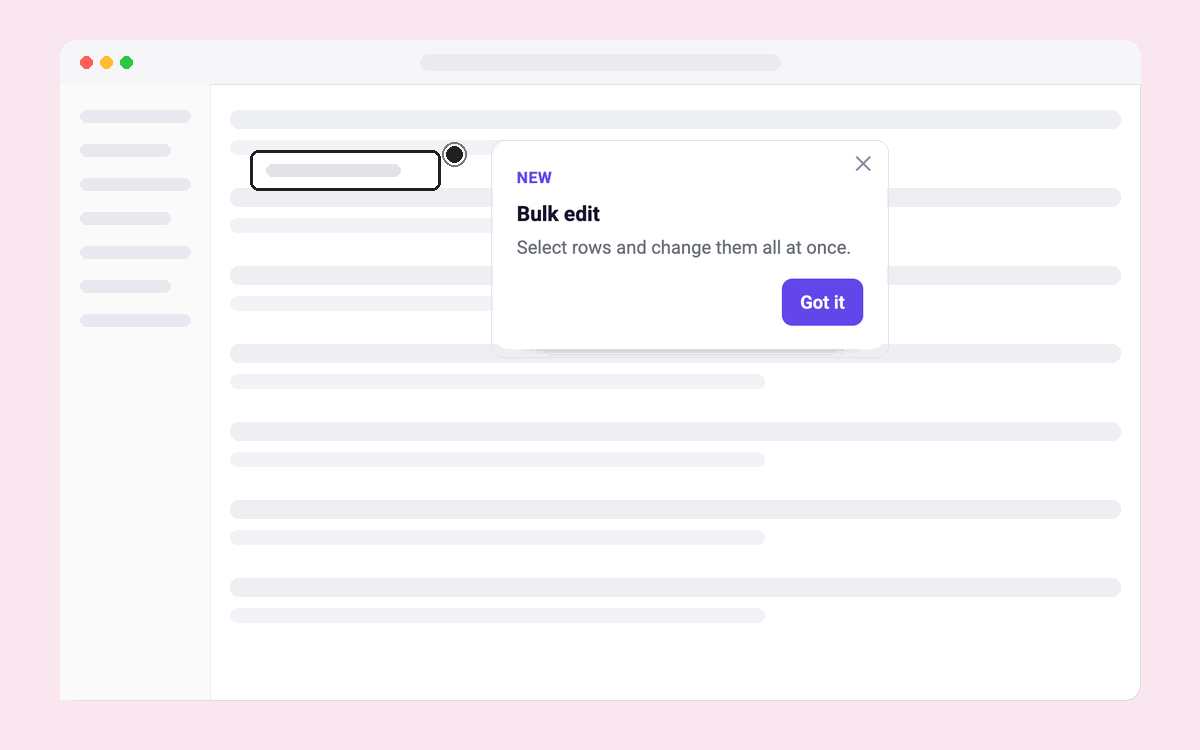
Launch Kit: "New" Badge
A small New badge for small launches and improvements
Launches & Announcements
All
Tours & hotspots
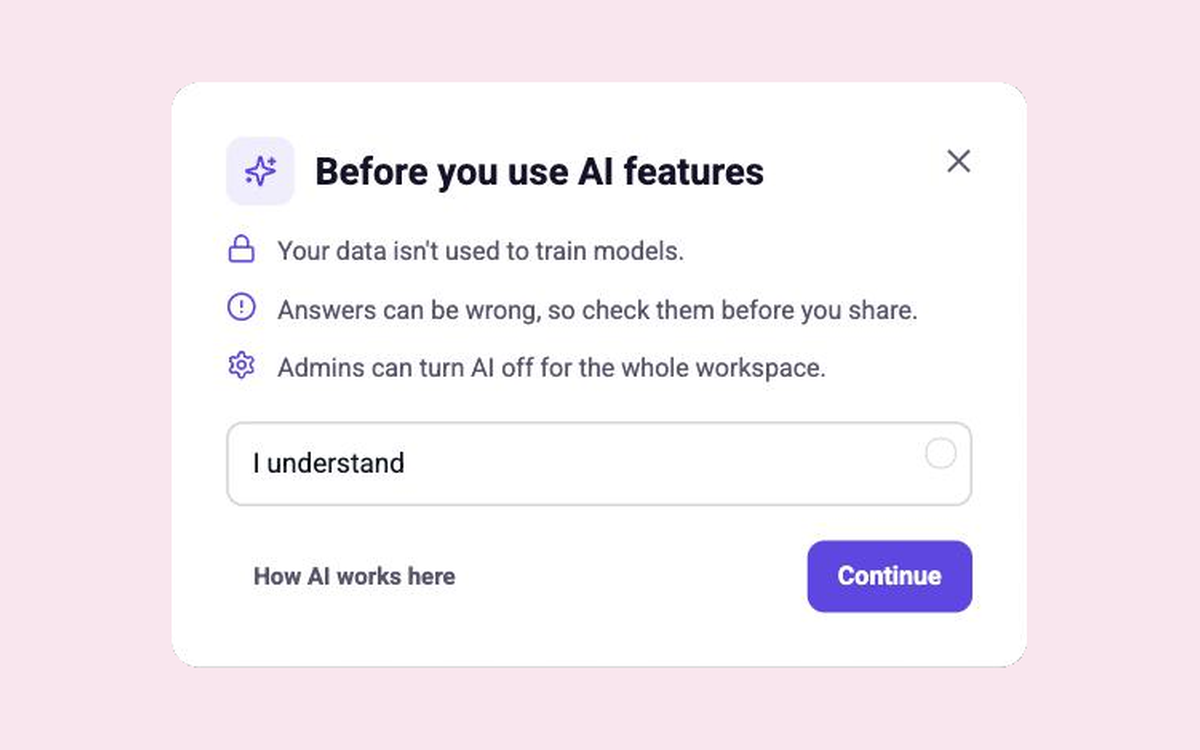
AI Transparency Notice
Explain how AI uses data and ask users to acknowledge
Launches & Announcements
All
Modal
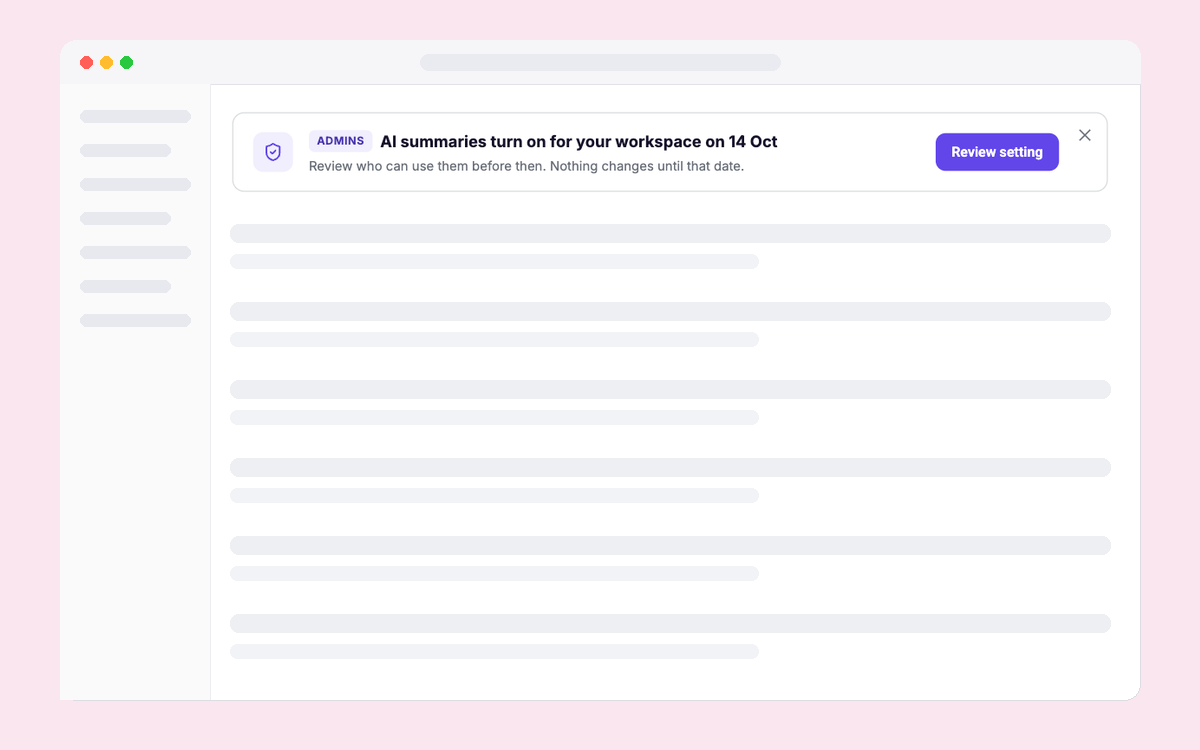
Admin Rollout Notice
Give admins a date and a setting before a rollout
Launches & Announcements
All
In-page
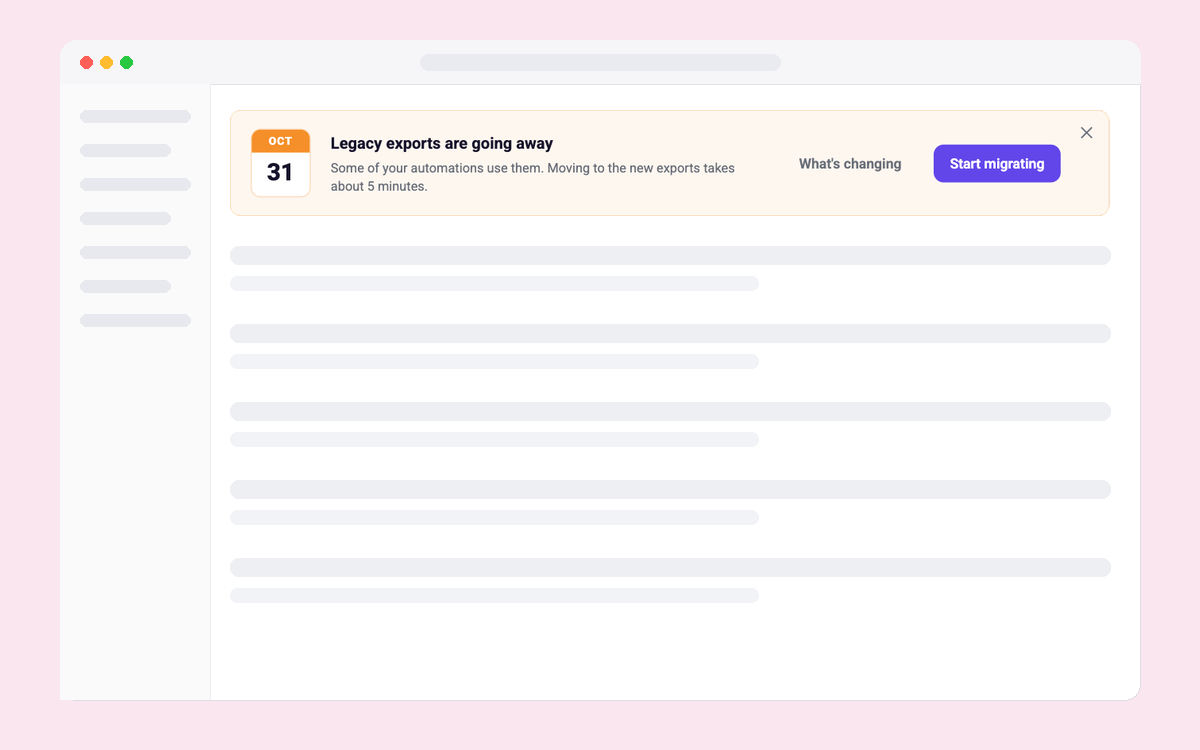
Deprecation Notice
A clear end date and one action to migrate in time
Launches & Announcements
All
In-page
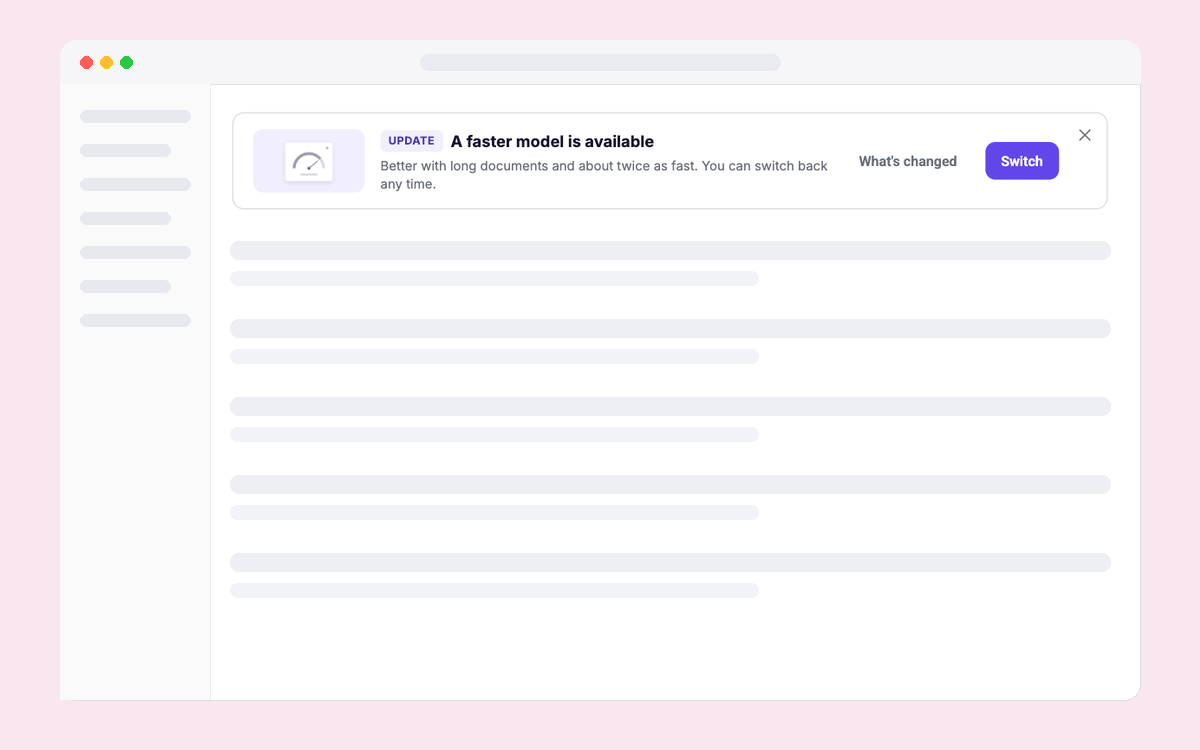
Model Update Notice
Tell users a newer model is available and let them switch
Launches & Announcements
All
In-page
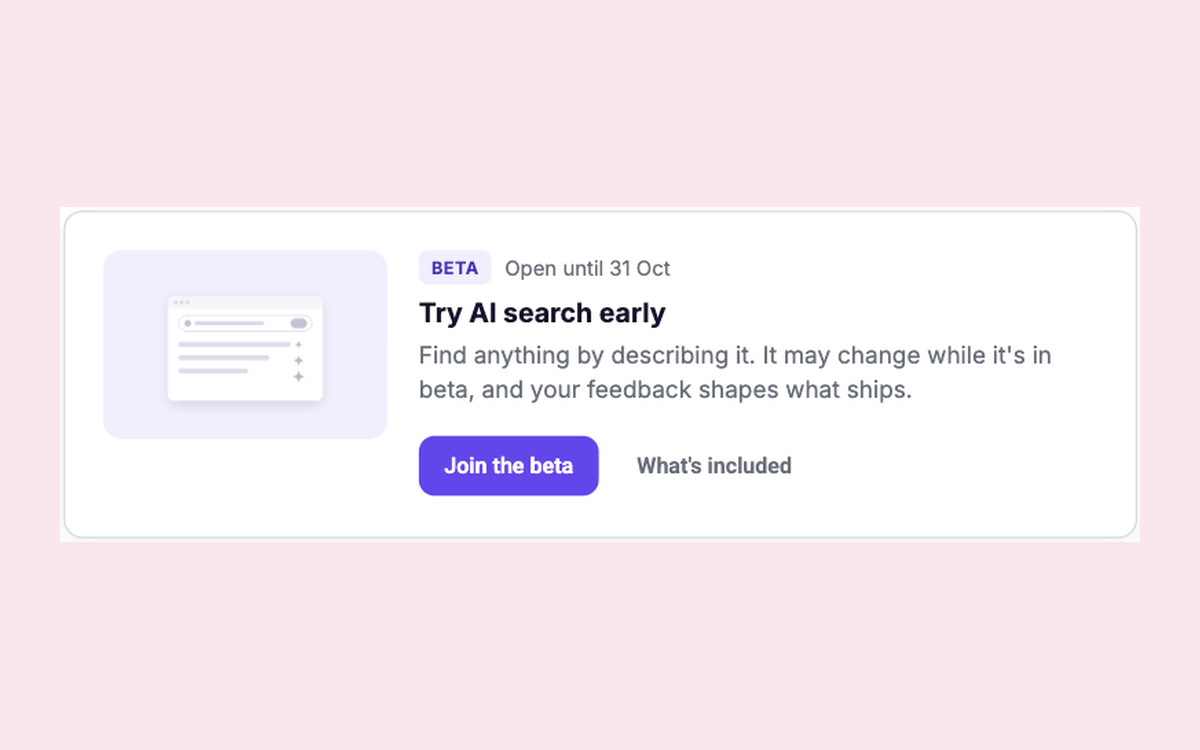
Beta Opt-in
Invite users to join a beta and record who joined
Launches & Announcements
All
In-page
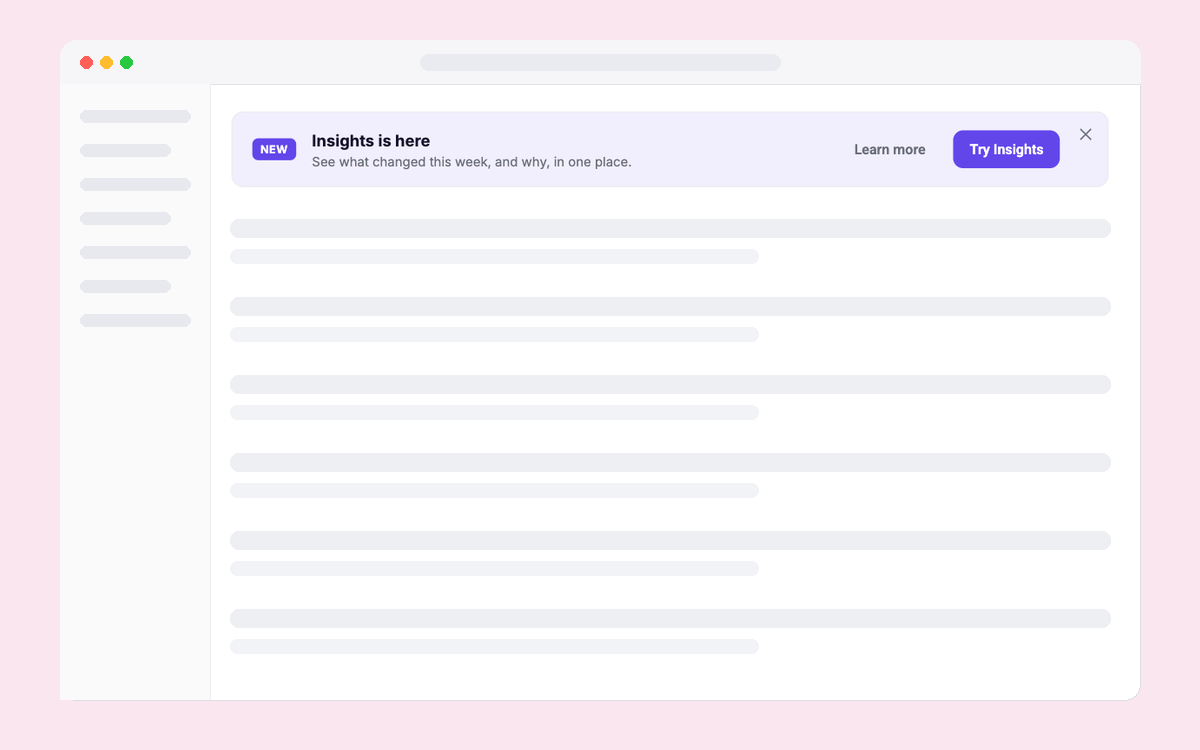
Launch Kit: Inline Banner
A launch banner on the page where the feature lives
Launches & Announcements
All
In-page
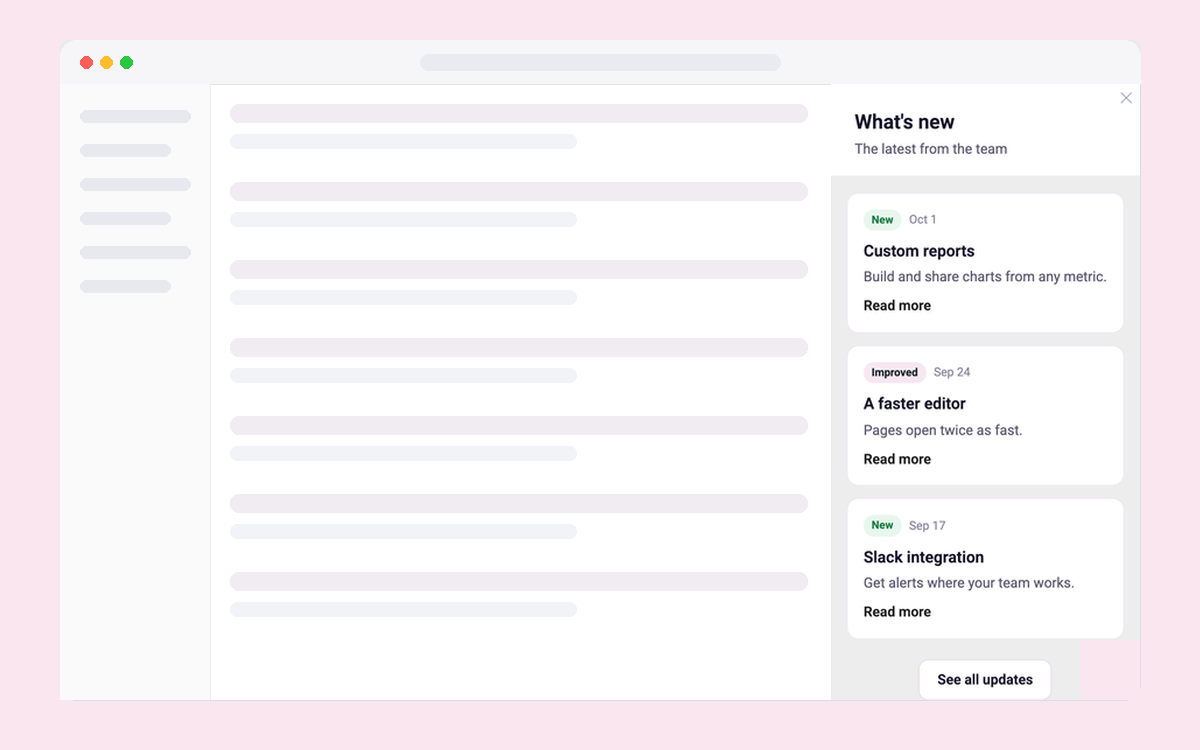
What's New Panel
A side panel listing recent releases
Launches & Announcements
All
Side panel
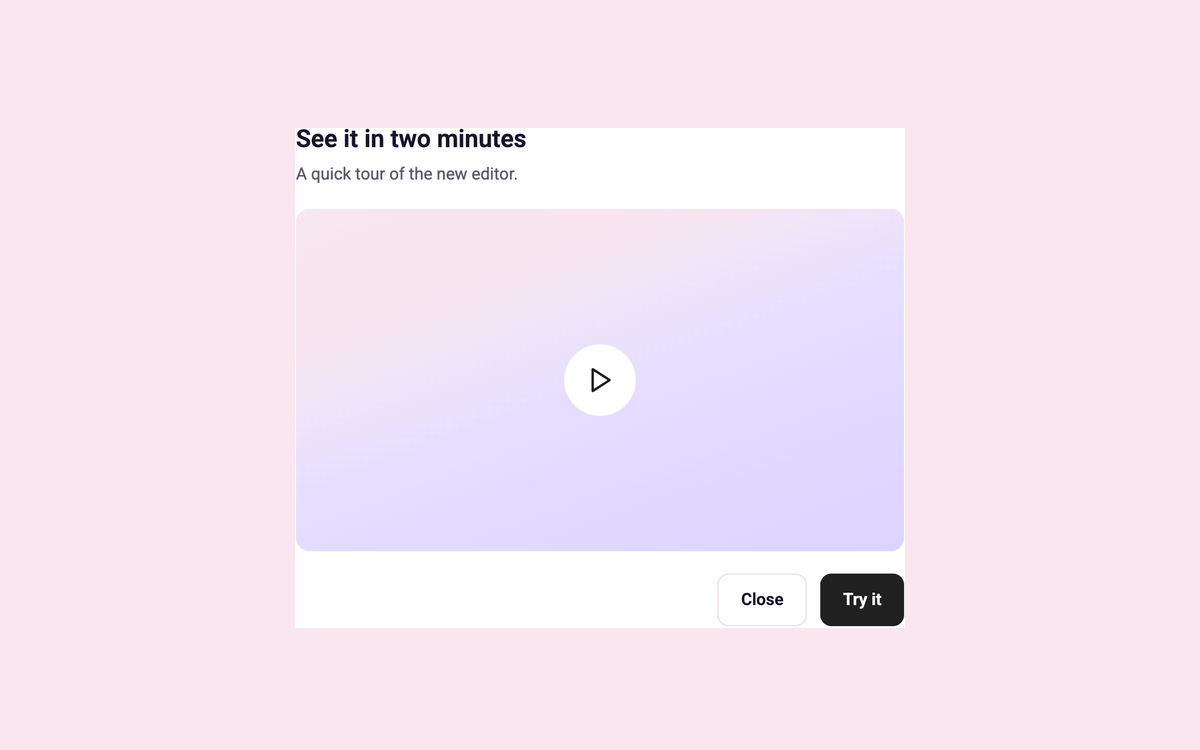
Video Announcement Modal
Show a short product video with a clear next step
Launches & Announcements
All
Modal
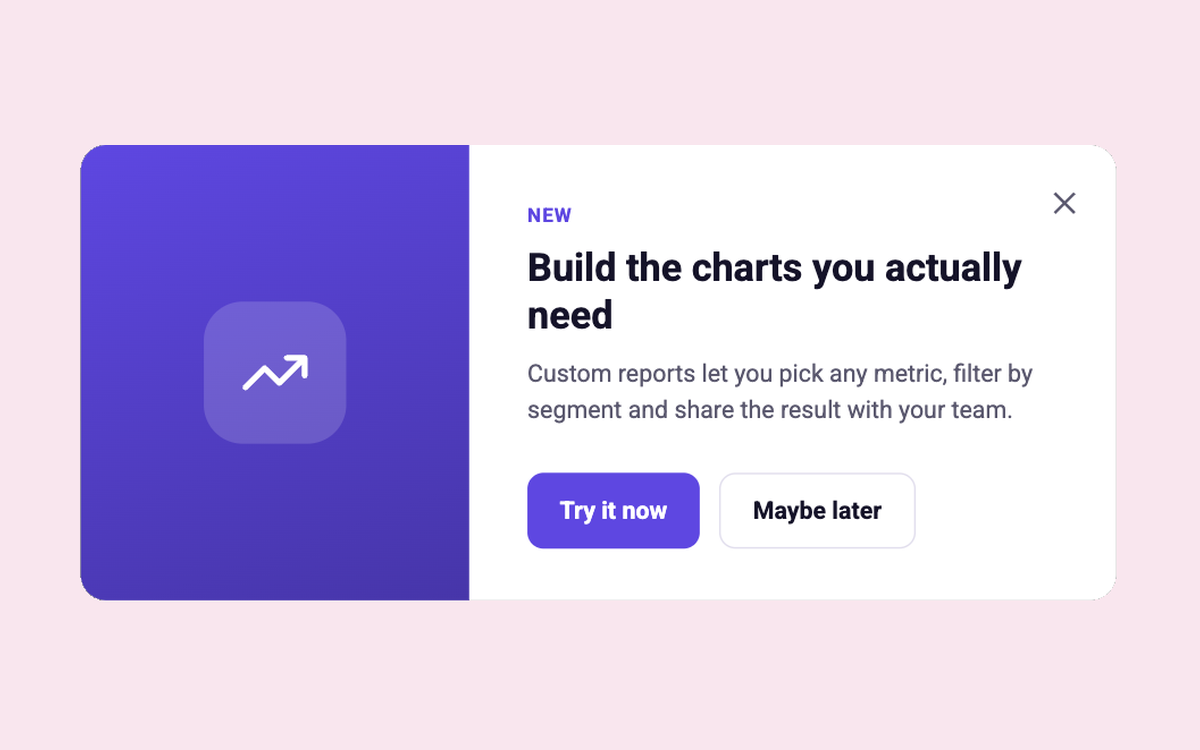
Feature Spotlight Modal
Introduce a feature with a bold visual panel and two clear choices
Launches & Announcements
All
Modal
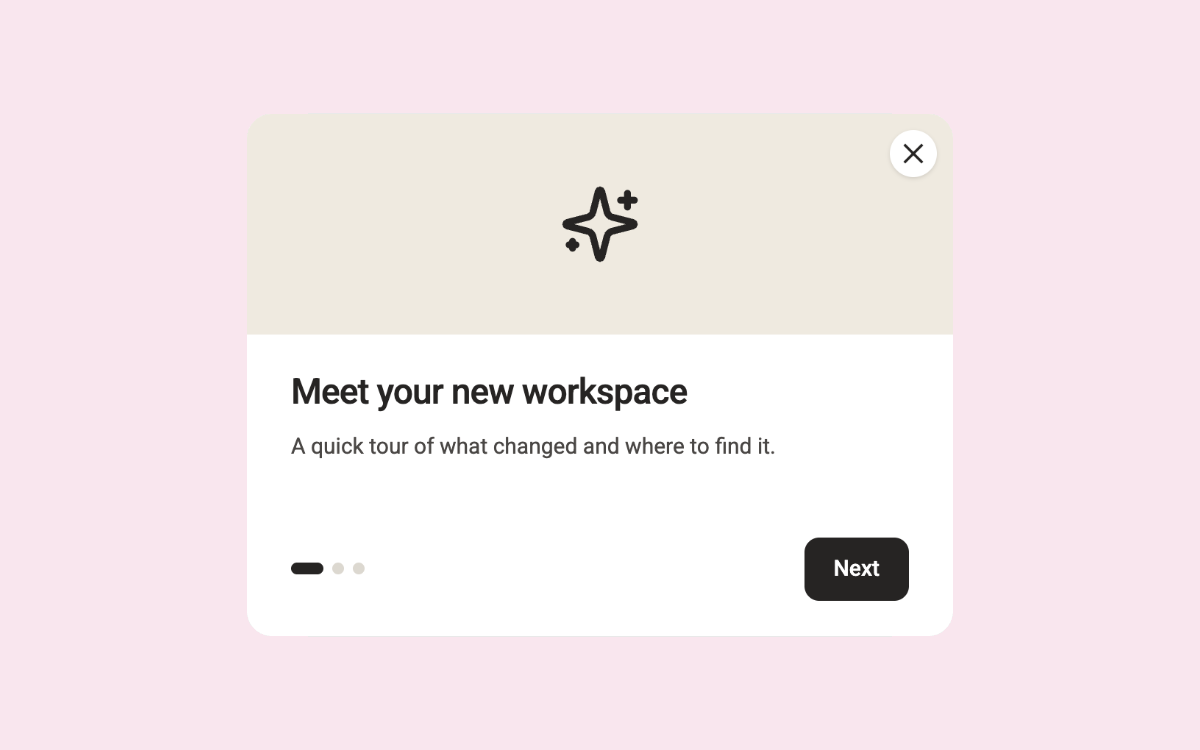
What's New Carousel
A three-step carousel with a headline that changes for admins
Launches & Announcements
All
Modal
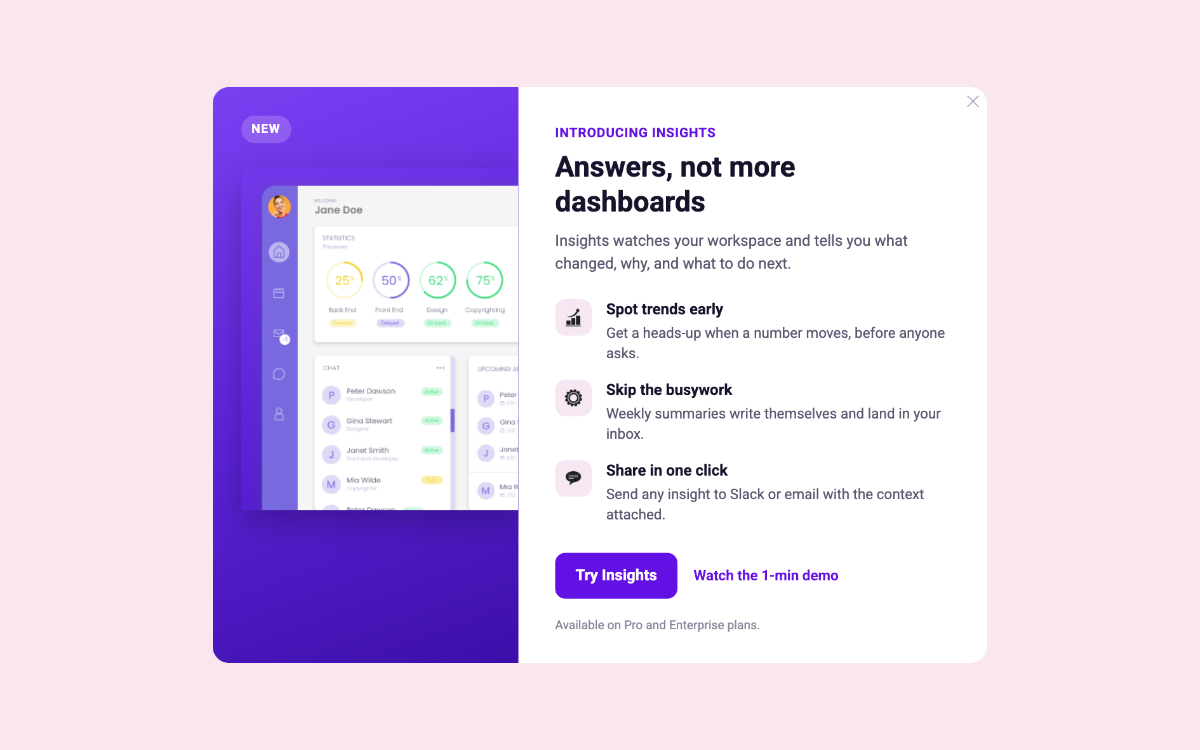
Feature Launch Modal
Launch a feature with a product shot, three benefits and a clear next step
Launches & Announcements
All
Modal
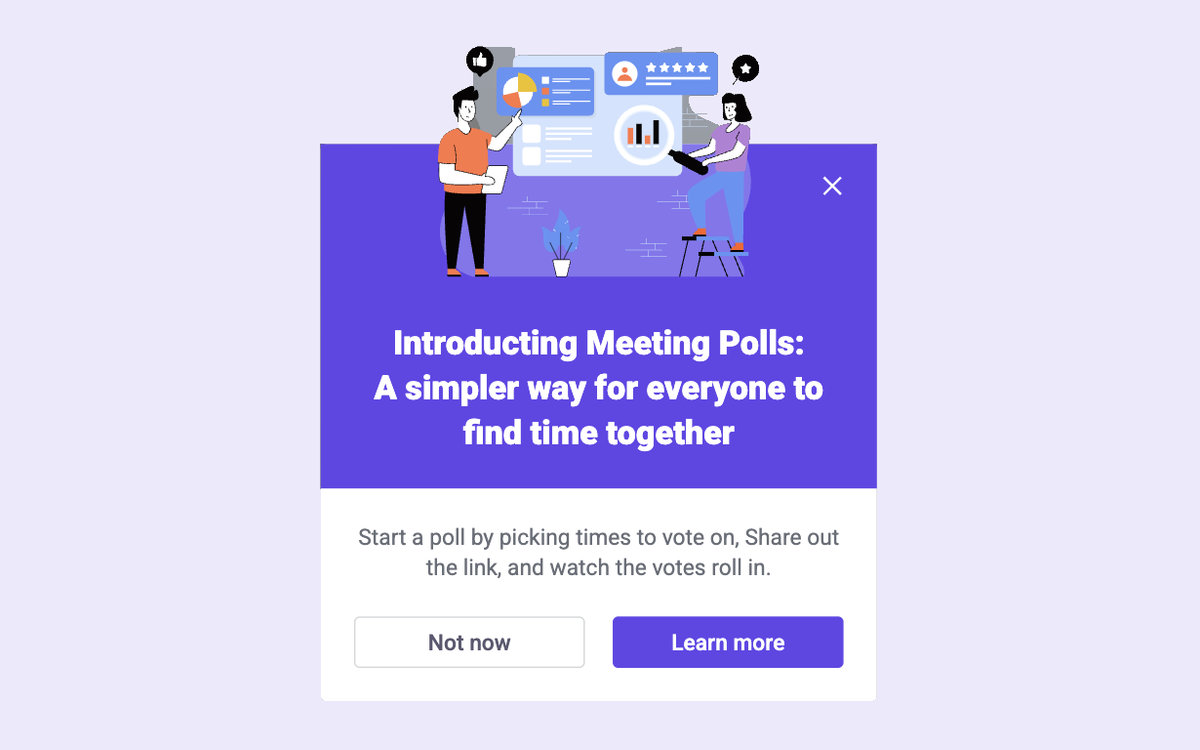
New Feature with Image Text and CTA
Announce a feature with an image and opt-in button
Launches & Announcements
All
In-page
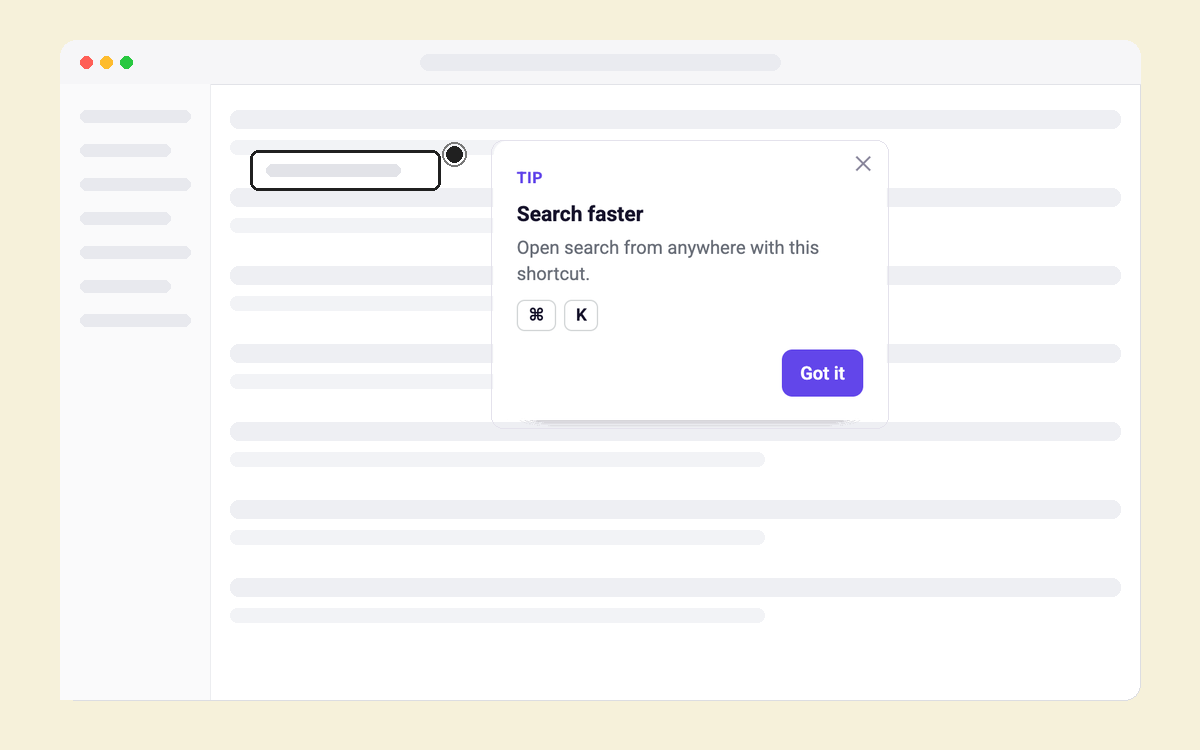
Shortcut Tip
Teach the shortcut for something users just did
Feature Adoption
All
Tours & hotspots
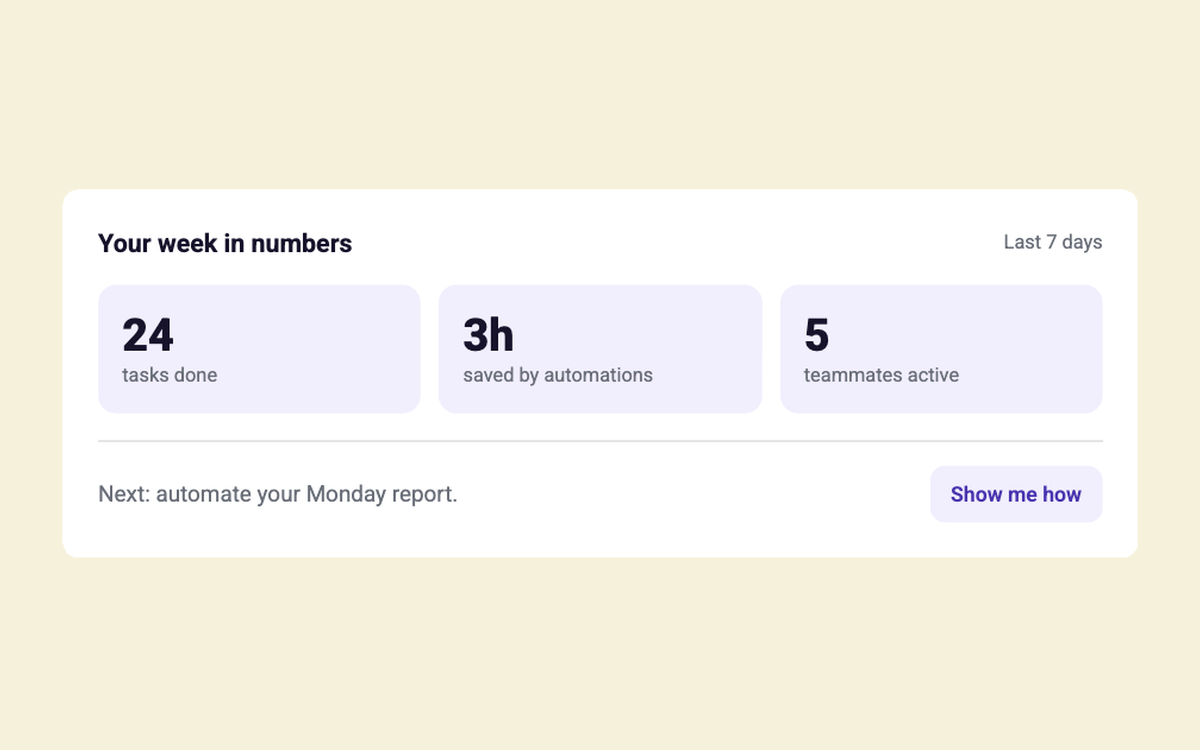
Your Week in Numbers
A weekly recap of what users got done
Feature Adoption
All
In-page
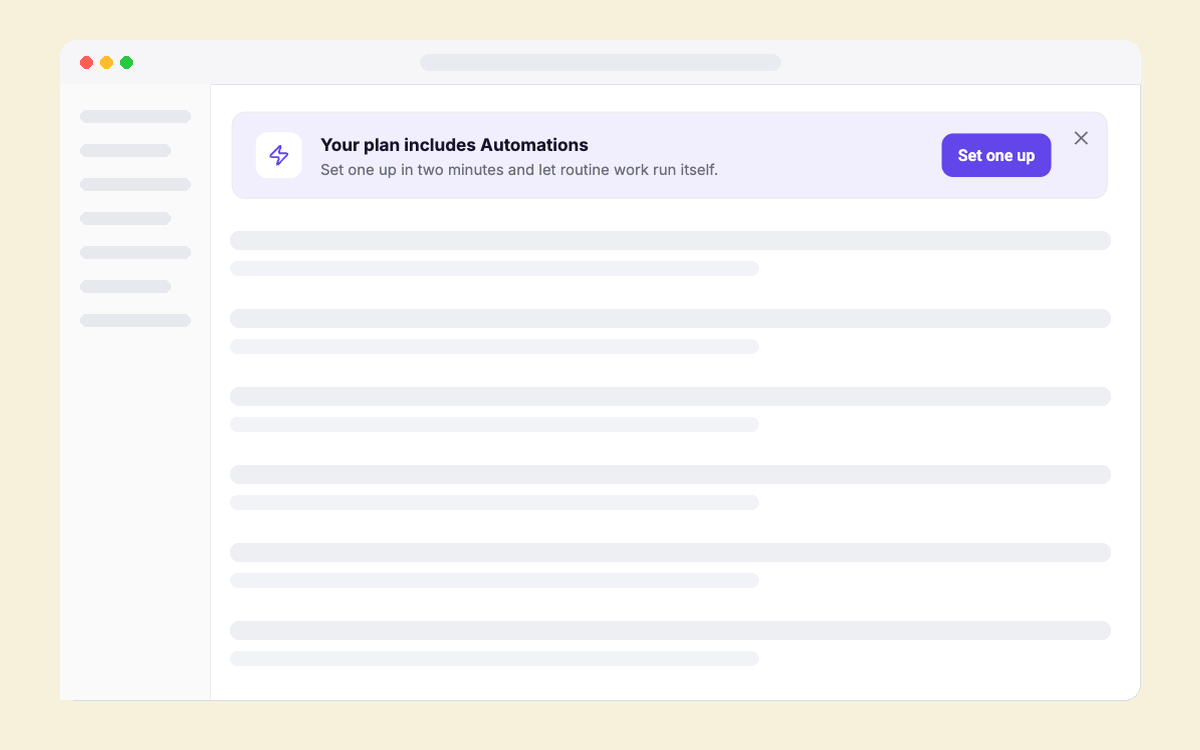
Unused Feature Reminder
Remind paying users of a feature they haven't used
Feature Adoption
All
In-page
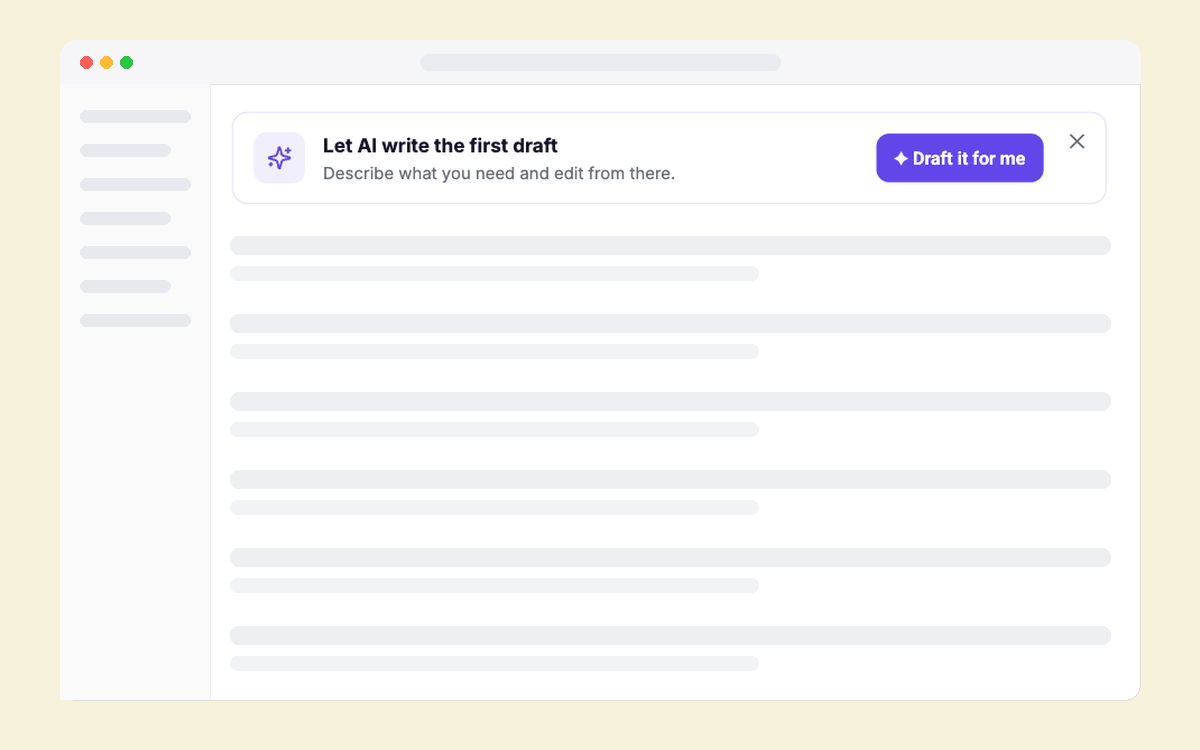
Ask AI Entry Point
Offer AI help right where users get stuck
Feature Adoption
All
In-page
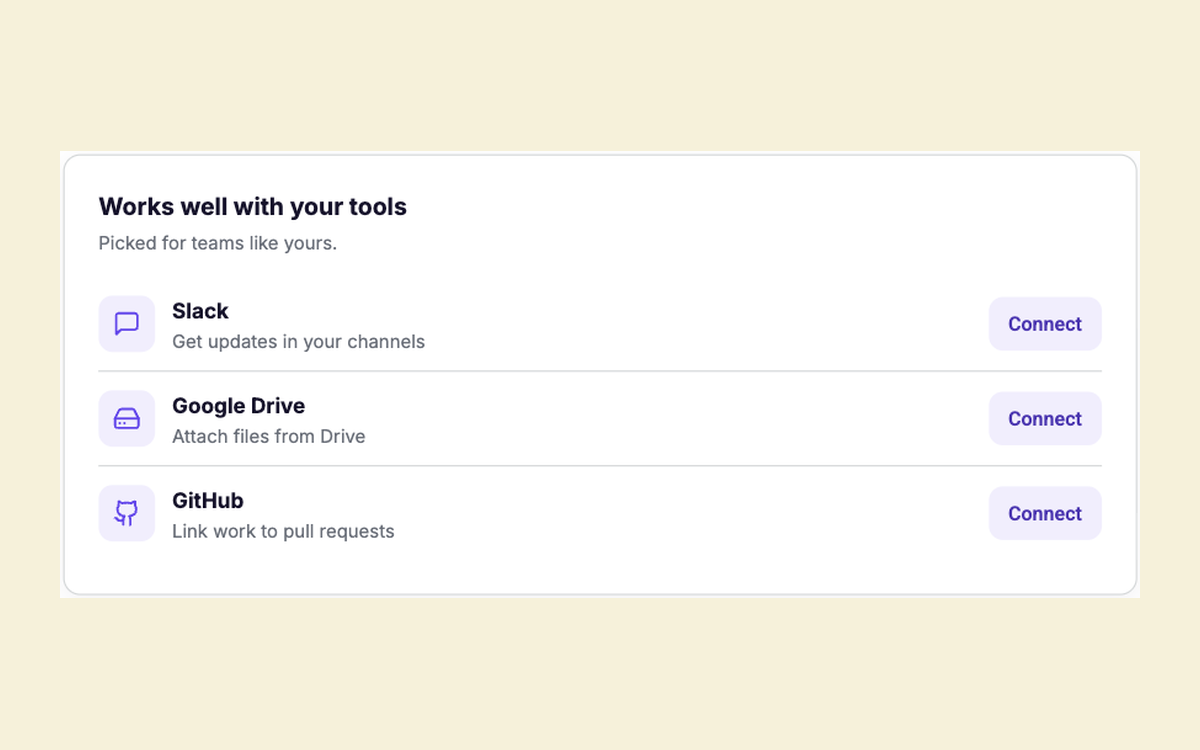
Integration Suggestions
Suggest the integrations that fit this team
Feature Adoption
All
In-page
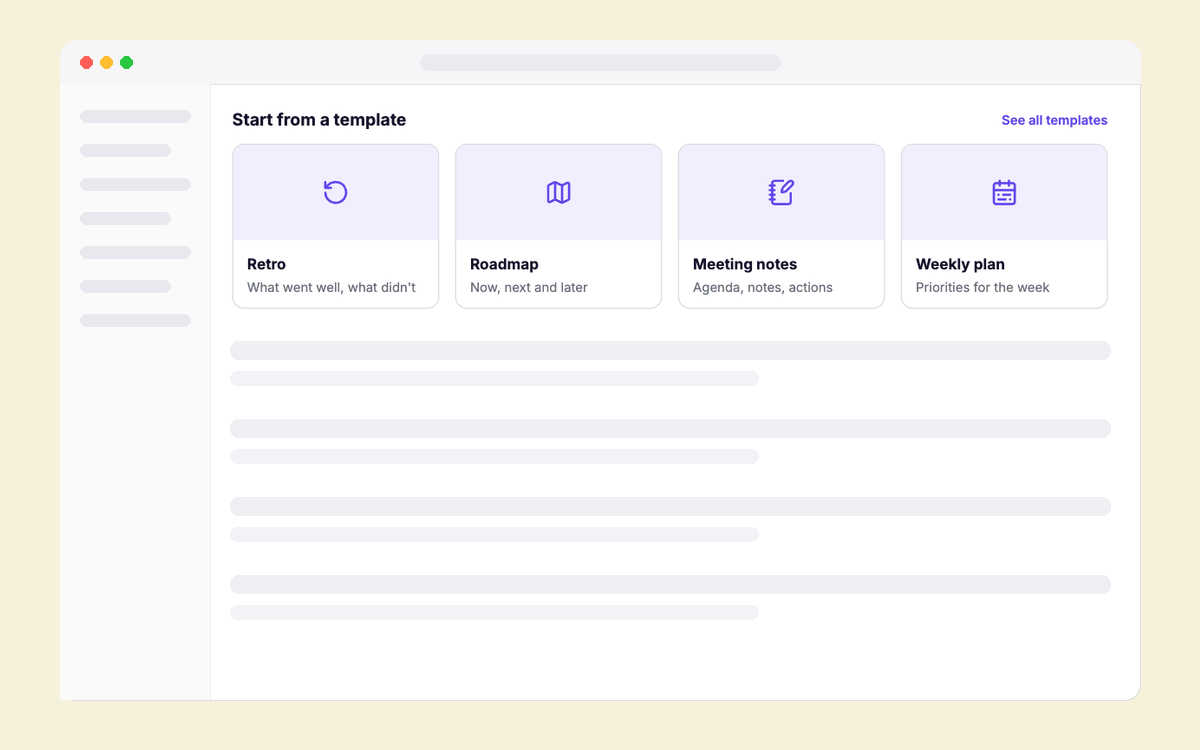
Template Gallery Starter
A row of starter templates for the page users are on
Feature Adoption
All
In-page
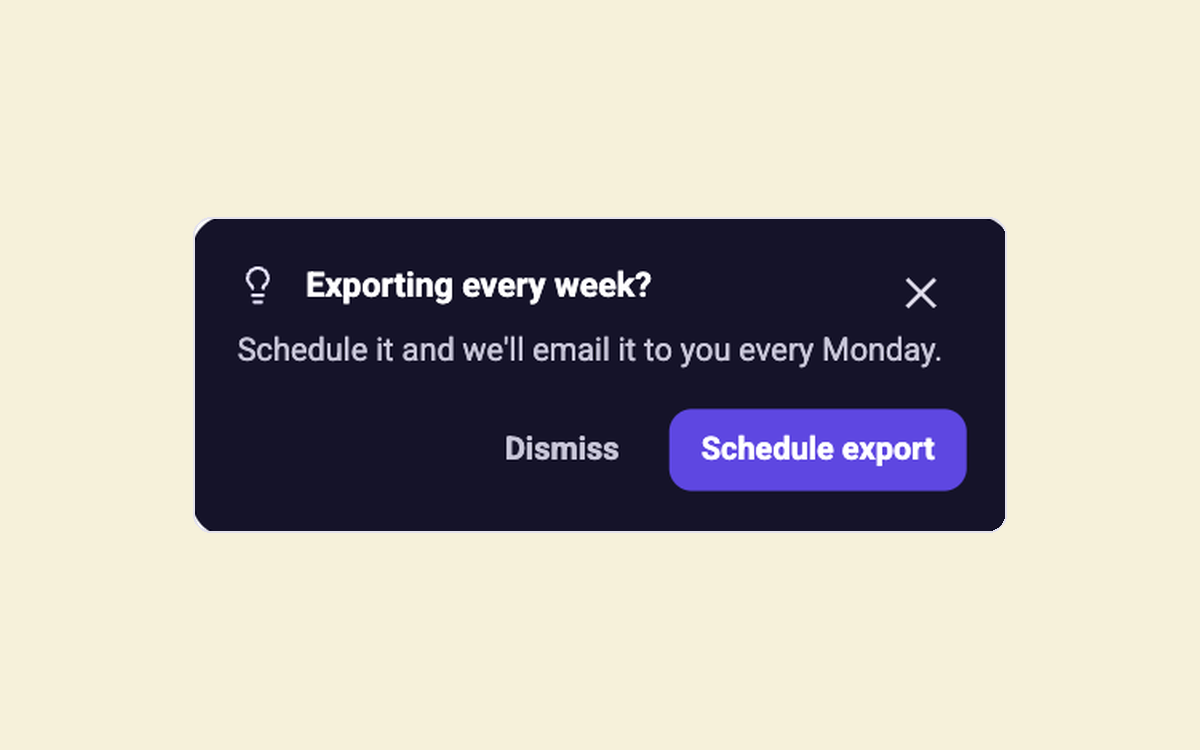
Next Best Action
Suggest a faster way after users repeat a task
Feature Adoption
All
Modal
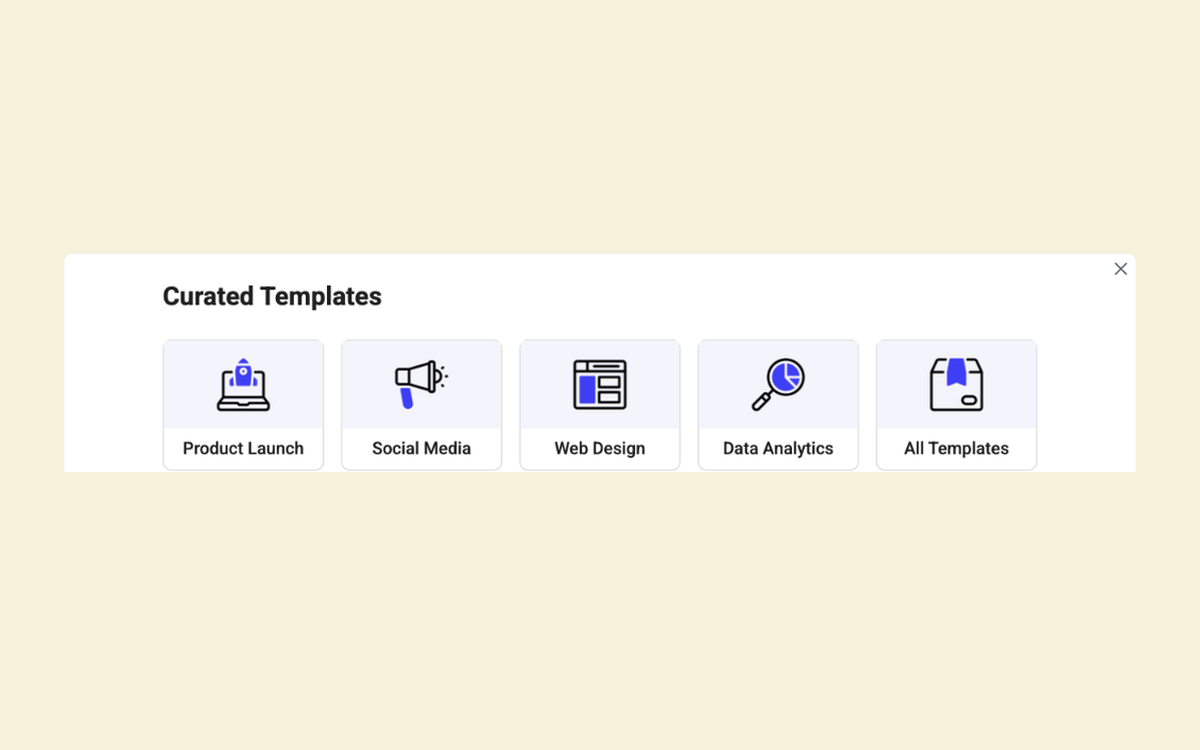
Template Launcher
Quick access to pre-built solution templates
Feature Adoption
All
In-page
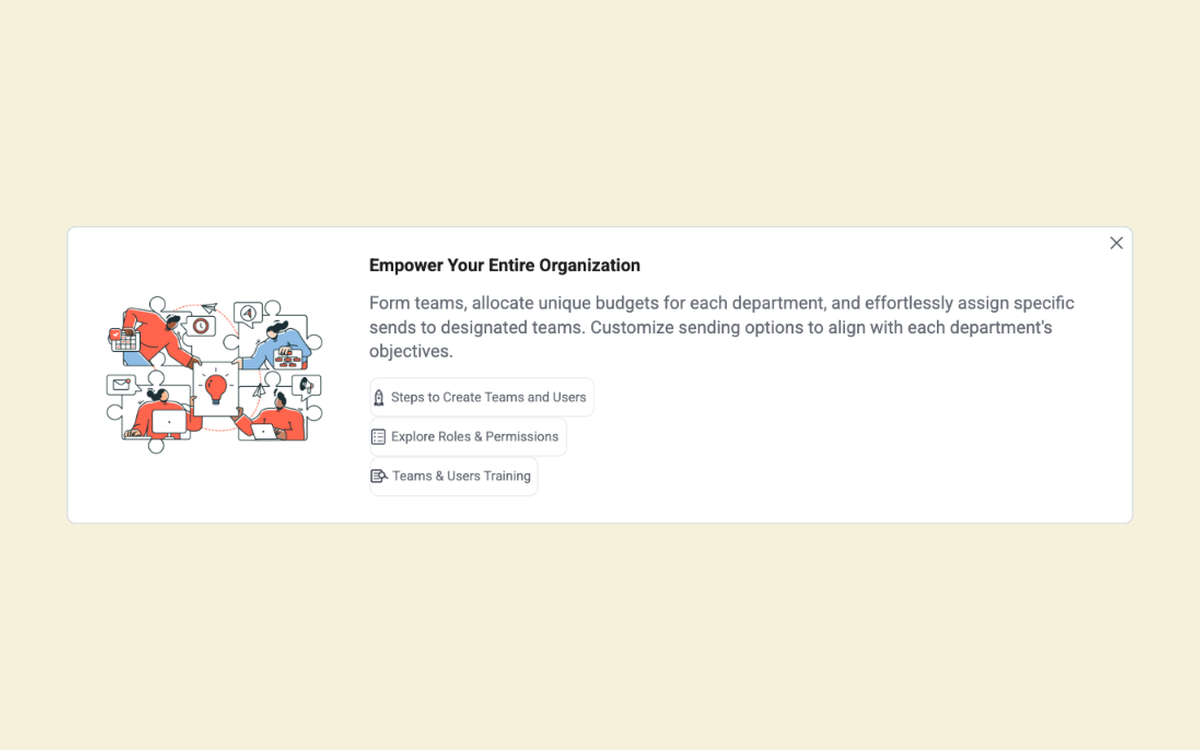
Contextual help banner
Point users to help right where they get stuck
Feature Adoption
All
In-page
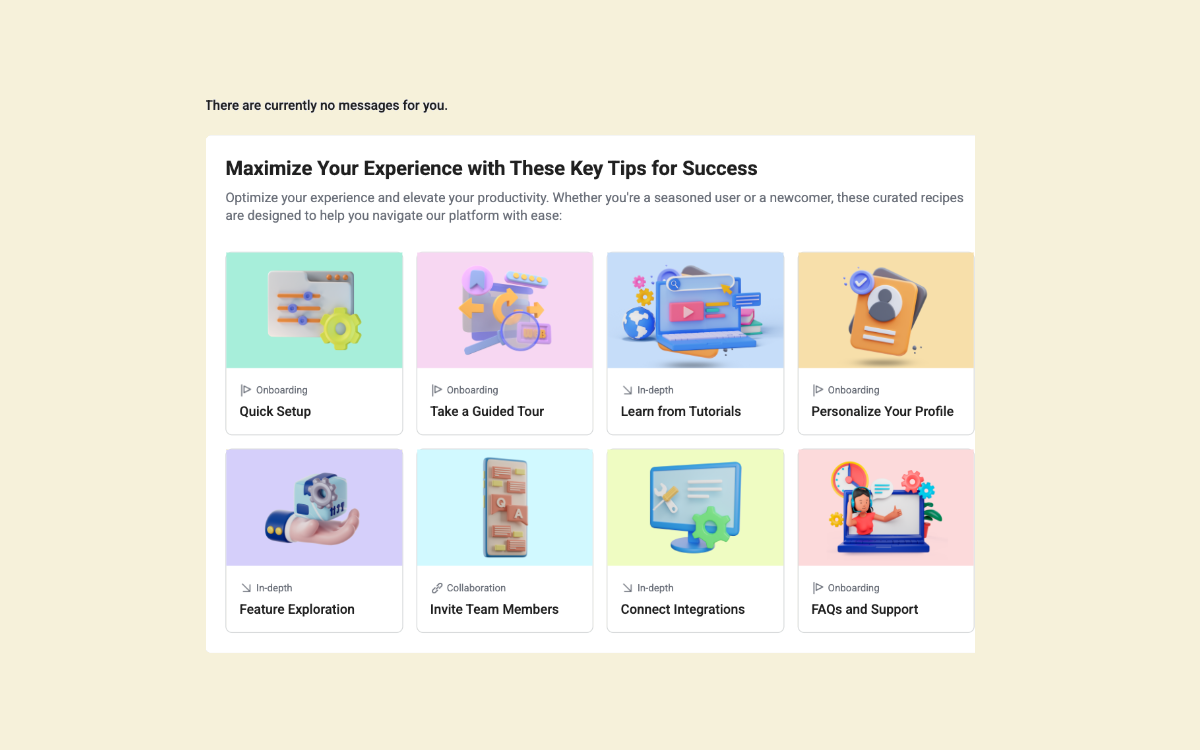
Tips & Recipes Grid
Provide users with templates or recipe to get started
Feature Adoption
All
In-page
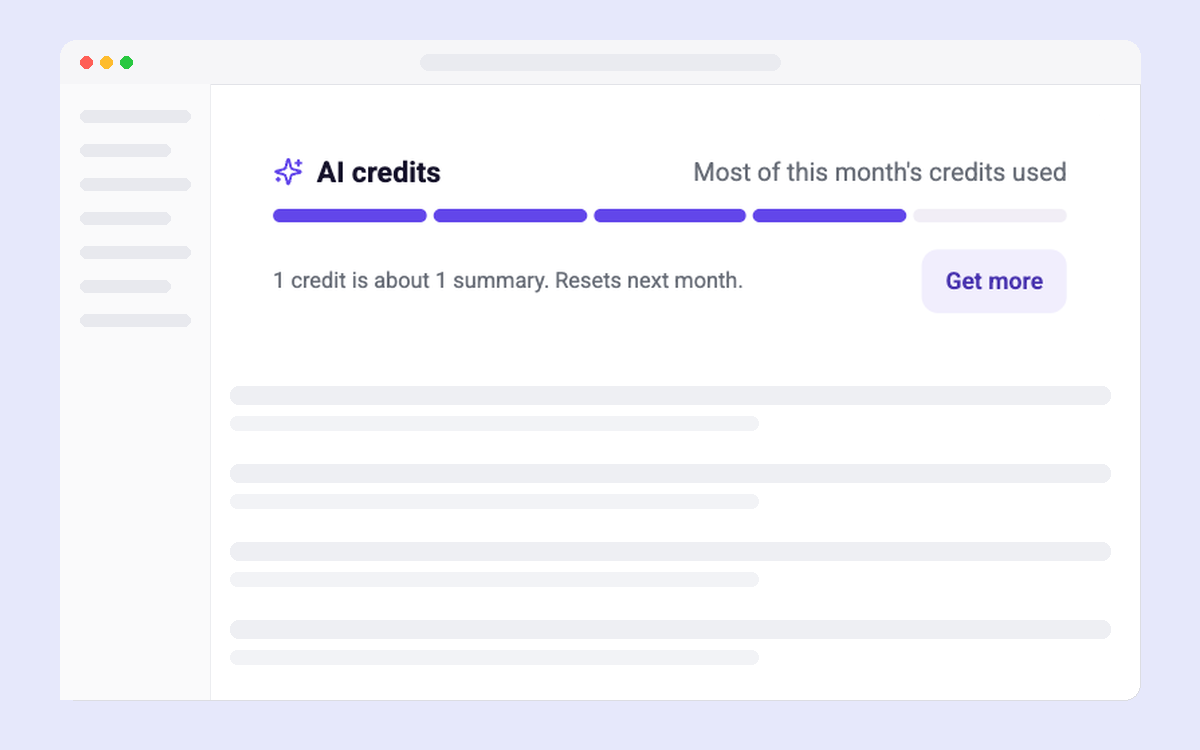
AI Credits Meter
AI credits used this period and how to get more
Trials & Upgrades
All
In-page
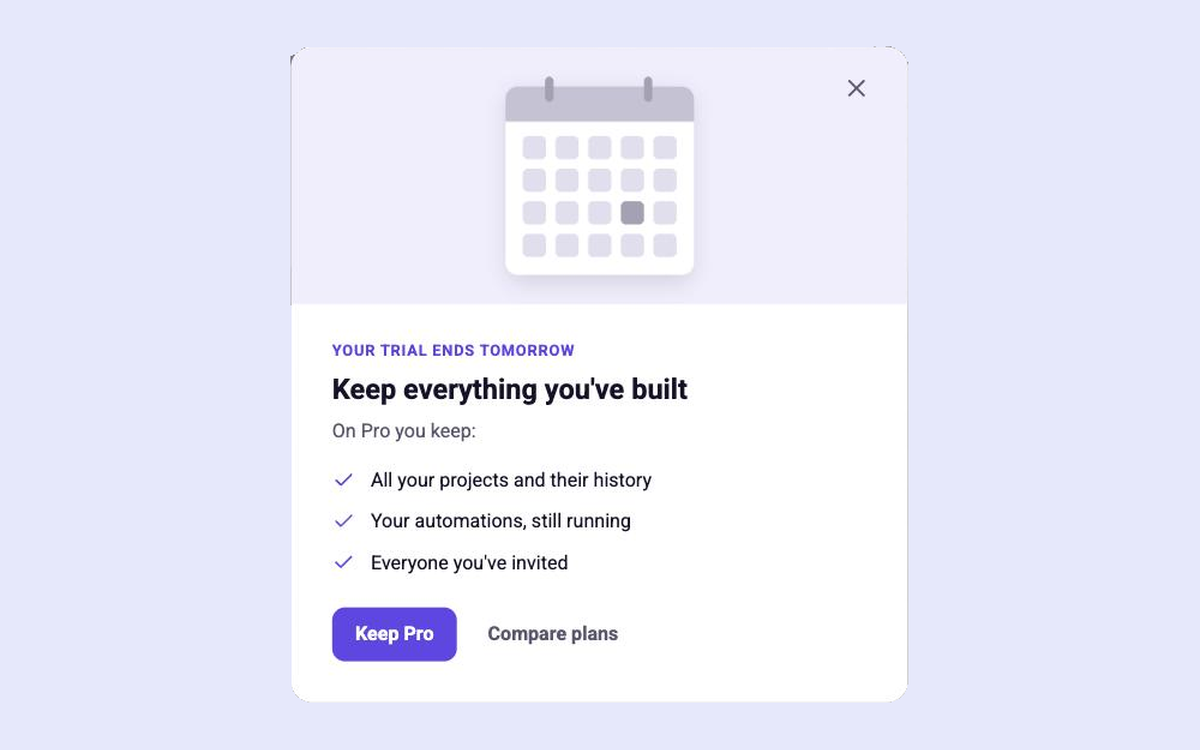
Trial Ending
What users keep on a paid plan when the trial ends
Trials & Upgrades
All
Modal
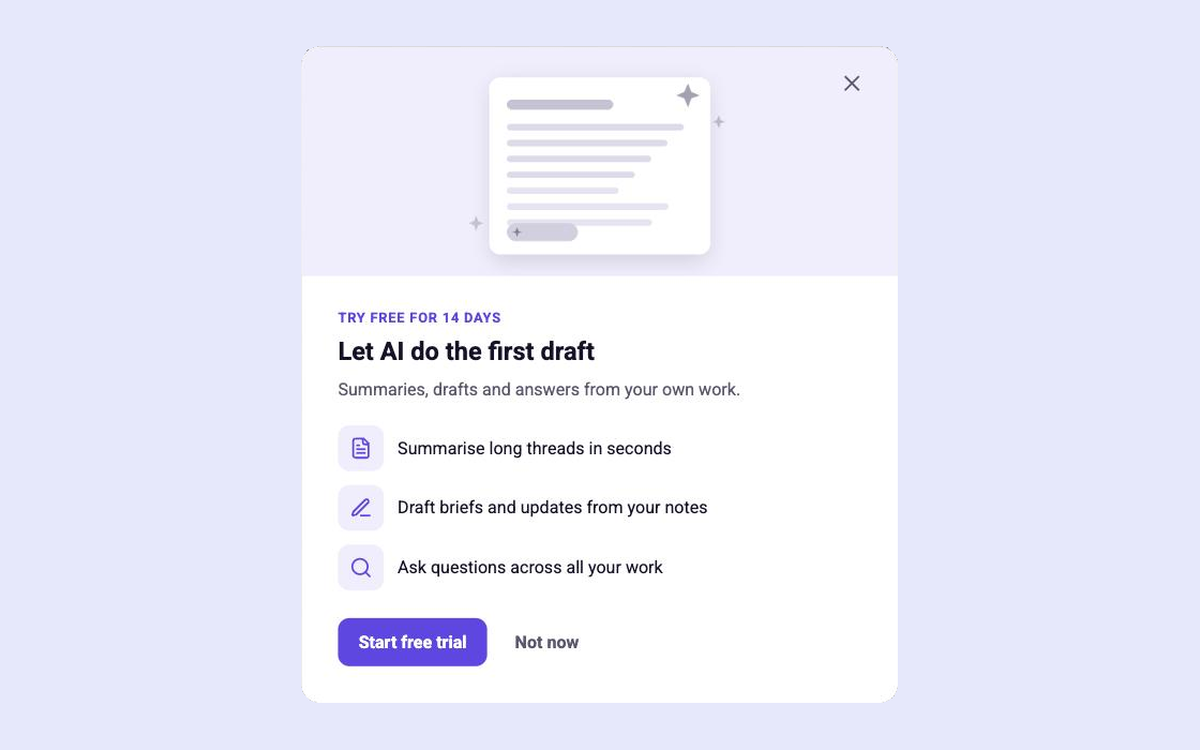
AI Add-on Trial
A free trial of an AI add-on, shown on the user's work
Trials & Upgrades
All
Modal
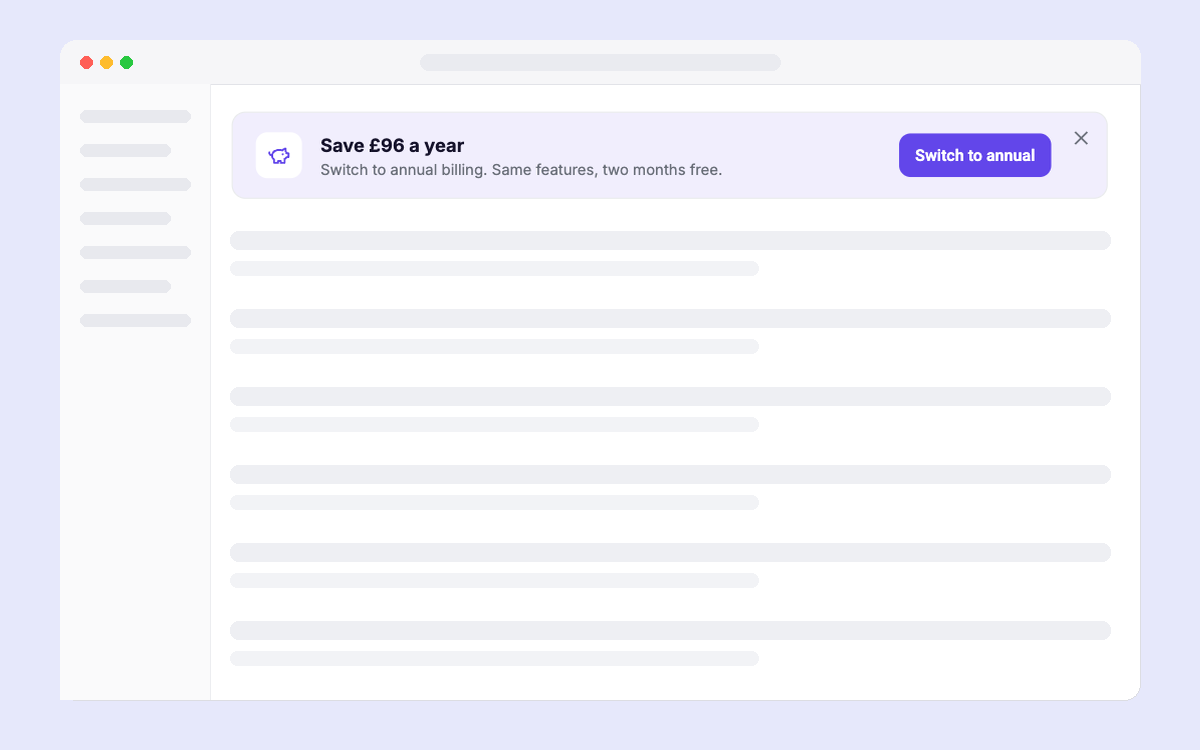
Annual Plan Offer
Offer annual billing with the saving in real money
Trials & Upgrades
All
In-page
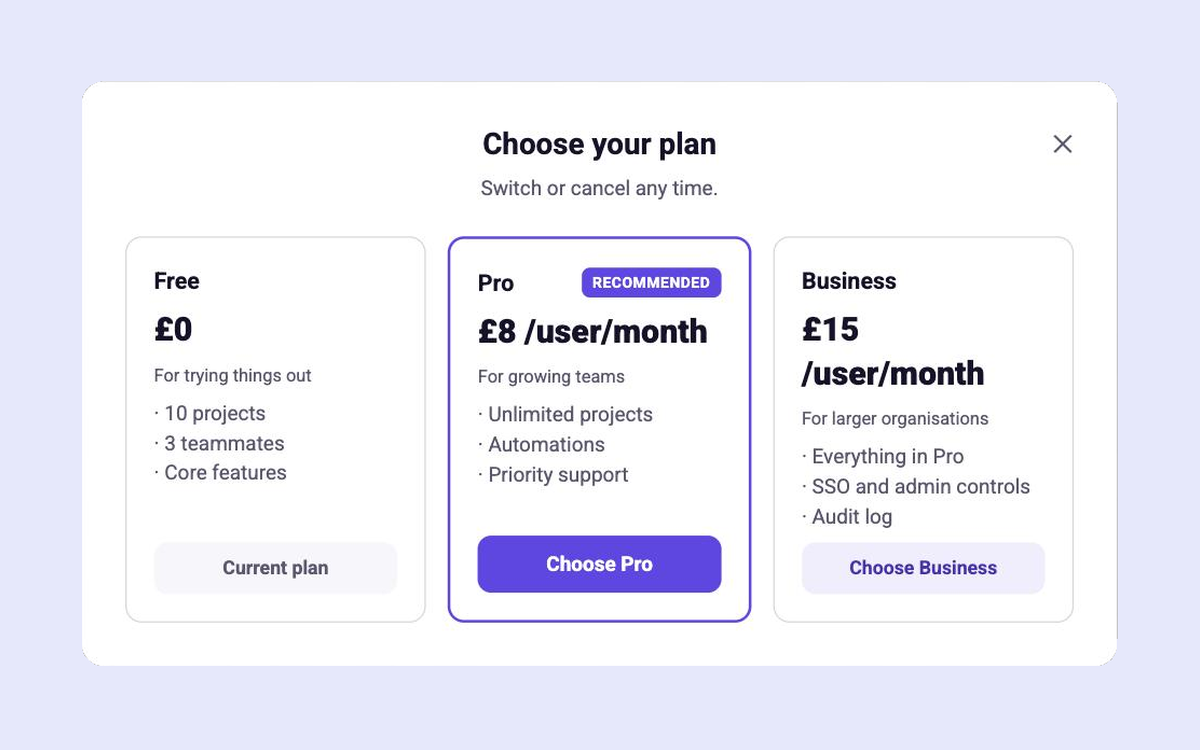
Plan Comparison
Three plans side by side with one recommended
Trials & Upgrades
All
Modal
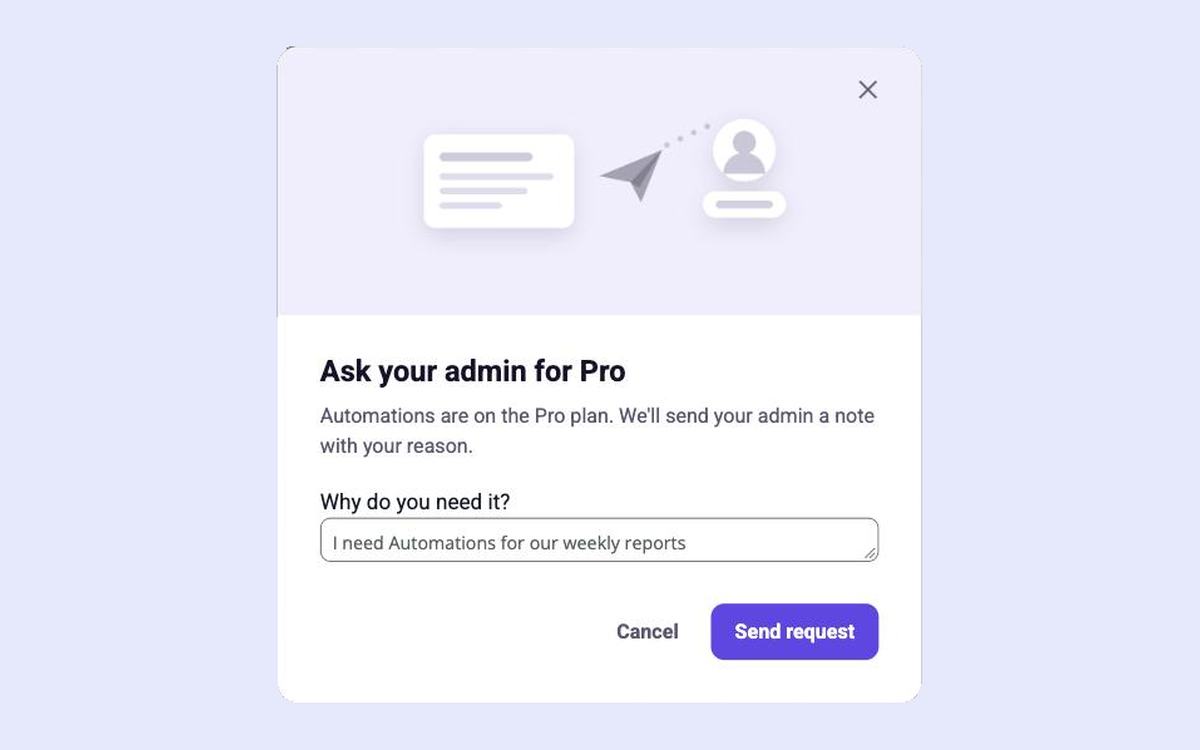
Ask Your Admin to Upgrade
Let members ask their admin to upgrade, with a reason
Trials & Upgrades
All
Modal
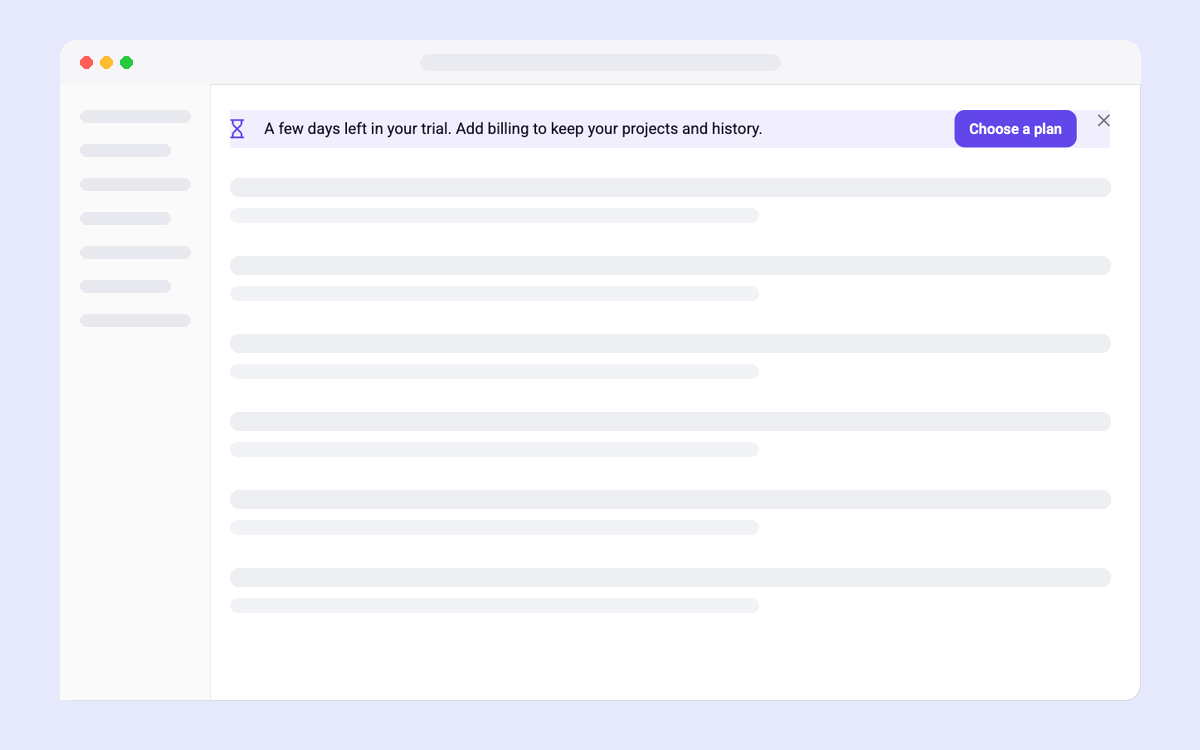
Trial Countdown
Days left in the trial and the one thing to do next
Trials & Upgrades
All
In-page
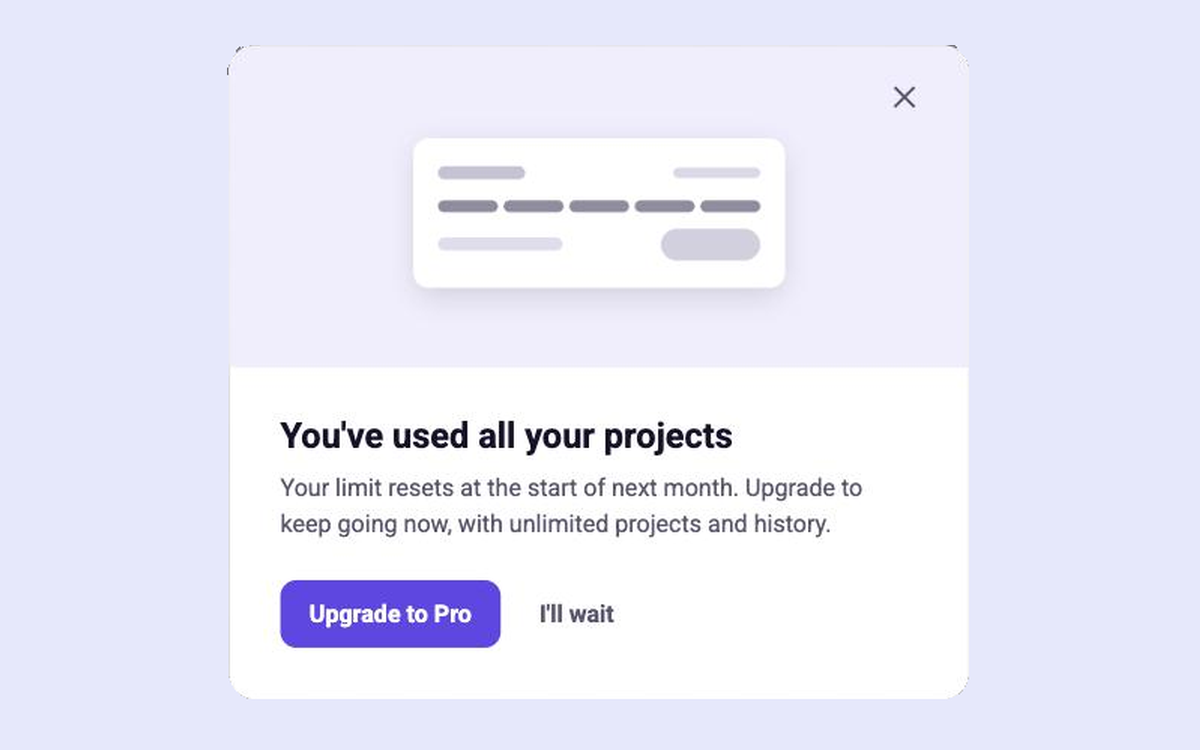
Limit Reached
What happened, when it resets, and how to keep going
Trials & Upgrades
All
Modal
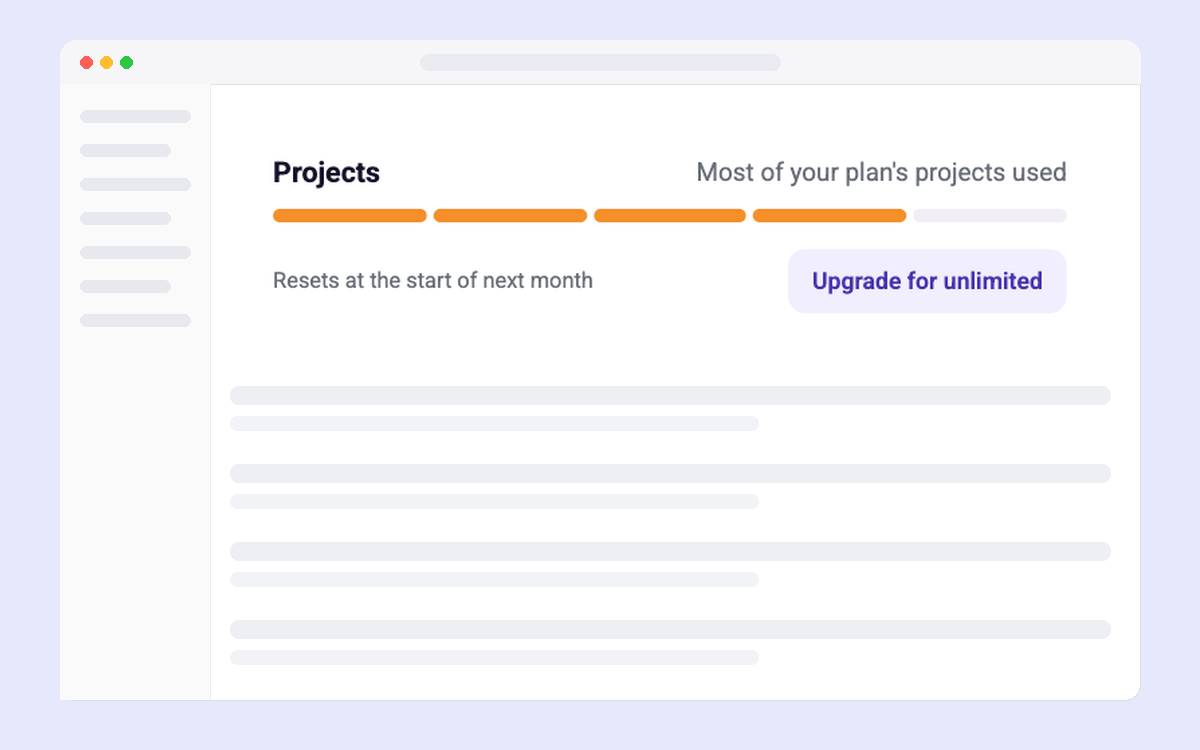
Usage Meter
Show usage against the plan limit and when it resets
Trials & Upgrades
All
In-page
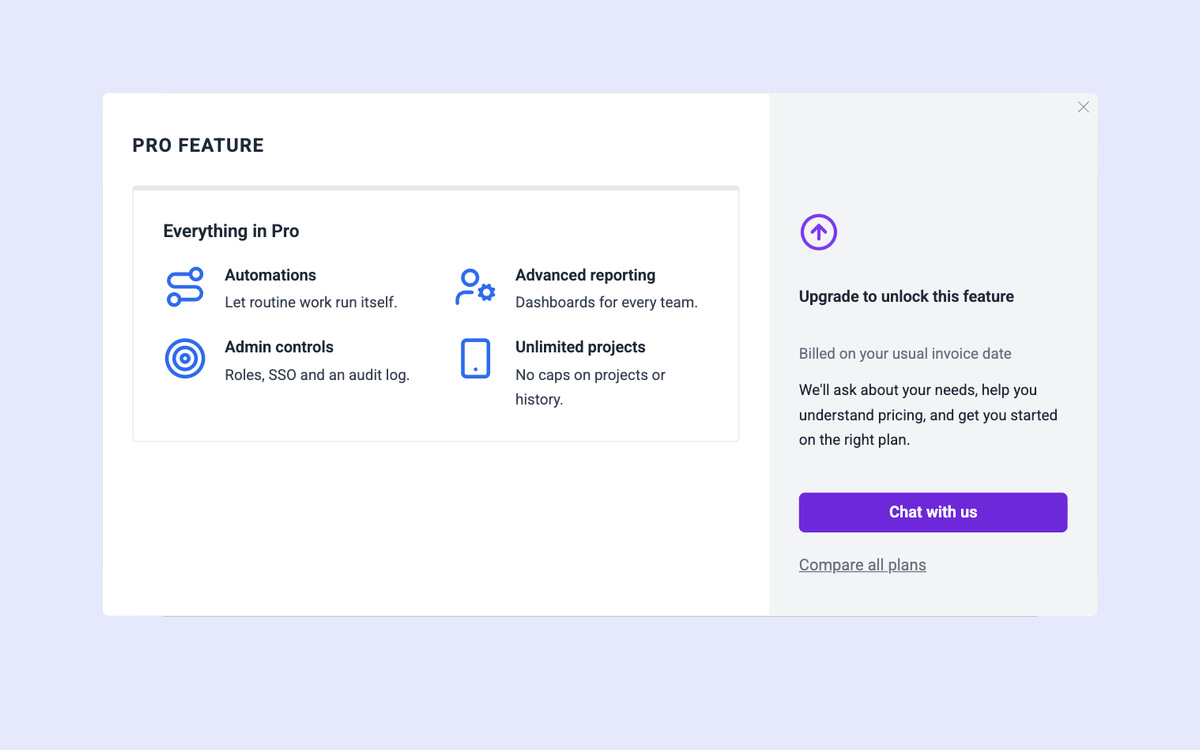
Upgrade to Unlock
A two-panel modal that explains a locked feature and how to get it
Trials & Upgrades
All
Modal
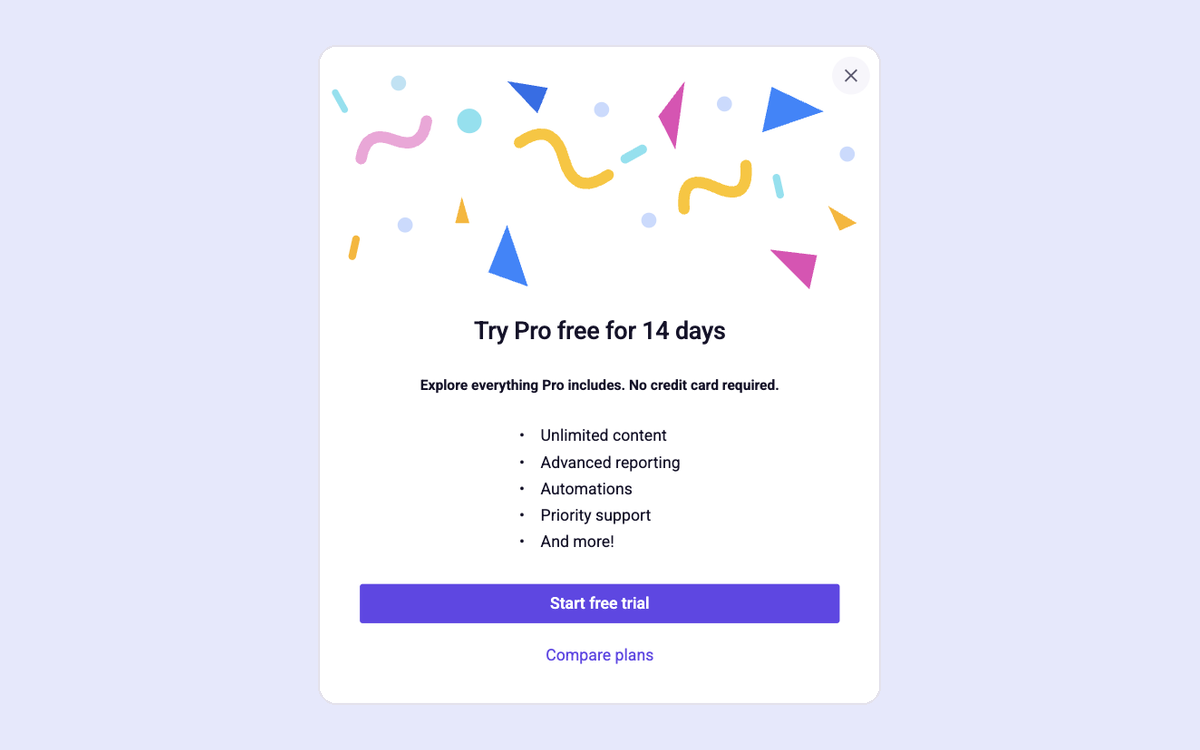
Try Premium Modal
Celebrate the upgrade offer with confetti and a clear list of perks
Trials & Upgrades
All
Modal
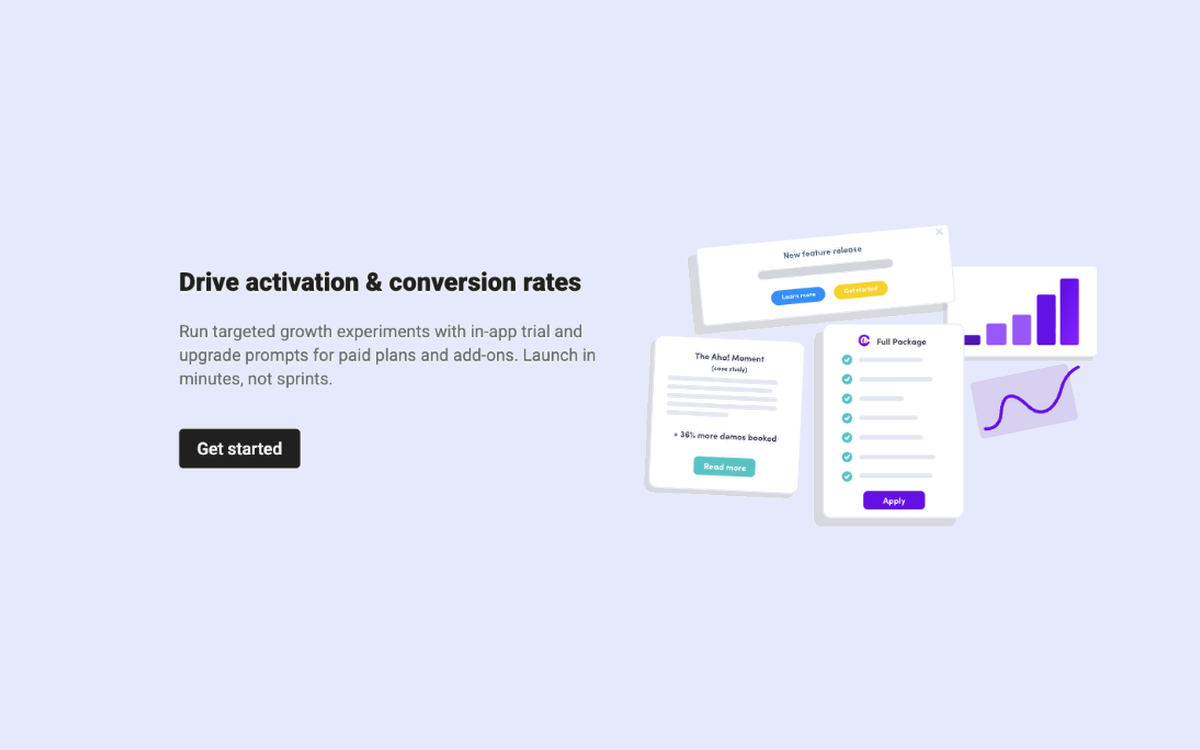
Upgrade Empty State
Drive plan or add-on conversions
Trials & Upgrades
All
In-page
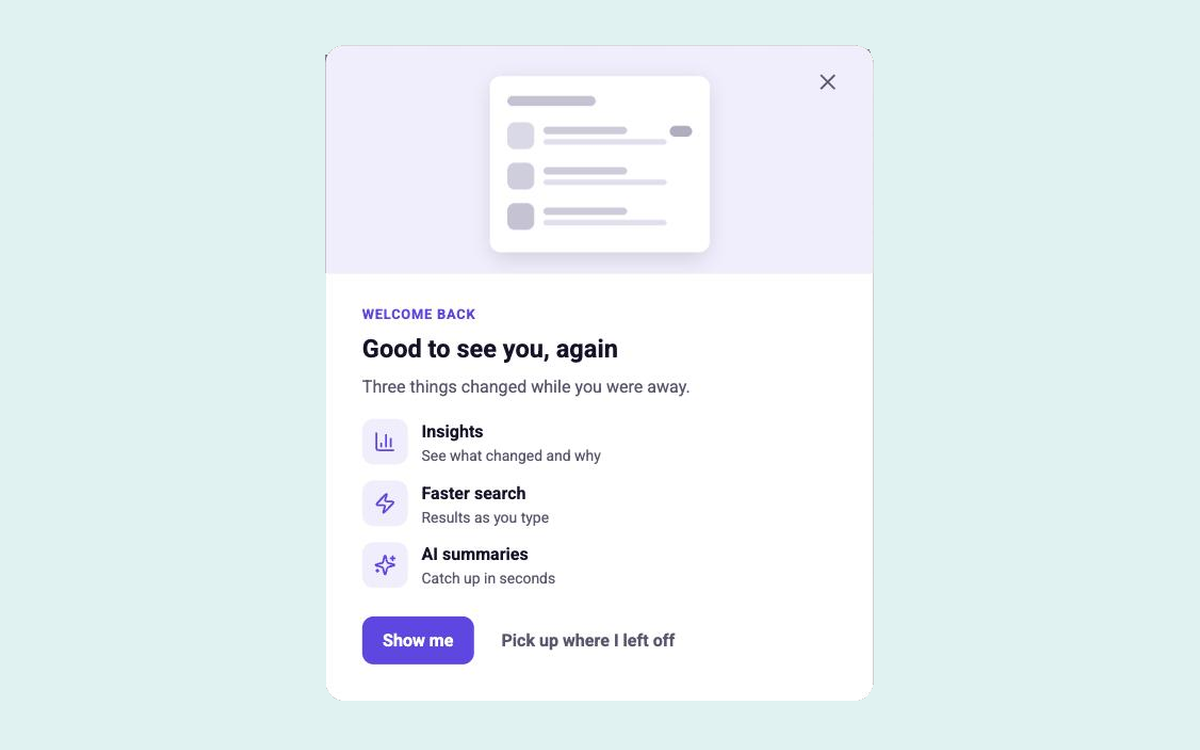
Welcome Back
Show returning users what changed while they were away
Feedback & Retention
All
Modal
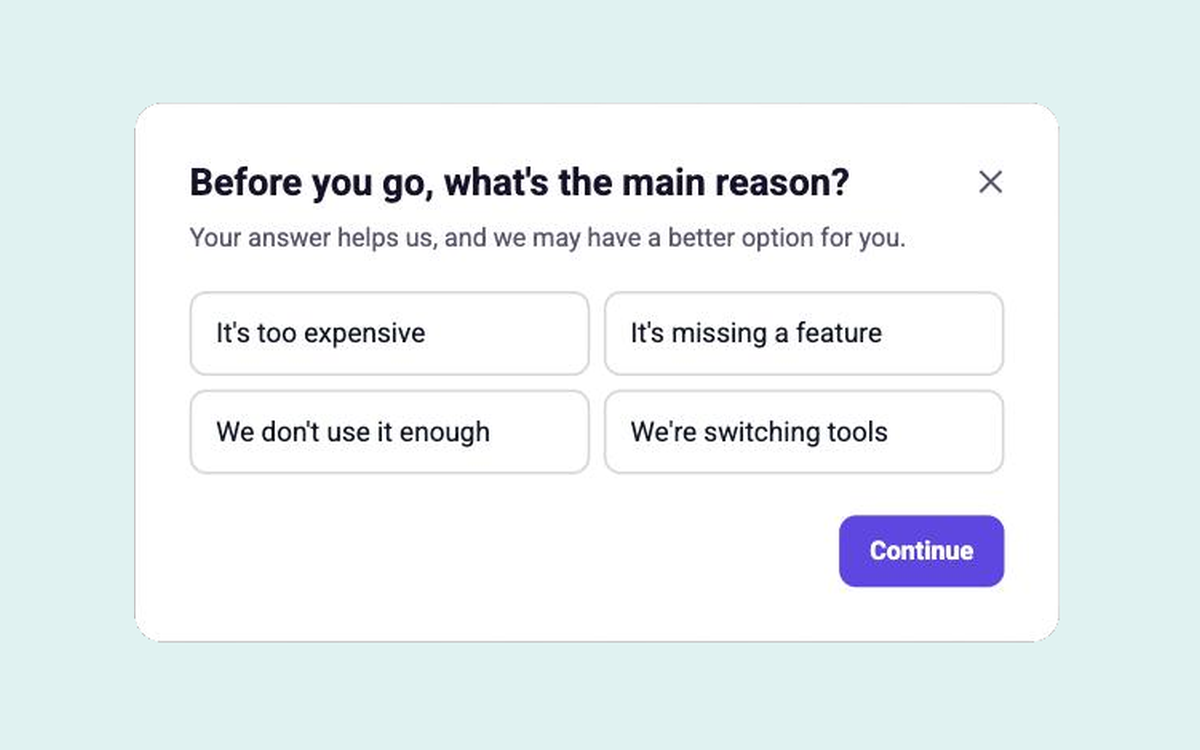
Cancellation Save Flow
Ask why users cancel and offer a pause instead
Feedback & Retention
All
Modal
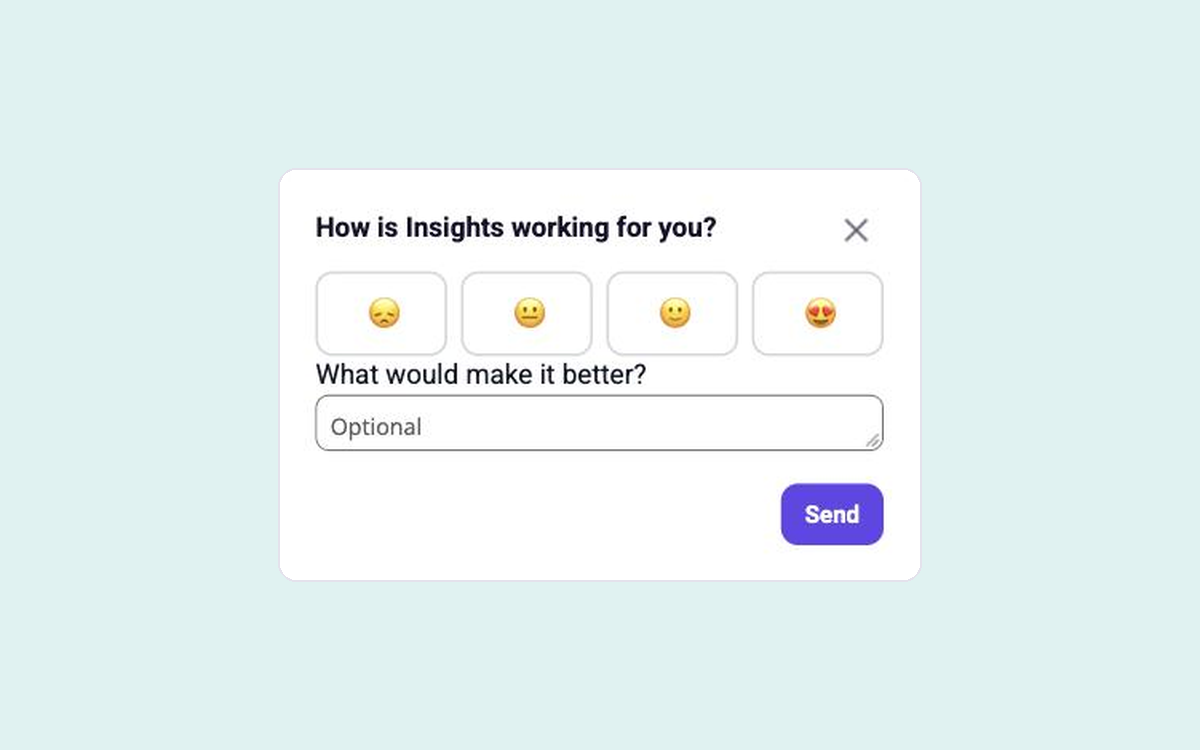
Feature Feedback
A rating and one question after users try a feature
Feedback & Retention
All
Modal
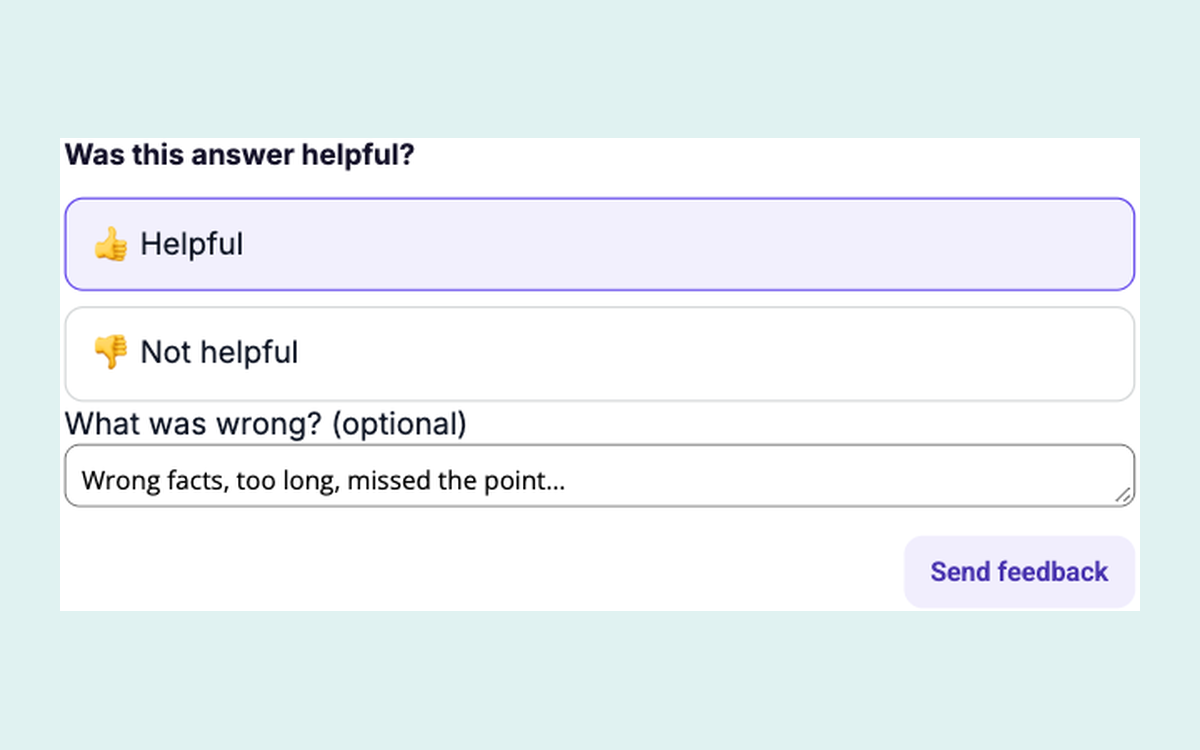
AI Answer Feedback
Thumbs up or down on an AI answer, with a reason
Feedback & Retention
All
In-page
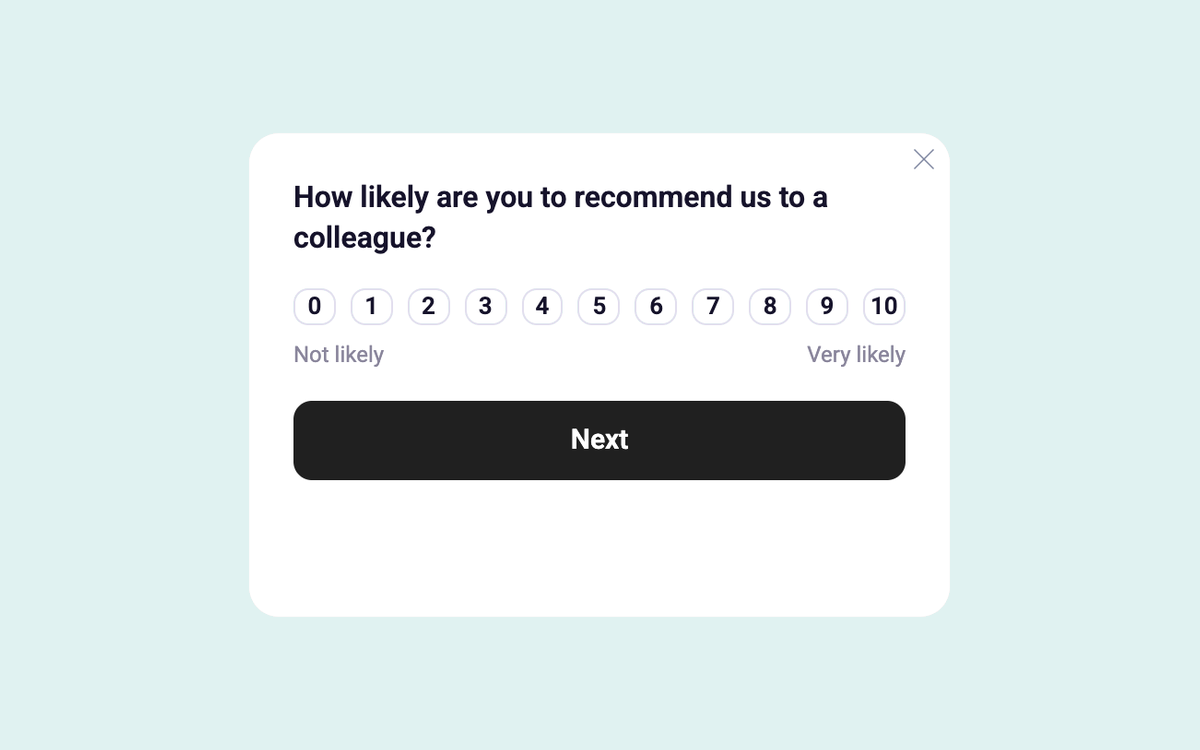
NPS Corner Survey
Ask how likely users are to recommend you, in a corner card
Feedback & Retention
All
Floating
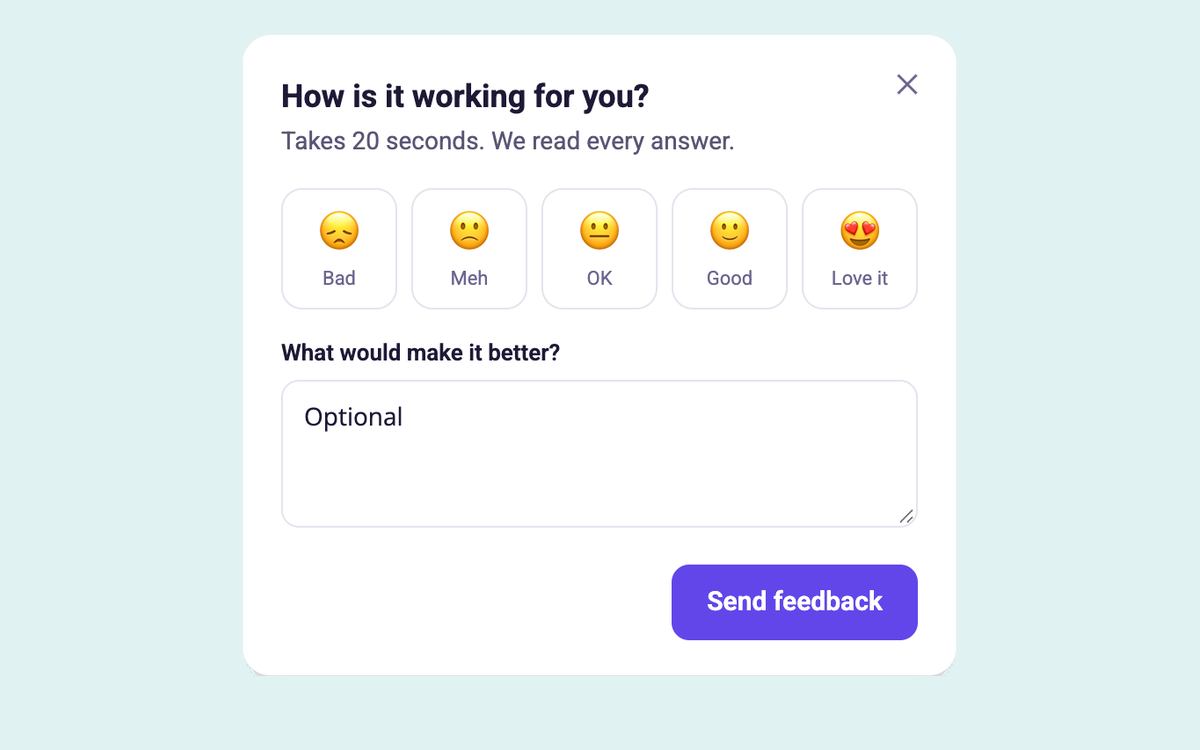
Emoji Feedback Form
A quick emoji rating with an optional comment and a thank-you step
Feedback & Retention
All
Modal
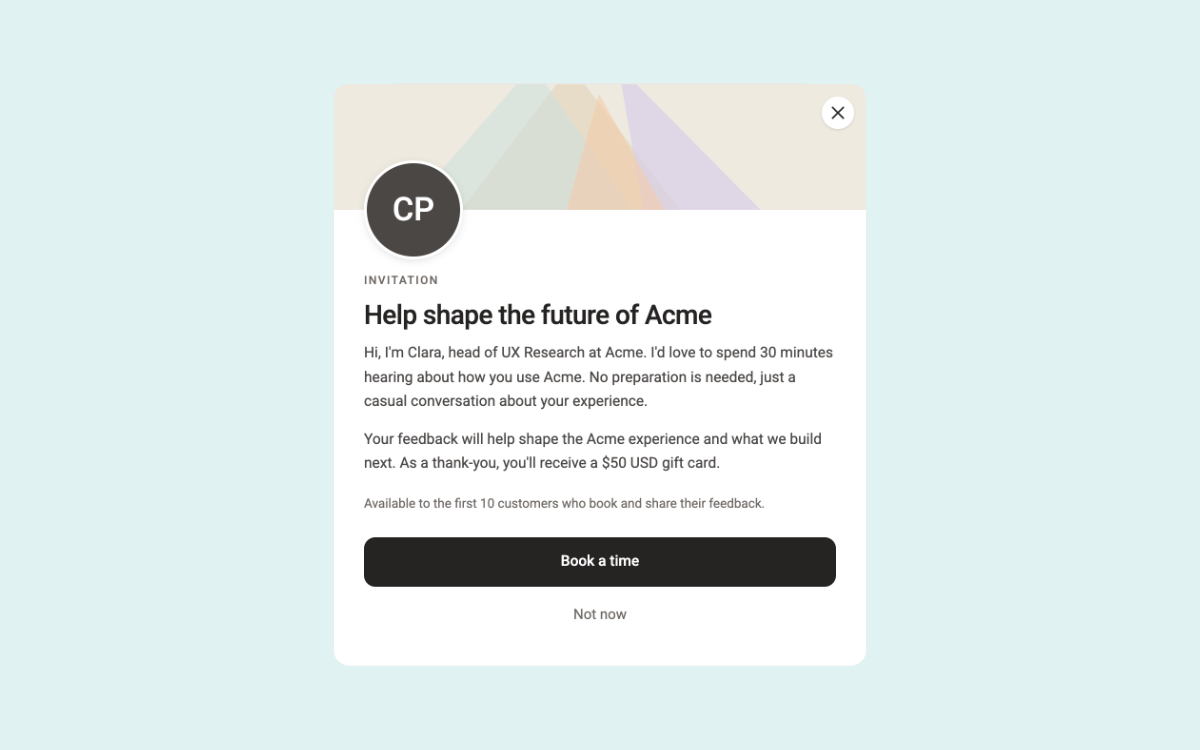
Research Invite Modal
Invite users to a research call with a friendly face and a reward
Feedback & Retention
All
Modal
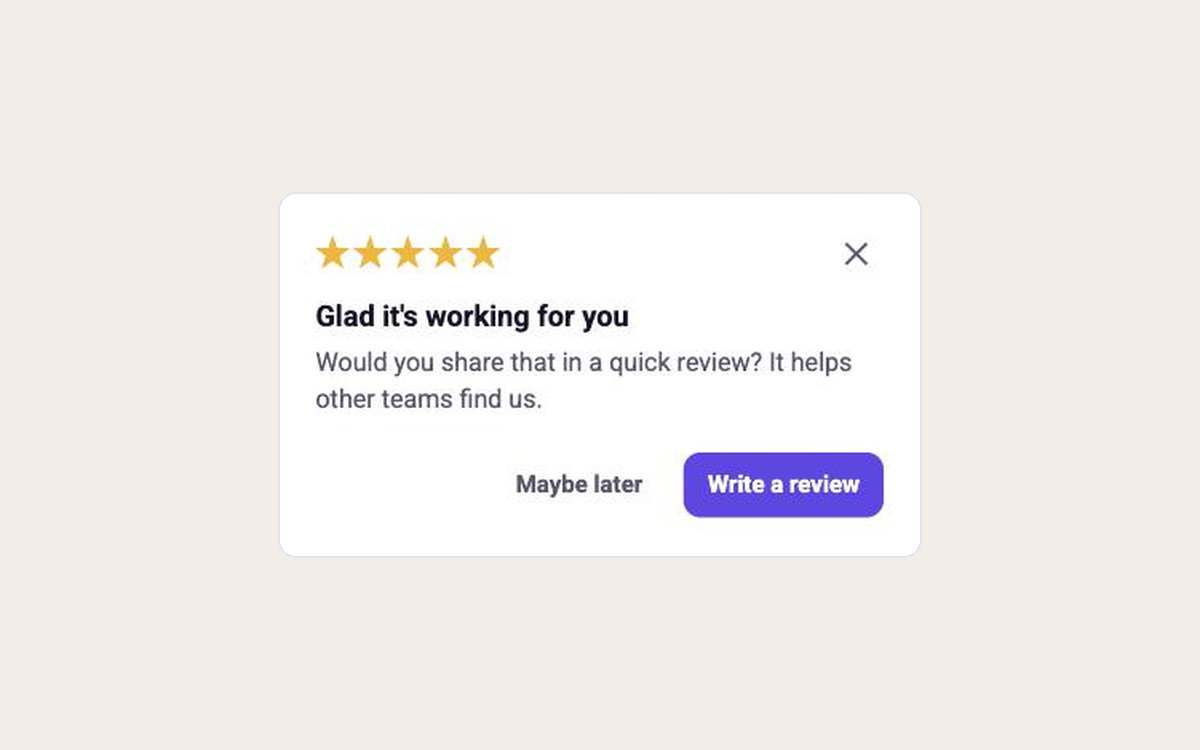
Review Ask
Ask happy users for a public review at a high point
Marketing & Growth
All
Modal
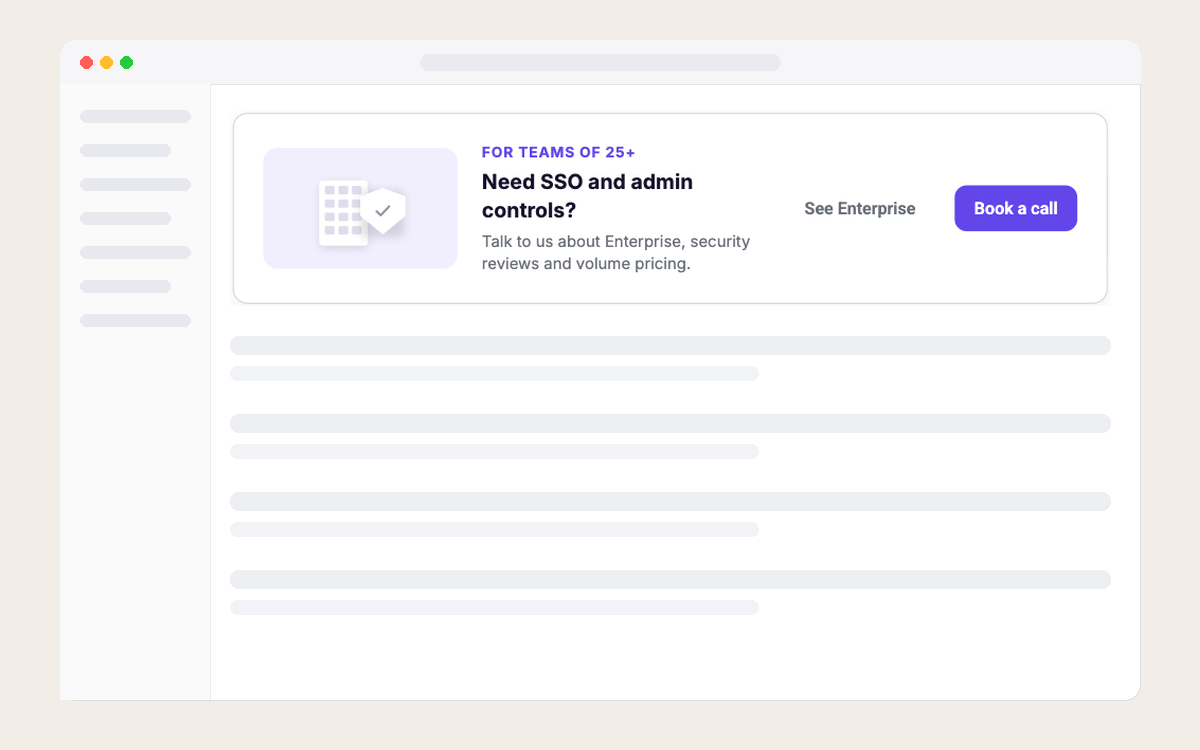
Talk to Sales
Offer a call to large self-serve teams at the right time
Marketing & Growth
All
In-page
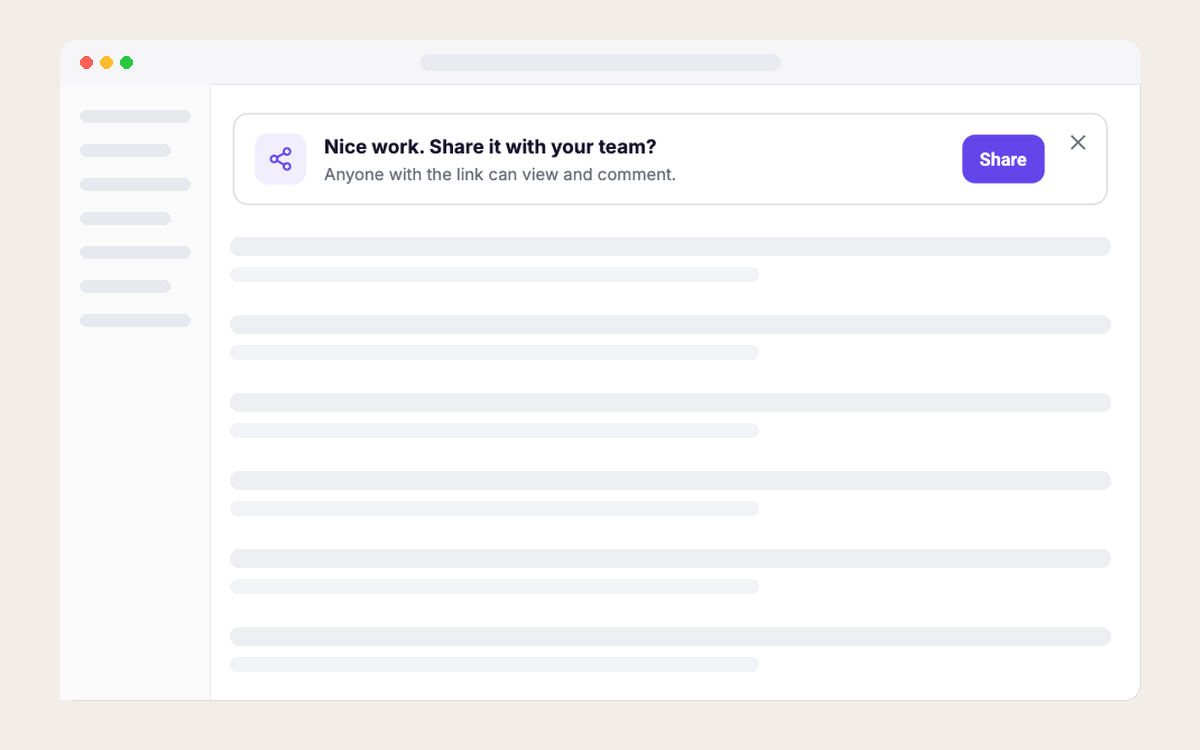
Share Your Work
Suggest sharing right after users finish something
Marketing & Growth
All
In-page
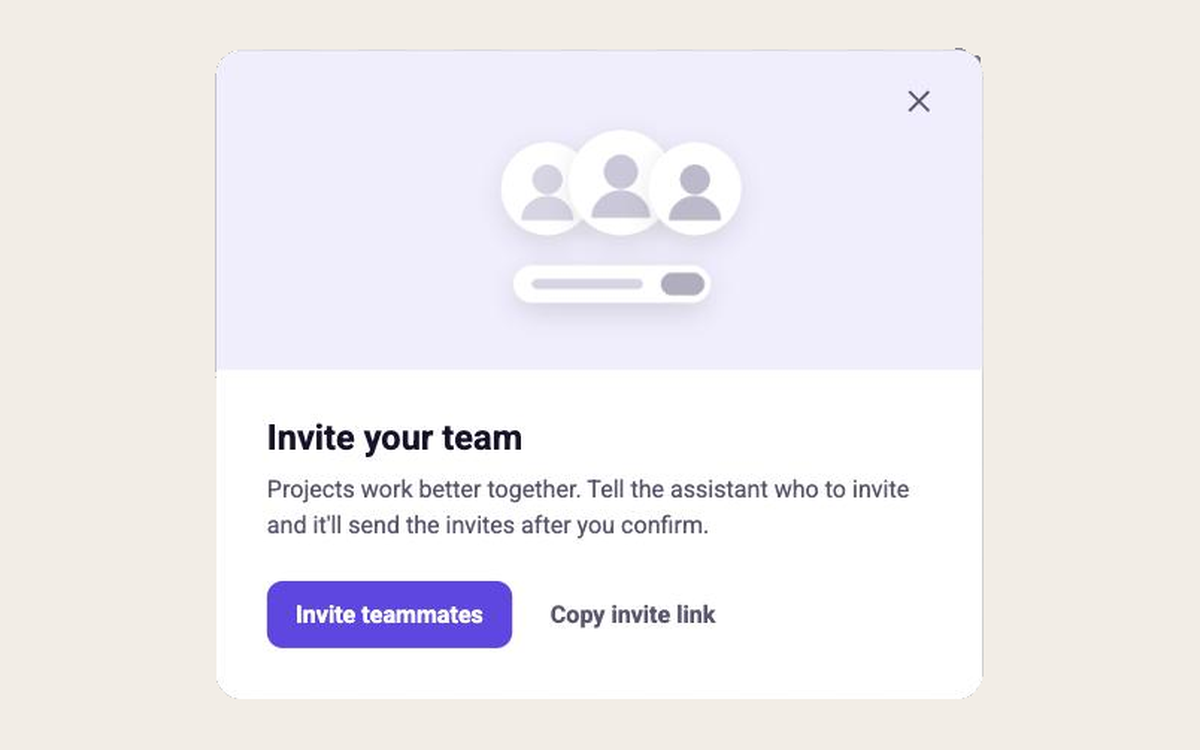
Invite Teammates
Let the assistant send invites after a quick confirm
Marketing & Growth
All
Modal
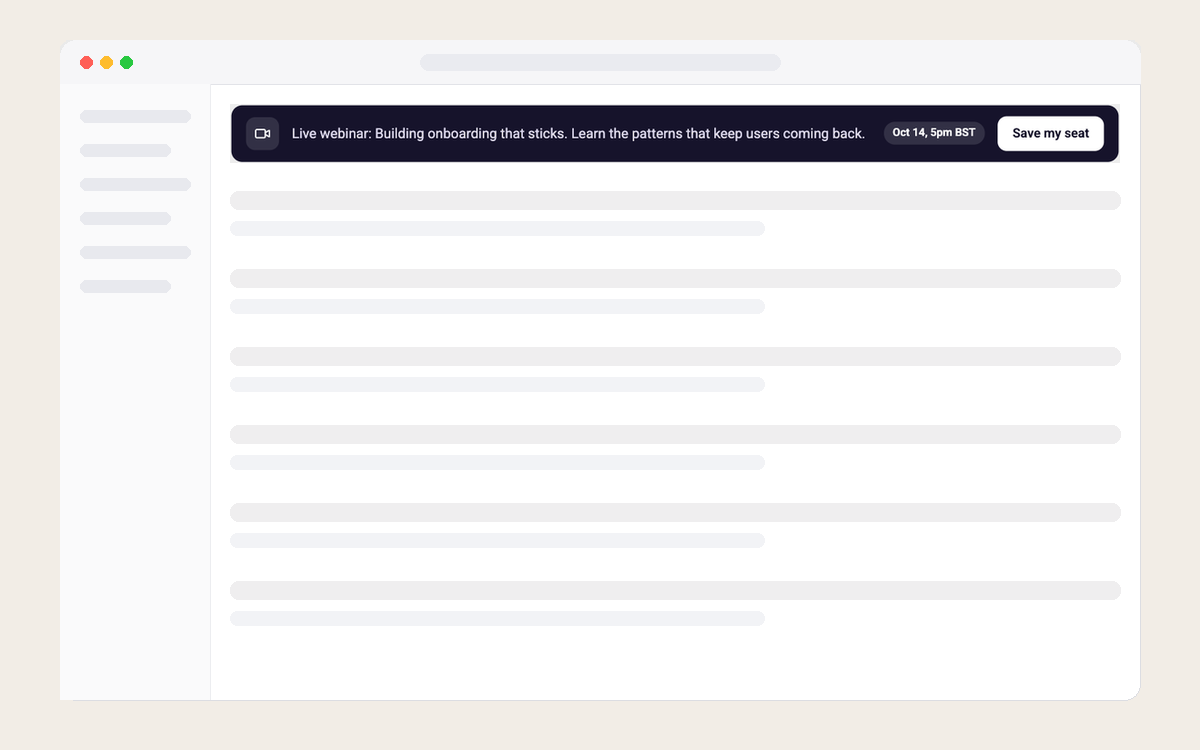
Slim Event Banner
A one-line banner for webinars and events
Marketing & Growth
All
In-page
Frequently asked questions
Can I customize colors, fonts, and layouts?

Absolutely. Set your brand’s styles once in Candu’s Styleguide, then tweak any template right in the visual editor—no CSS files required. Everything renders pixel-perfect inside your app.
Will templates work in React, Vue, Angular, or plain HTML?
Yes. All templates load through the same lightweight JavaScript snippet, so they look native in any modern framework—or even a vanilla HTML page—without extra setup.
Can I target a template to specific user segments?
You bet. Pass traits and events from Segment, HubSpot, or your own API (e.g., plan = “Pro”) and show personalized content to exactly the right users.
What happens to my templates after the trial ends?
Your work is saved. When you upgrade, all templates and live experiences remain intact—no rebuilding needed.
Ready to see for yourself?
Start a Free Trial
