
Targeting
Your data decides what each user sees.
Use traits, events and form answers to choose what each user sees.
No credit card required
Ask once
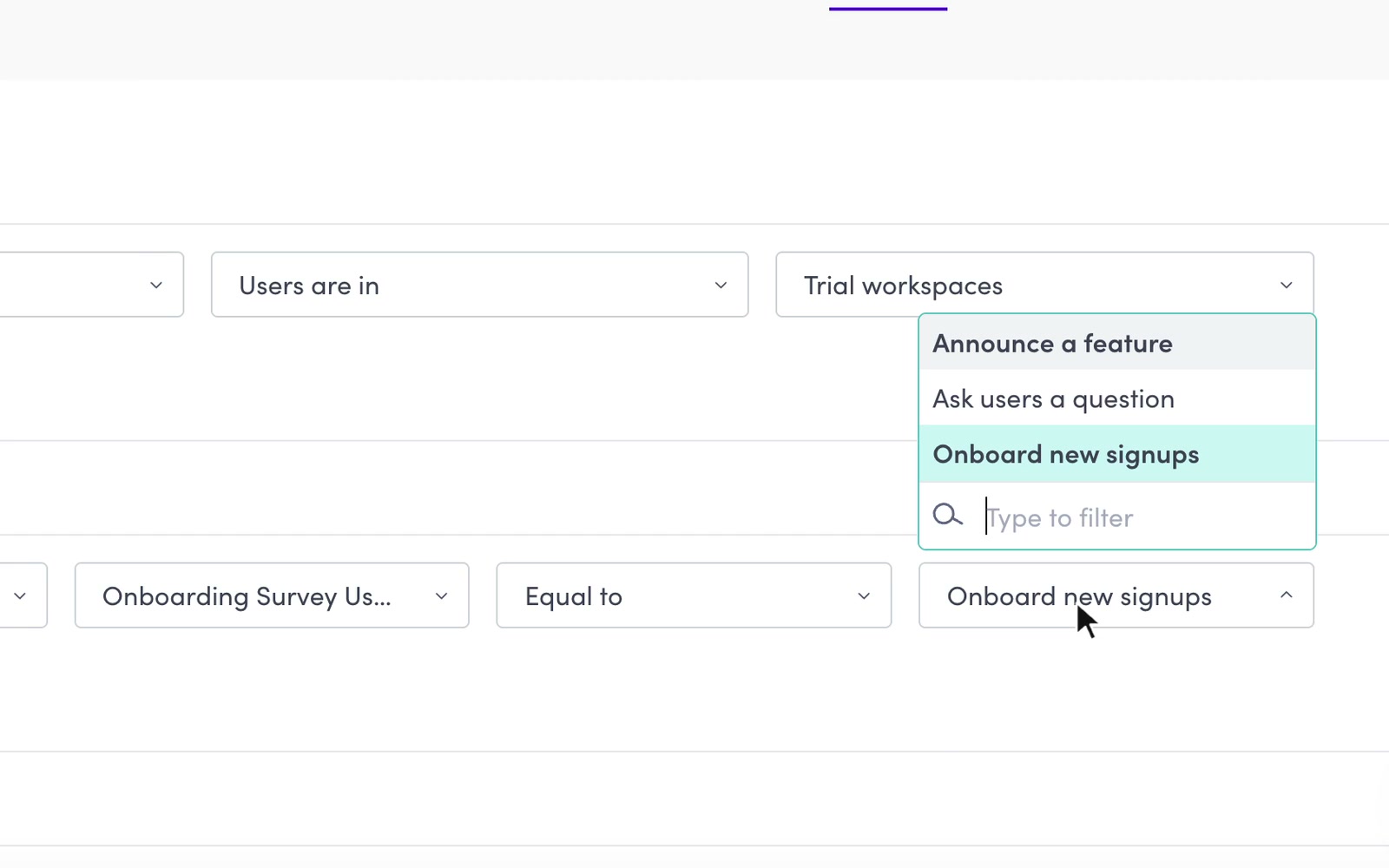
Use the answers people give you.
Candu form answers become user traits you can target content with.
 One question shapes the setup that follows.
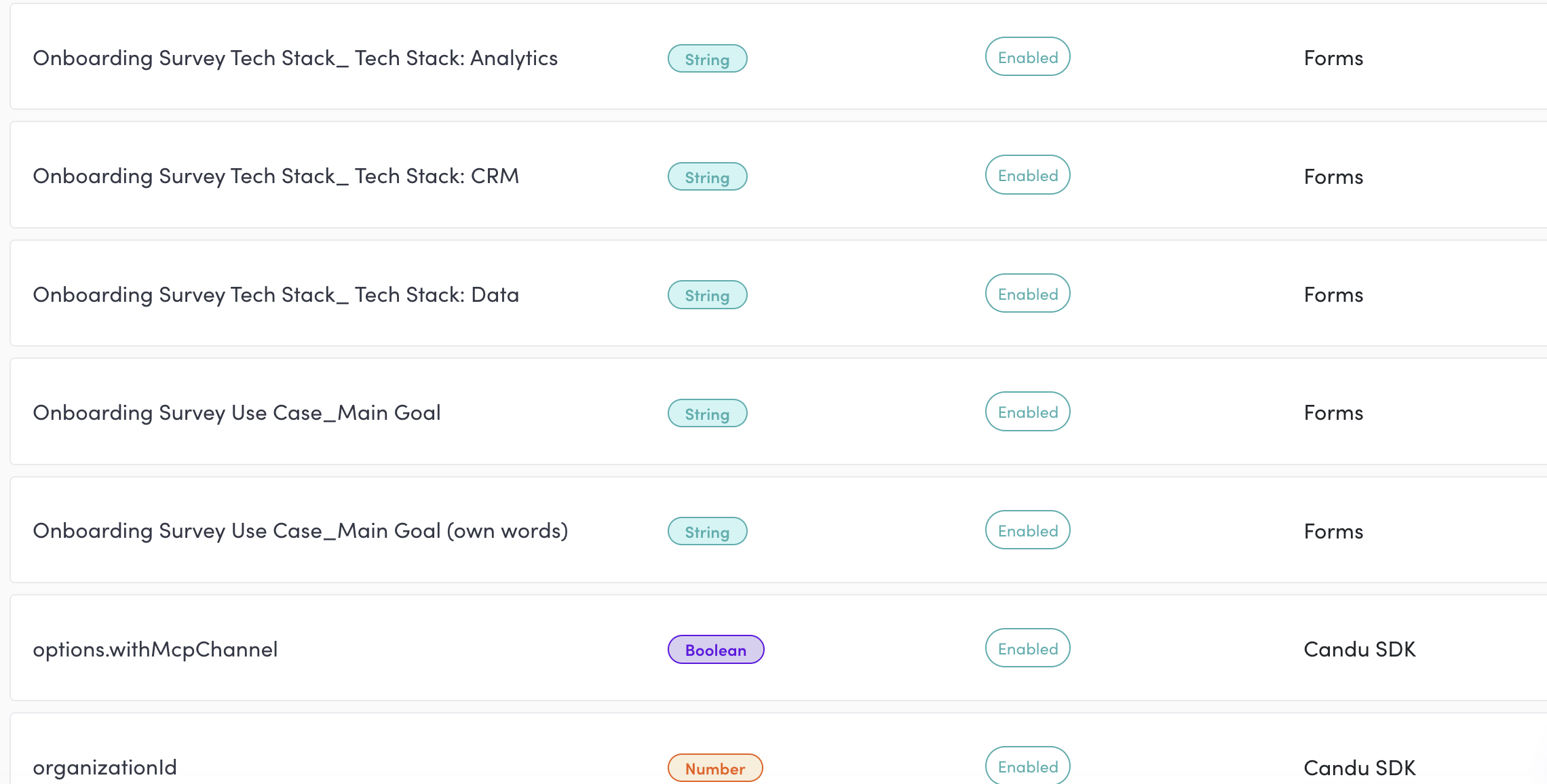
Answers become traits.
Each question becomes a trait you can segment on. Turn the sync off per form if you’d rather not.
Keep the data too.
Download responses as a CSV, or send them on by webhook.
Know who’s who
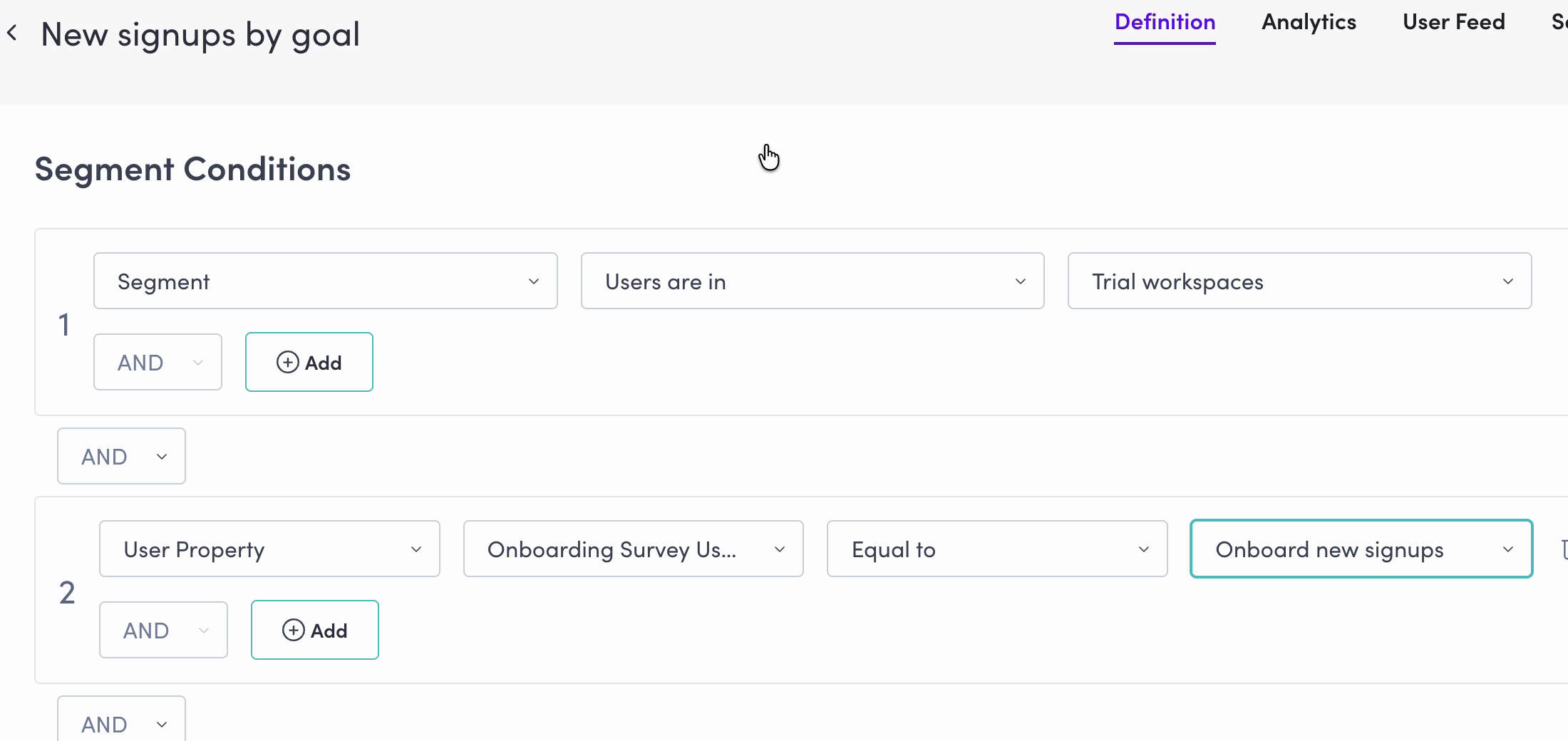
Build an audience from what you know.
Combine traits, events and form answers with AND or OR.
Traits.
Role, plan, company: whatever you pass when they sign in.
Events.
What they did, and when.
Form answers.
The question from above, now a trait like any other.
Account traits.
Plan or size at the company level, so a whole account moves together.
First visit.
Brand new, or here for months.
A list.
Upload a CSV of user IDs when the list lives somewhere else.
Make a segment of one (“Only me”) and see exactly what it sees, in your product, before anyone else does.
Show the right thing
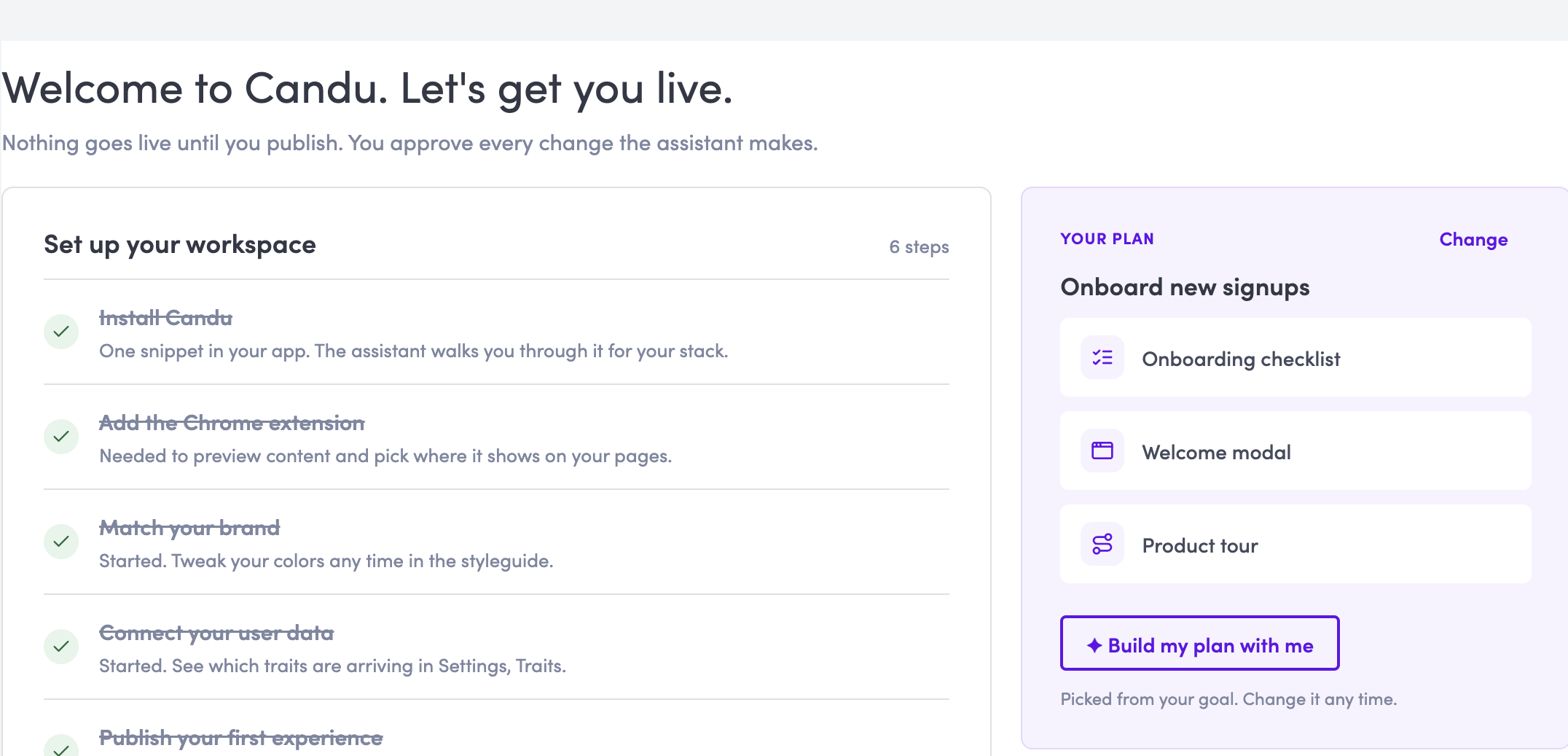
A different welcome for each audience.
Give new users a setup checklist and invited teammates a place to start.
Getting live
Invited teammates

Who
Choose the segment that sees each experience.
When
Set a start date, an end date, or both.
Which language
Add language-specific views, with the original as a fallback.
Built with Candu

 Getting started guides in the app.
 A plan-usage banner in a Candu draft.
 A project-pipeline tour.
Inside one experience
Change content by audience.
Create audience-specific versions of headings, steps and buttons within one experience.
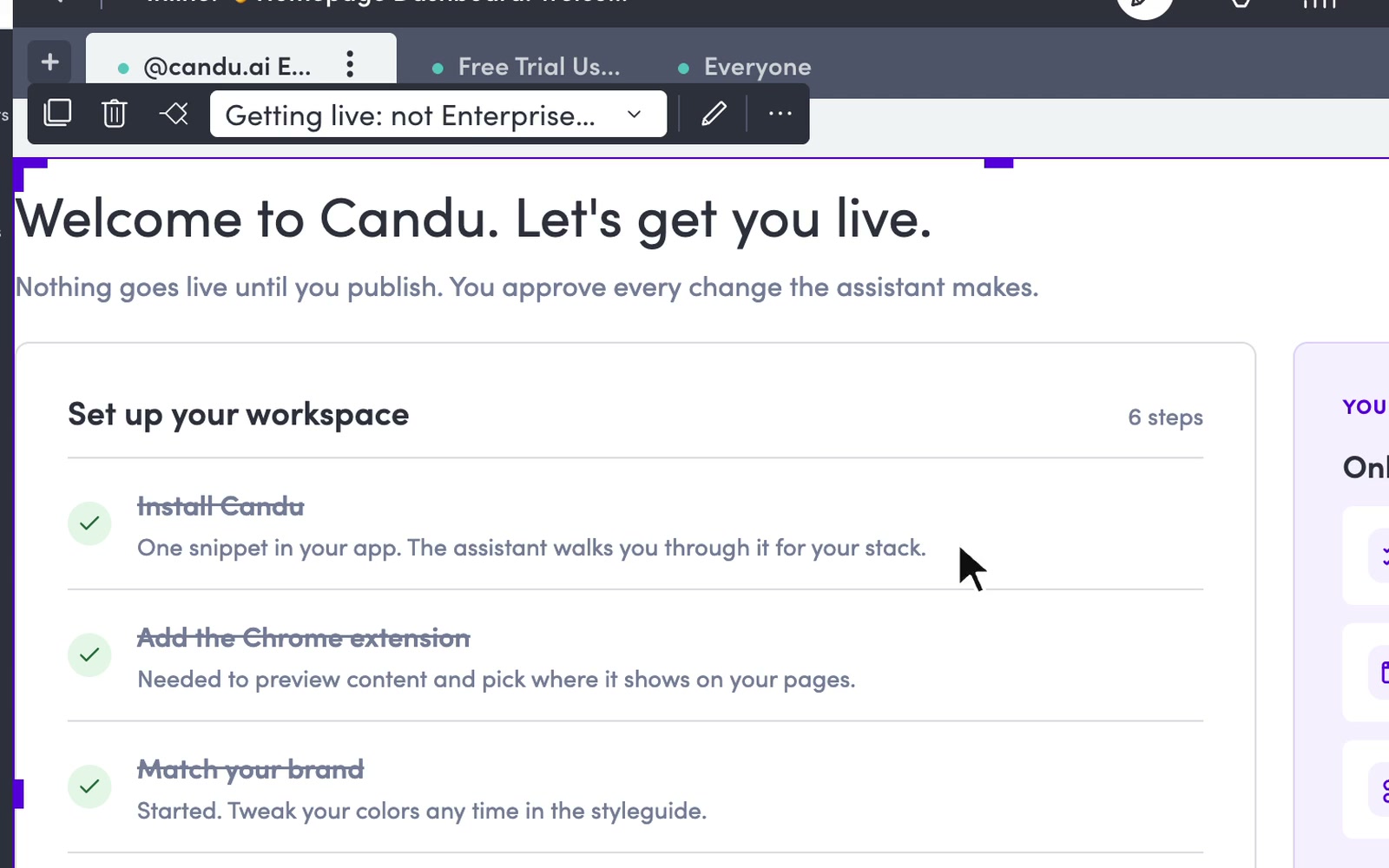
Name each view by who sees it.
“Owners”, “Invited teammates”, “Enterprise”. The first match wins, top to bottom.
Fill copy with traits.
“Welcome, {company_name} team”, with a fallback for users who have none.
A card can hand off to the assistant.
A checklist card shown to a segment can open the assistant on that user’s step.
See what the assistant doesData in, results out
Use your data. See what works.
Choose an audience with your user data, then measure views and interactions.
- 01
Your data
User traits, events and form answers.
- 02
Audience rules
Choose who sees each experience.
- 03
Views and results
Measure views, clicks and completions.
Connect your data.
Pass traits and events with the JavaScript SDK, REST API or an integration.
Send results to your tools.
Send views, clicks and checklist completions to your analytics tools. Use webhooks for interactions and form responses.
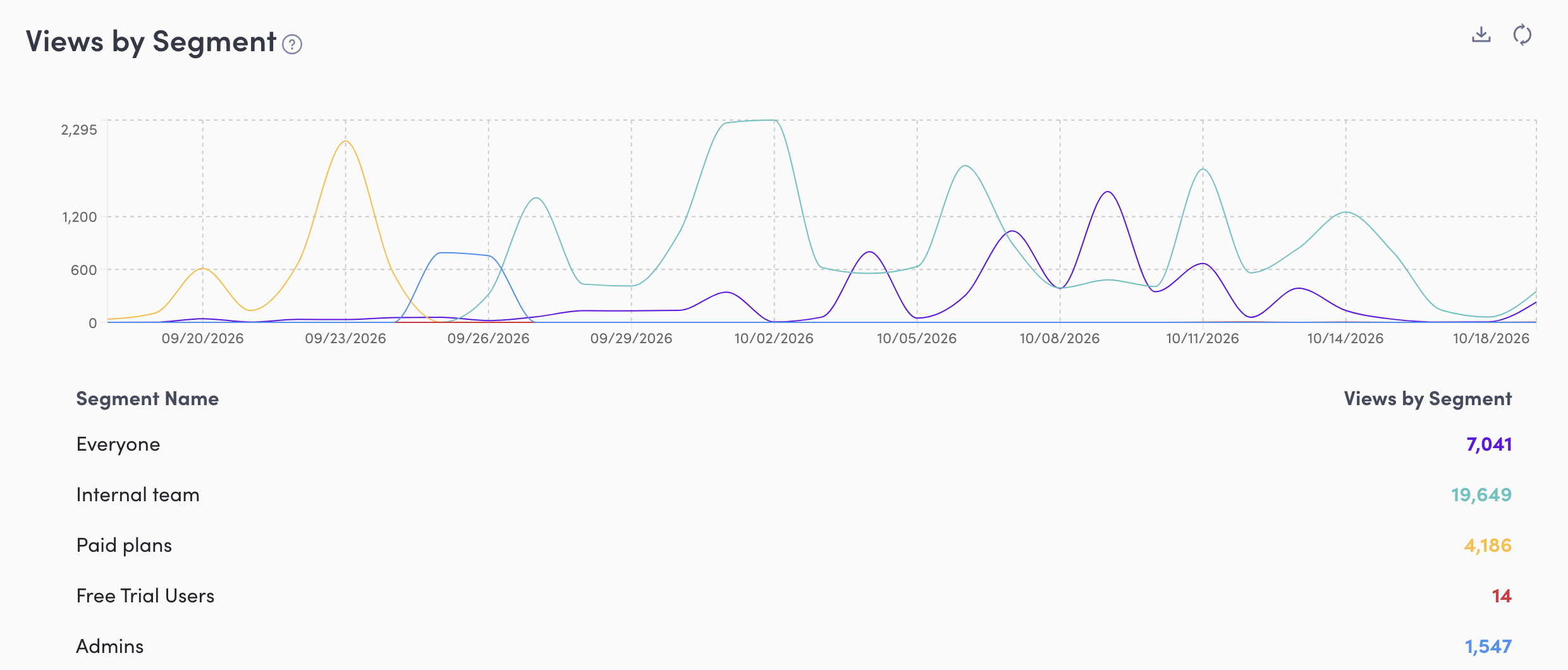
Compare audiences in Candu.
Views, interactions and conversion for each experience, split by the segment that saw it. Goals count a user once they see the experience and do the thing within 7 days.
Test with a control group.
Run an A/B test for one segment against a control group that sees nothing.
Experiment availability depends on your plan.
Before you start