
A Claude design.
Send it straight to Candu with the connector. Add Candu to Claude

 Editor
Design anything, from a sentence to a full onboarding flow. Candu ships it into your product, in your brand, for the users you choose.
No credit card requiredBuilt to blend inYou approve before anything goes live

Drawing it was never the hard part. Getting it on-brand, to the right users, without breaking anything is. Candu does that part.
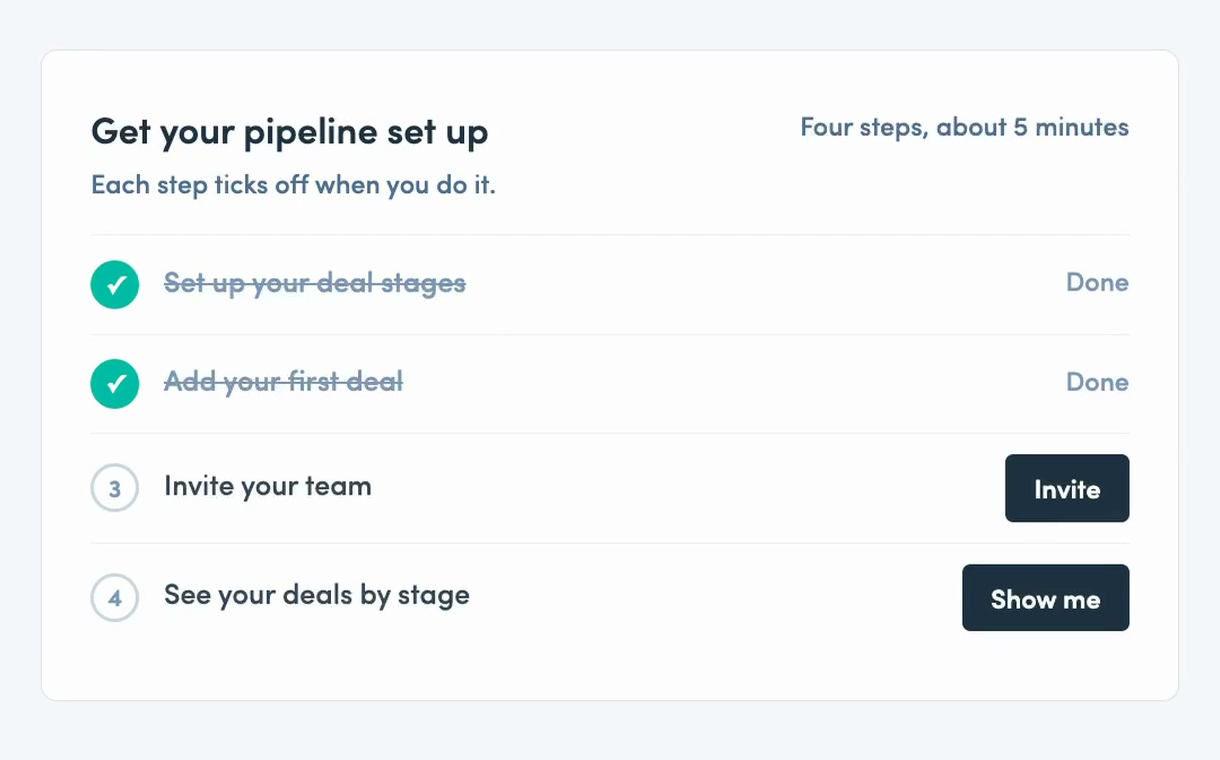
A design, a screenshot, a page you like.
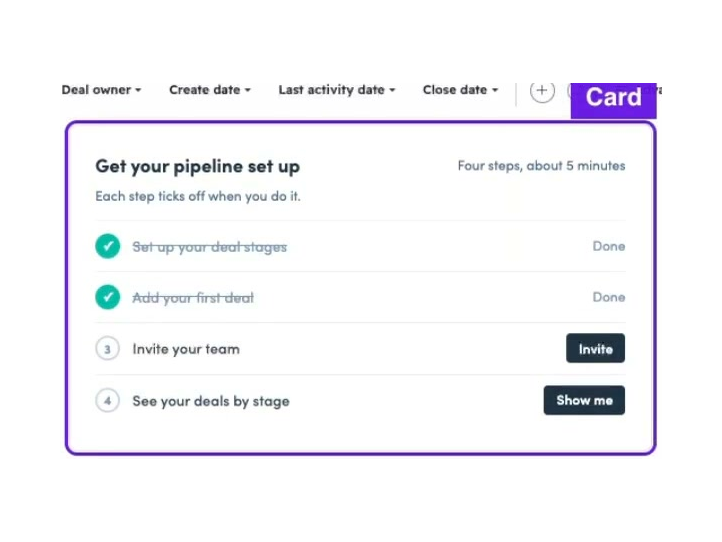
Your fonts, colors and buttons, inline or in place of part of a page.
Any plan, role, stage or trait. How targeting works

Nothing reaches users until you publish.
Experiences work with the AI assistant, too. A checklist step can open the assistant on exactly that step. Meet the AI assistant
Ask in plain English, show it a screenshot, or hand it a design. Candu builds it on your brand. You choose its place in your product, and nothing goes live until you say so.
Send it straight to Candu with the connector. Add Candu to Claude

Export it as an image, or bring it in through Claude.
Paste your prototype’s HTML; Candu builds from the real layout.
Drop it into the Candu assistant and get an editable draft.
Start from one of 85+ templates. Browse templates
Or just describe it. The AI assistant builds a draft from a sentence, and you take it from there.
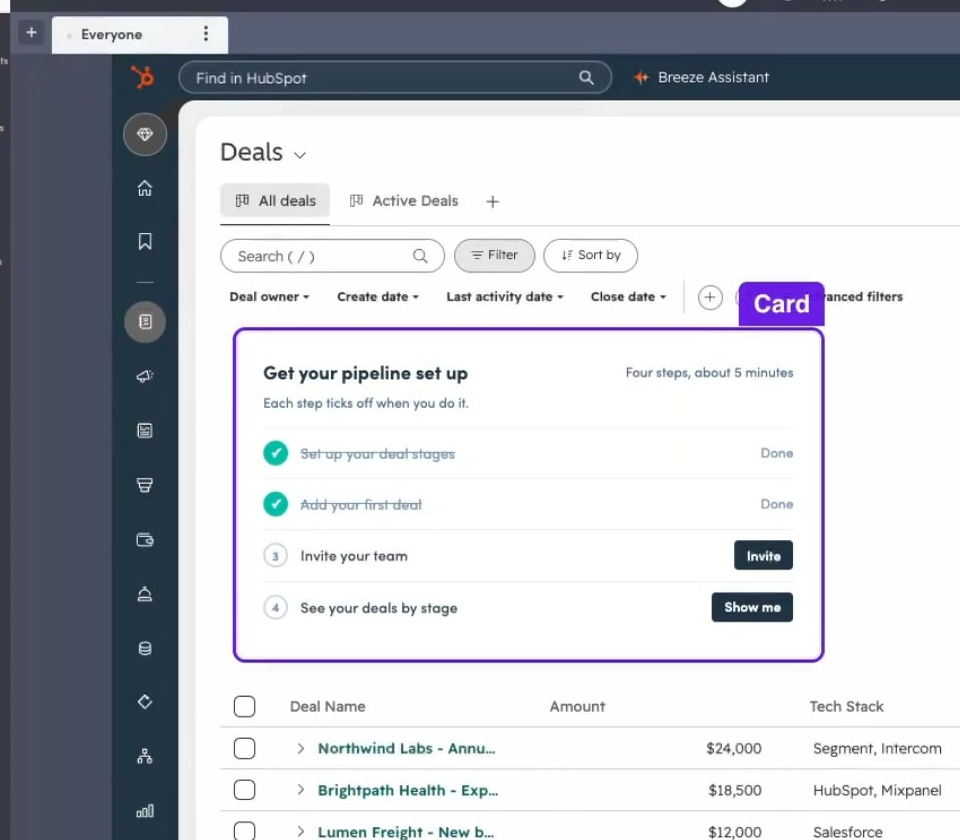
See the experience where it belongs, right next to your own UI.
Edit inline, on top, or in place of part of a page. You can see how it fits before you publish.

A snapshot is a saved copy of a page in your product. Use it as your canvas, so you can design around the UI your users already know.

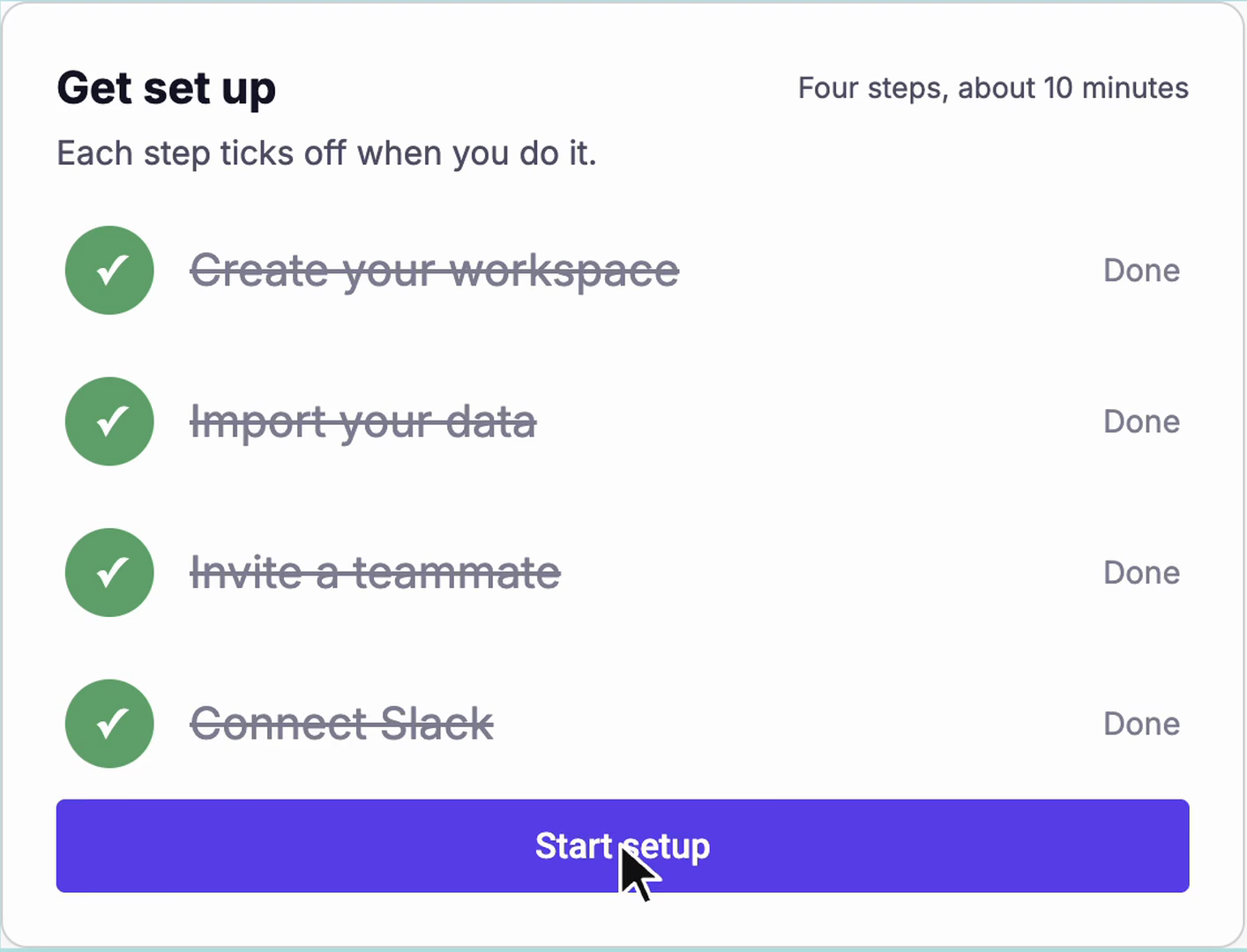
The visual editor
Everything the assistant builds stays editable by hand, down to every style.
“The standout feature of Candu that I appreciate the most is its unparalleled flexibility in customizing the app.”
 Mohamed Ali AzouziGrowth Engineer
For designers
Built to blend in. Your fonts, colors, buttons and cards live in one styleguide, and every experience is built from it.
“We can put content exactly where we need it and blend it perfectly with the UI, versus just popups like we used to.”
 ErikGrowth Engineer

What you can build
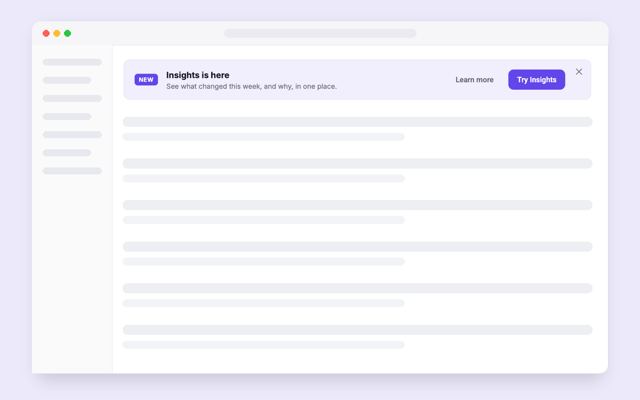
Checklists, homepages, banners, empty states and more. They sit inside your UI, not on top of it.
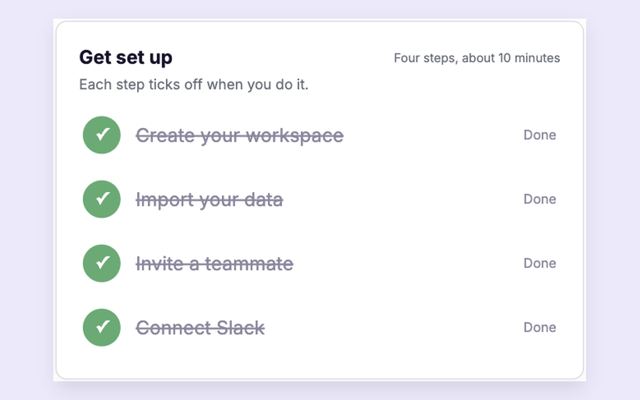
Example request
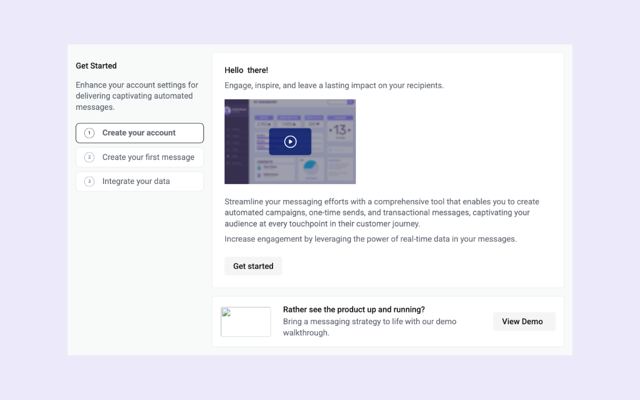
Guide new admins through their setup steps.
Candu template
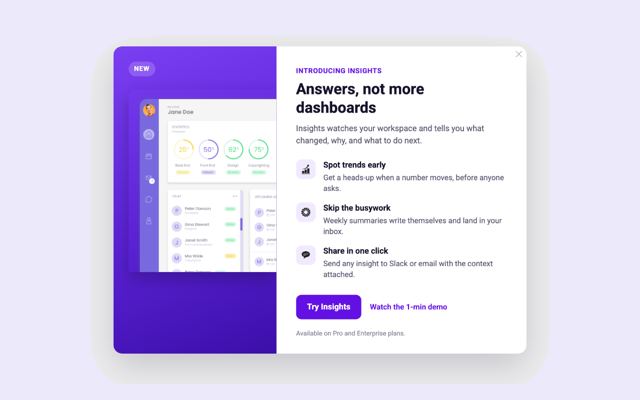
Example request
Announce the new AI tools in your product.
Candu template
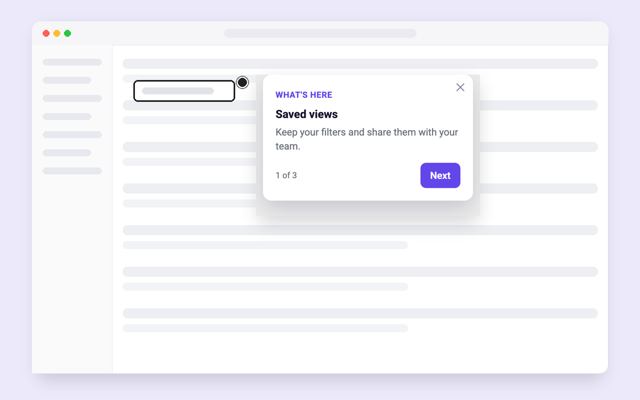
Example request
Explain the key controls on a busy screen.
Candu template
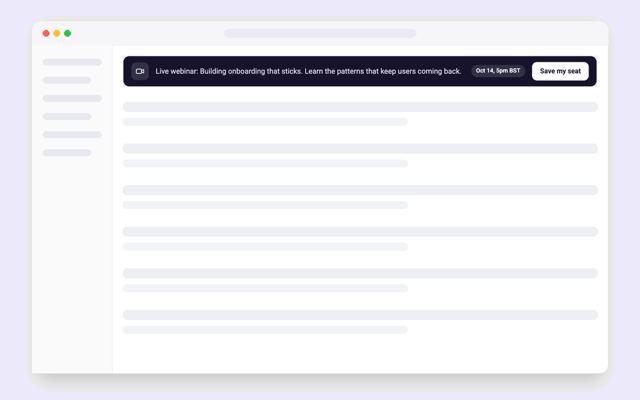
Example request
Announce an event without interrupting the page.
Candu template
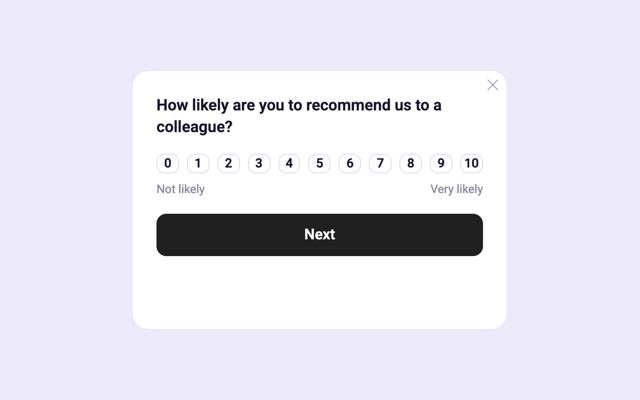
Example request
Ask users how likely they are to recommend you.
Candu template
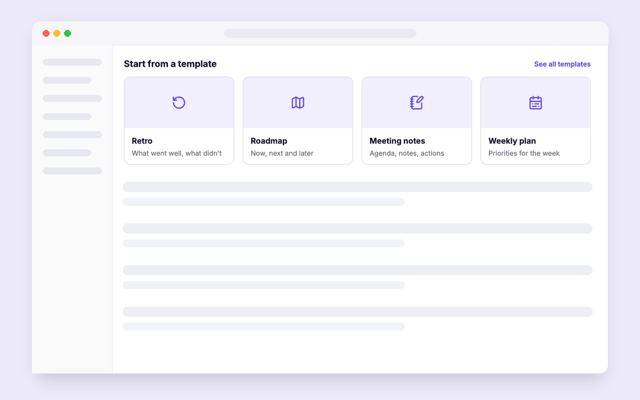
Example request
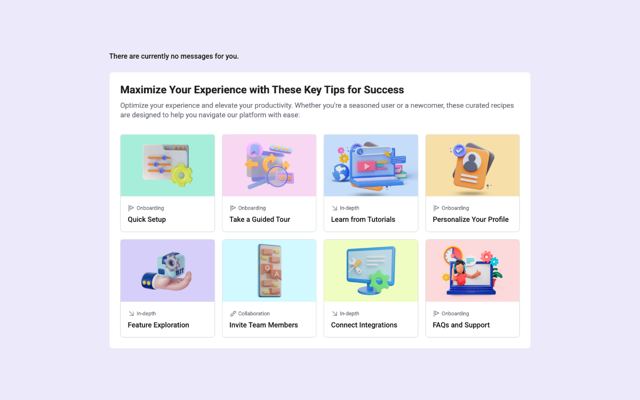
Give an empty workspace a useful starting point.
Candu template
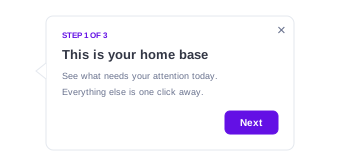
Example request
Walk new users through their next task.
Candu template
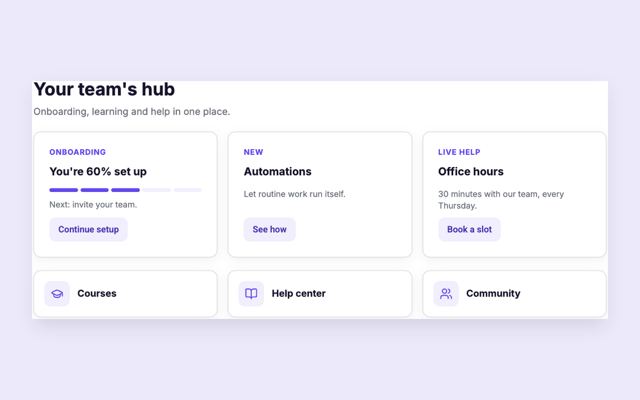
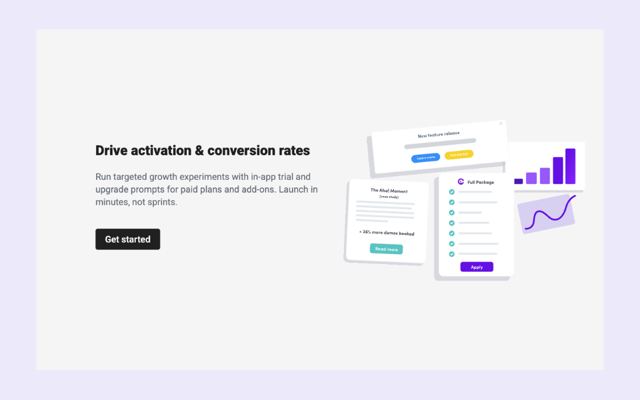
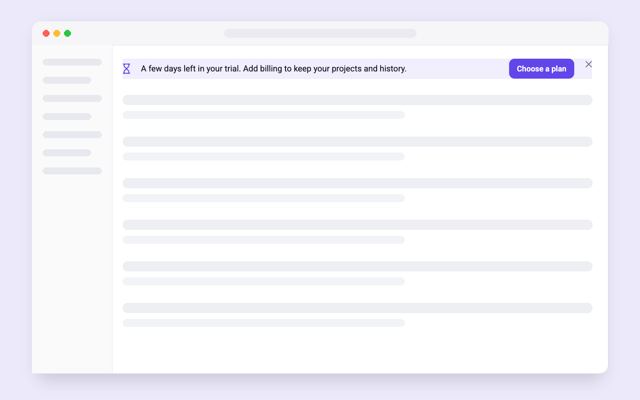

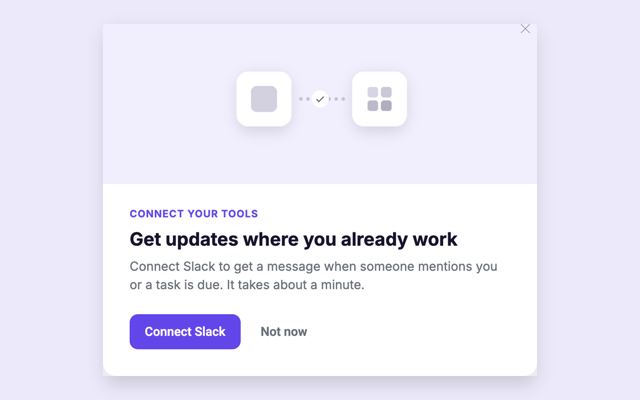
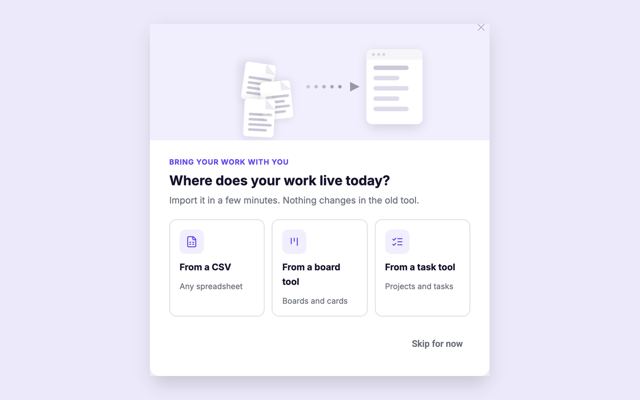
Templates
A starting point for your next in-app experience.
See what each experience does in Candu, and send it to the tools you already use.
Every change is a draft you review, edit visually and publish.
Design the checklist before it reaches anyone.
Check the same component alongside the UI your users know.
Put that checklist into your product when you’re ready.
Review your changes and roll back to an earlier version when you need to.
Very low-code install. One script tag, once. Everything after ships from Candu. How to install Candu

“The ability to create in-line experiences, as opposed to just popups is very unique and powerful!”
 AndrewSenior Product Manager at Vidyard
“It allow us to communicate with users in a very user-friendly way, without needing to use invasive traditional modals...”
 RafaelVP of Growth at Genially
“Candu is solving the problem of busy development teams by allowing other team members to update the UI without taking up developer resources.”
 Alejandro H.Director of UX at Thought Industries