Activation
Help trial users reach their first win.
Give each role a clear place to start with an onboarding checklist or guide, right inside your product.
Browse onboarding templates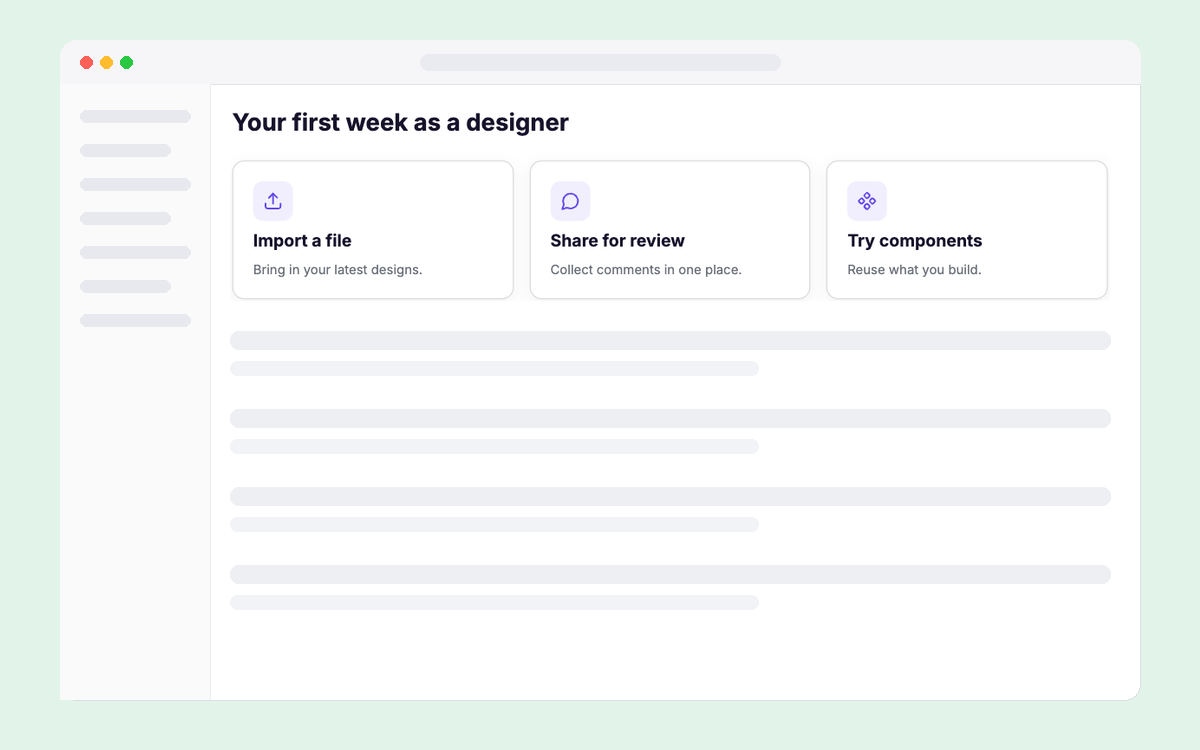

Growth & marketing
Improve onboarding, feature adoption and upgrades with targeted in-app experiences.

From signup to value
Guide trial users to a first win, introduce a useful feature, or show the value of upgrading.
Activation
Give each role a clear place to start with an onboarding checklist or guide, right inside your product.
Browse onboarding templatesFeature adoption
Guide the right users with a product tour or focused announcement, placed where the feature becomes useful.
Browse feature adoption templates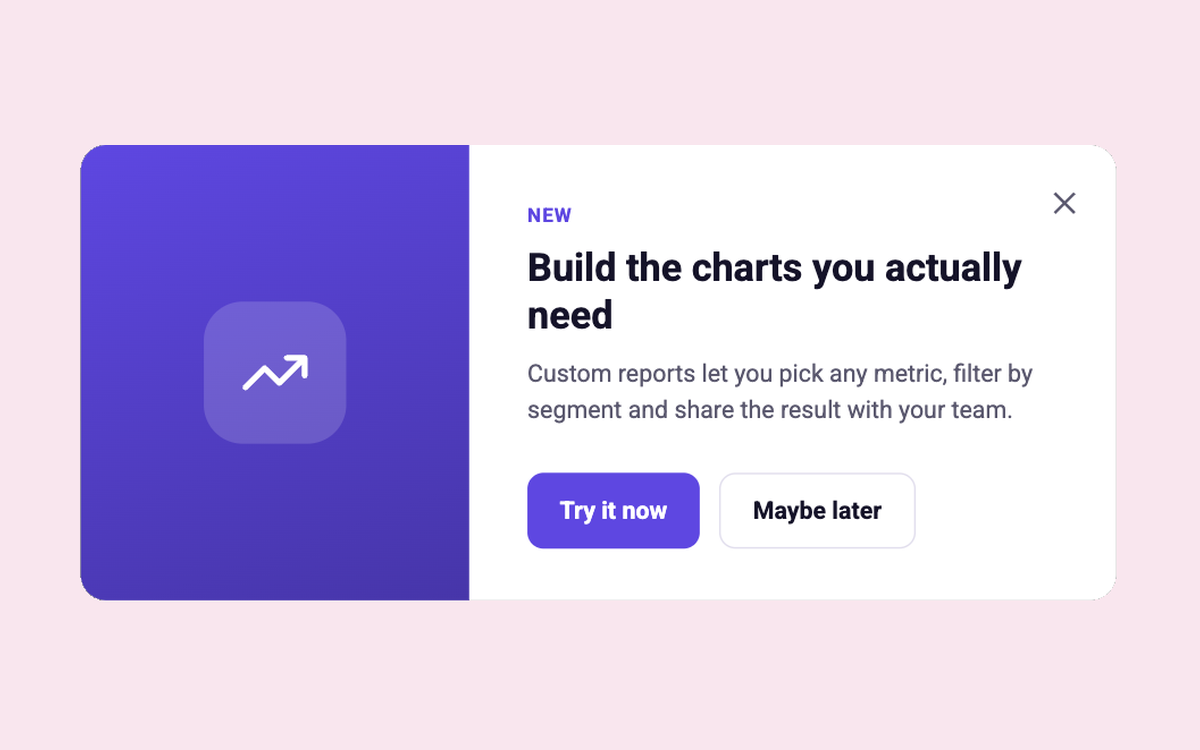
Upgrades
Show what an upgrade unlocks where it is relevant, then use engagement data to refine the message and audience.
Browse upgrade templates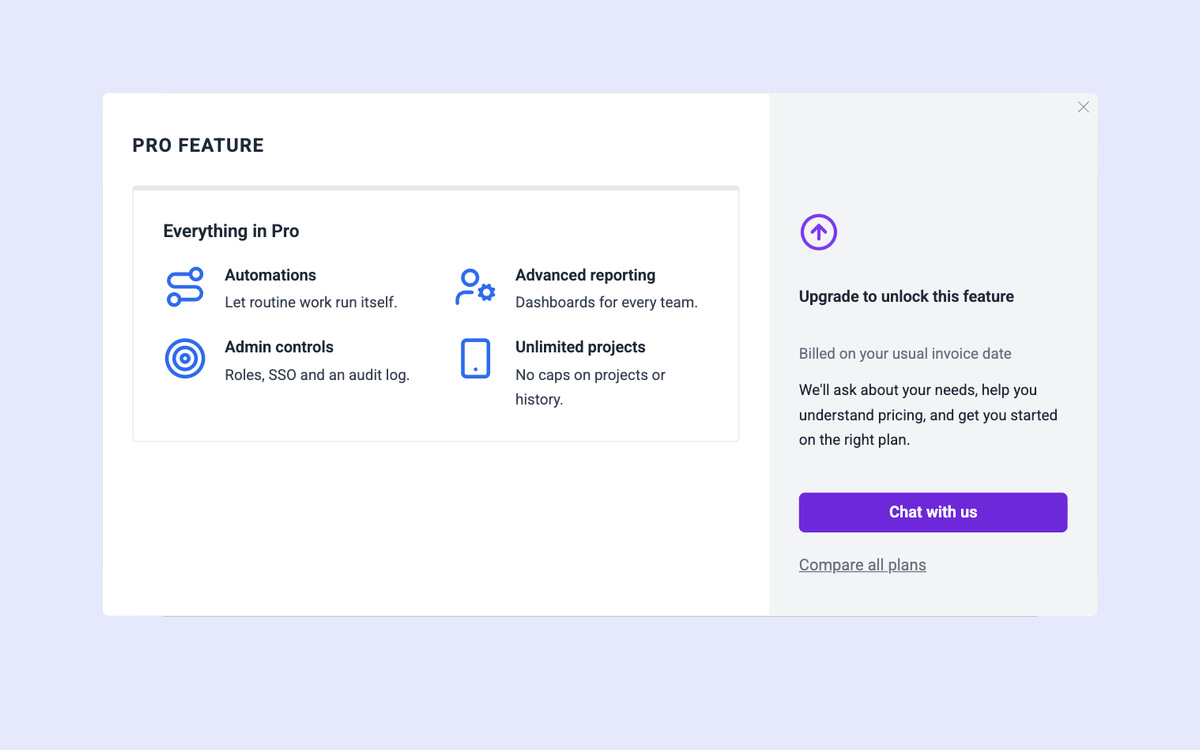
From idea to impact
Start with a template or a screenshot from Figma or Claude Design. Refine it in your product.
Explore the editorUse the data you already have to build segments by role, plan, account traits or product activity.


Review engagement in analytics, compare variants with A/B testing, and improve the next version.
Explore analytics
“Managing all these different segments and different content, maintaining them, requires an iterative approach, with an easy-to-use tool, like Candu.”
 Caglar EkimGrowth Specialist, Make



Find content, audiences and results. Approve changes in Candu.
FAQ
Yes. Choose an audience and placement for each experience using the user data available in your Candu workspace.
Candu supports in-app tours, checklists, banners, modals, forms and other product experiences. The best format depends on the user moment you want to improve.
Your developers install the SDK. After setup, growth and product teams can build, preview and publish experiences in the editor.
Review views and interactions for your Candu experiences. For conversion lift or causal impact, define the success metric and comparison method for the experiment you run.


Candu allowed us to quickly experiment with an onboarding checklist for our users which was quick and easy to build. The Candu editor was easy to use, which made it efficient for our designers to create directly on Candu without consuming engineering bandwidth.

have deleted an app they didn’t know how to use
watched a video to understand how to use a new product
think video is an effective onboarding tool
Candu makes it quick and easy to create UI variants that customers love without writing a single line of code. That means you can test unique user experiences throughout the user journey to see what drives activation and conversion and what needs to go.

In-app feature announcements and release notes let you communicate with customers when they’re already engaged with your product and ready to hear what you have to say.

Candu’s no-code editor means you can build what you need without asking for help. No more waiting on developers to do your bidding. Just drag, drop, and done!


