


Go back to Template Gallery
Categories
User Onboarding
Product Adoption
Product Education · In-page
Live Office Hours
Promote a live session with its hosts and date
Use this template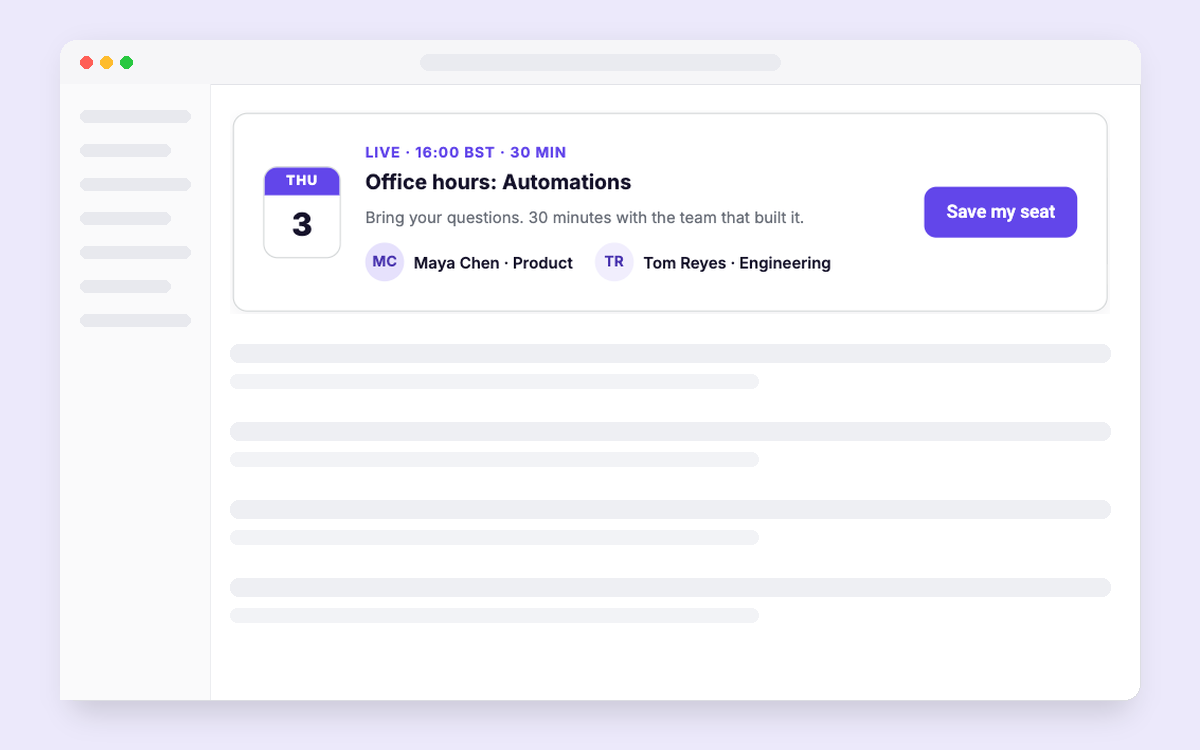
How to set it up
- Add the template to your learn page, or show it after a user gets stuck twice.
- Add the session date and hosts, and point the button at your sign-up page.
- Target admins and new teams, and track registrations and attendance.
Collaborator on this template


Collaborator on this template
Key Features

When to use it
Learn page; after a user gets stuck twice
Who it is for
Admins and new teams
What to measure
Registrations; attendance
Other templates you might like
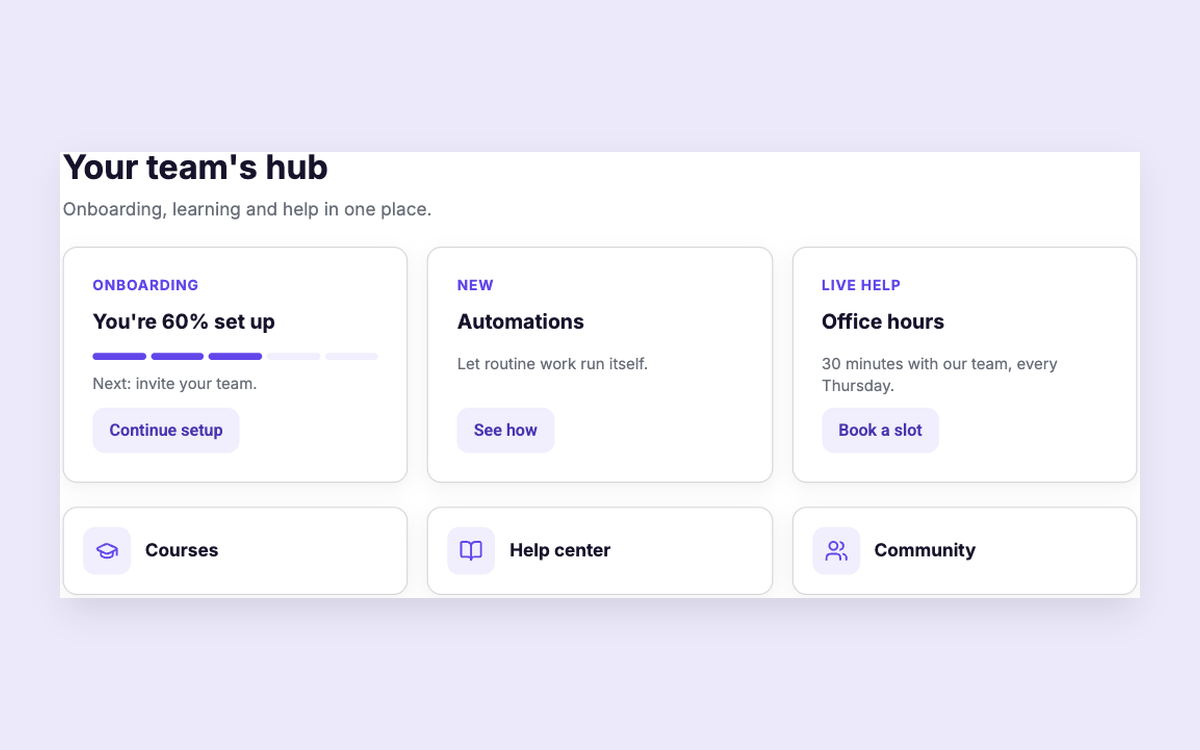
Customer Hub
Onboarding, courses, news and help in one hub
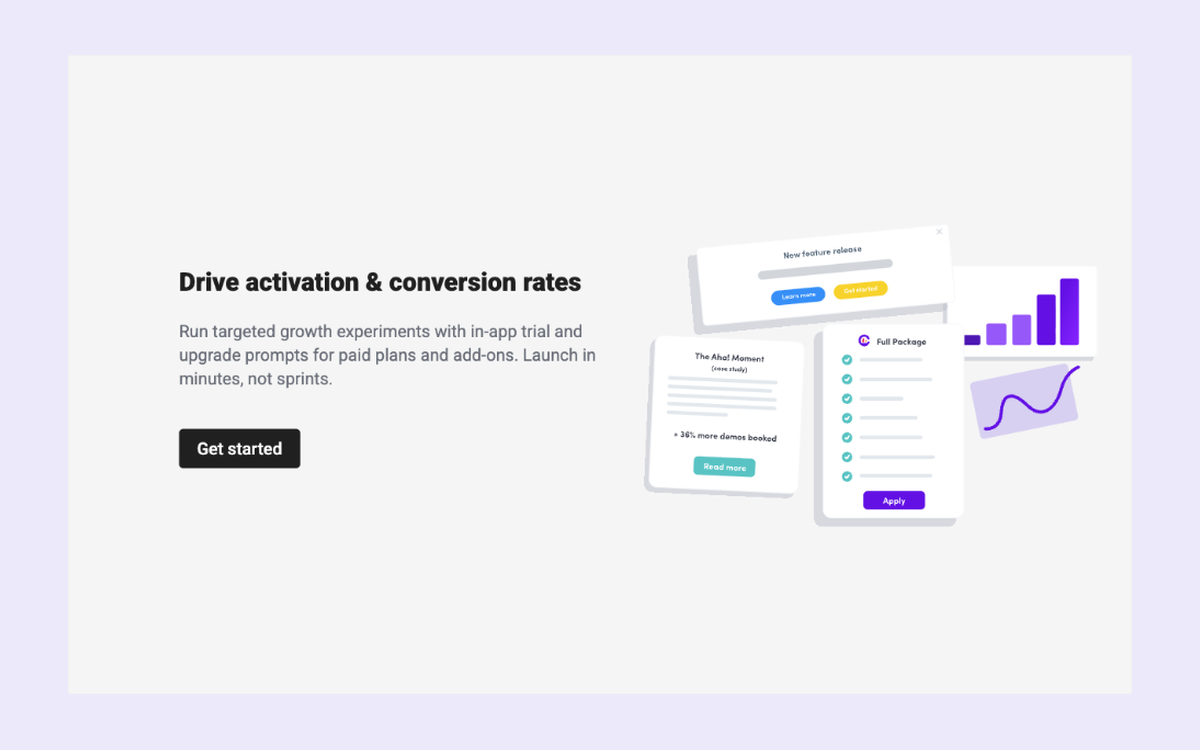
Upgrade Empty State
Drive plan or add-on conversions
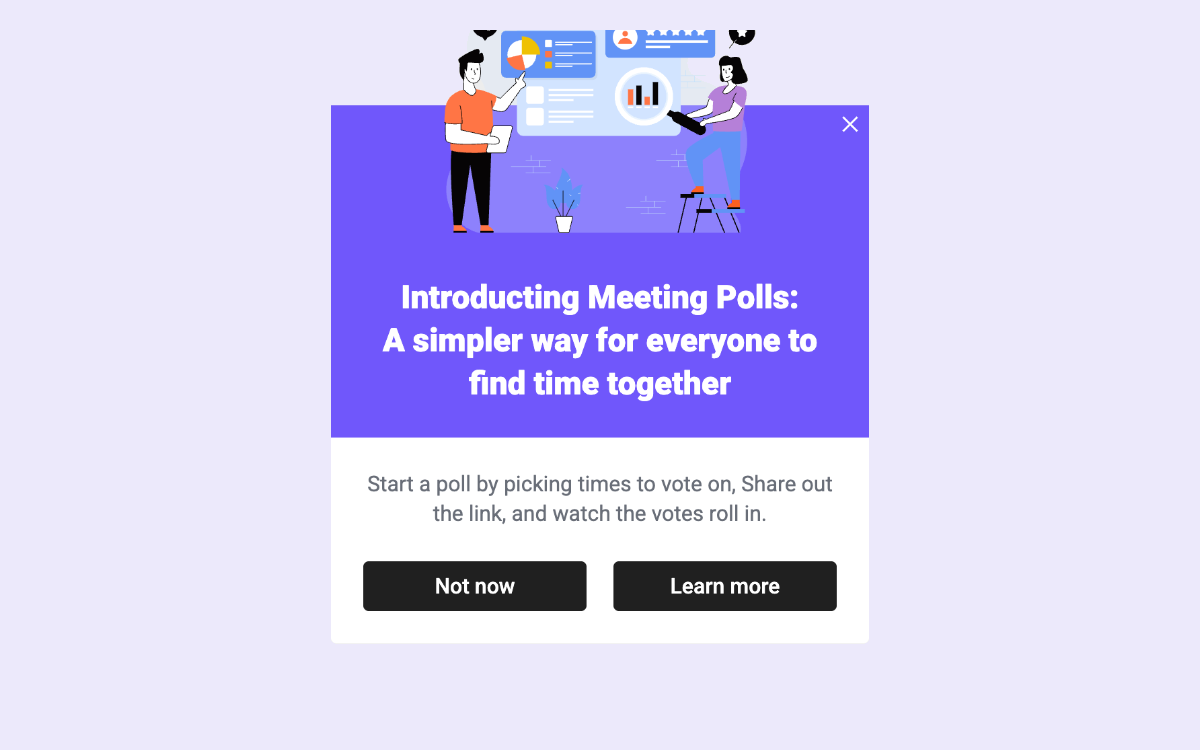
New Feature with Image Text and CTA
Announce a feature with an image and opt-in button
