Launches & Announcements · Modal

Feature Spotlight Modal

Introduce a feature with a bold visual panel and two clear choices

Use this template
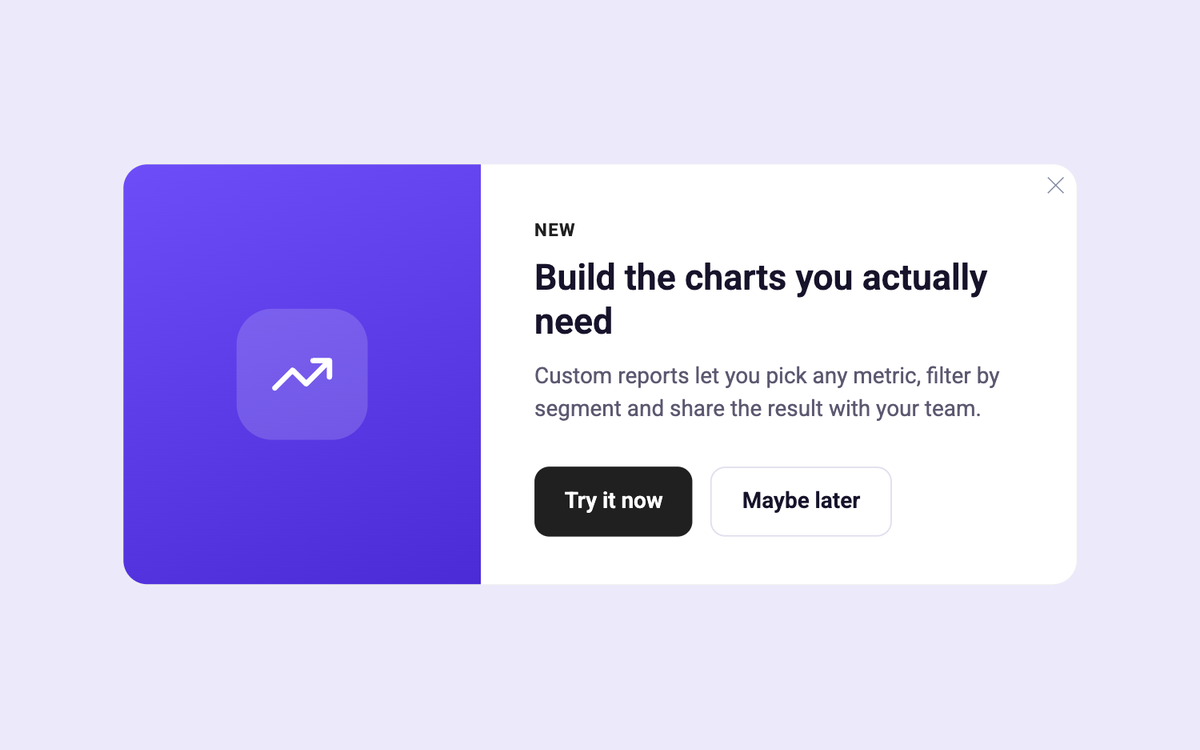
Feature Spotlight Modal template preview

How to set it up

  1. Trigger the modal on the first login after the feature ships.
  2. Swap in your feature visual and copy, and set where each of the two buttons goes.
  3. Target users the feature is for, and track clicks on each choice.
Collaborator on this template

Other templates you might like
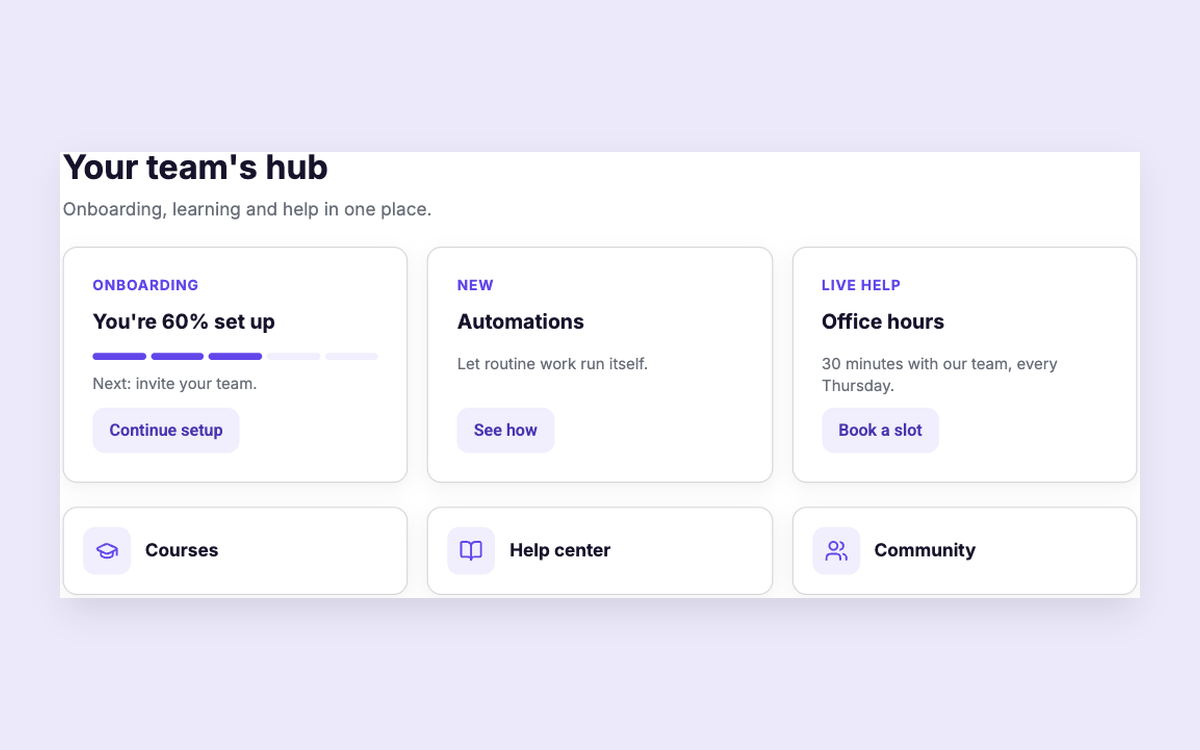
Customer Hub template preview

Customer Hub

Onboarding, courses, news and help in one hub
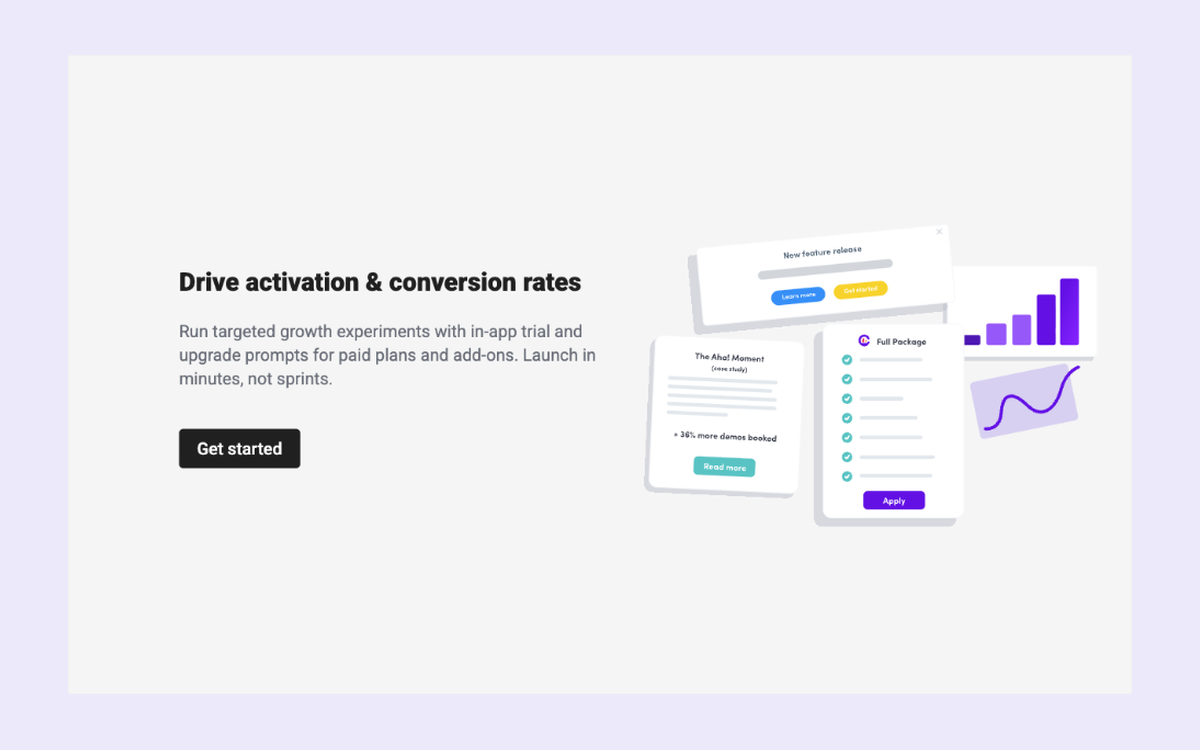
Upgrade Empty State template preview

Upgrade Empty State

Drive plan or add-on conversions
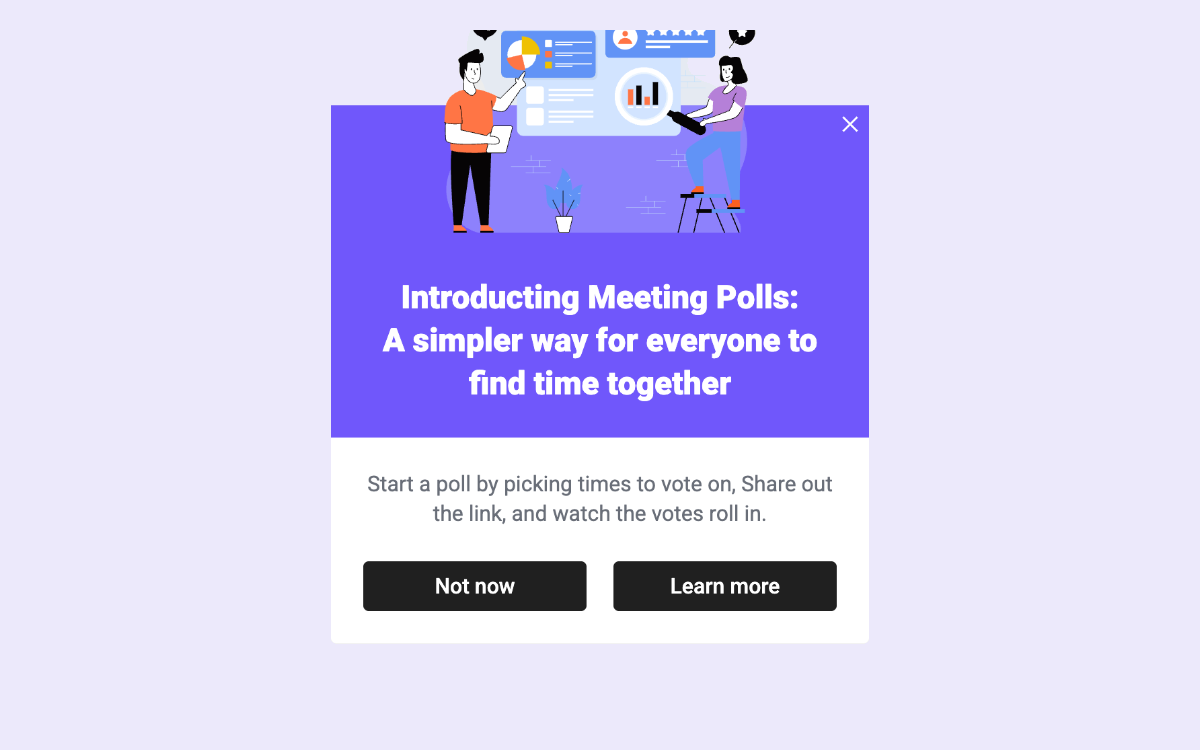
New Feature with Image Text and CTA template preview

New Feature with Image Text and CTA

Announce a feature with an image and opt-in button

Pixel perfect user experiences

Pixel perfect
user experiences

Start free trial