


Go back to Template Gallery
Categories
User Onboarding
Product Adoption
Trials & Upgrades · In-page
AI Credits Meter
AI credits used this period and how to get more
Use this template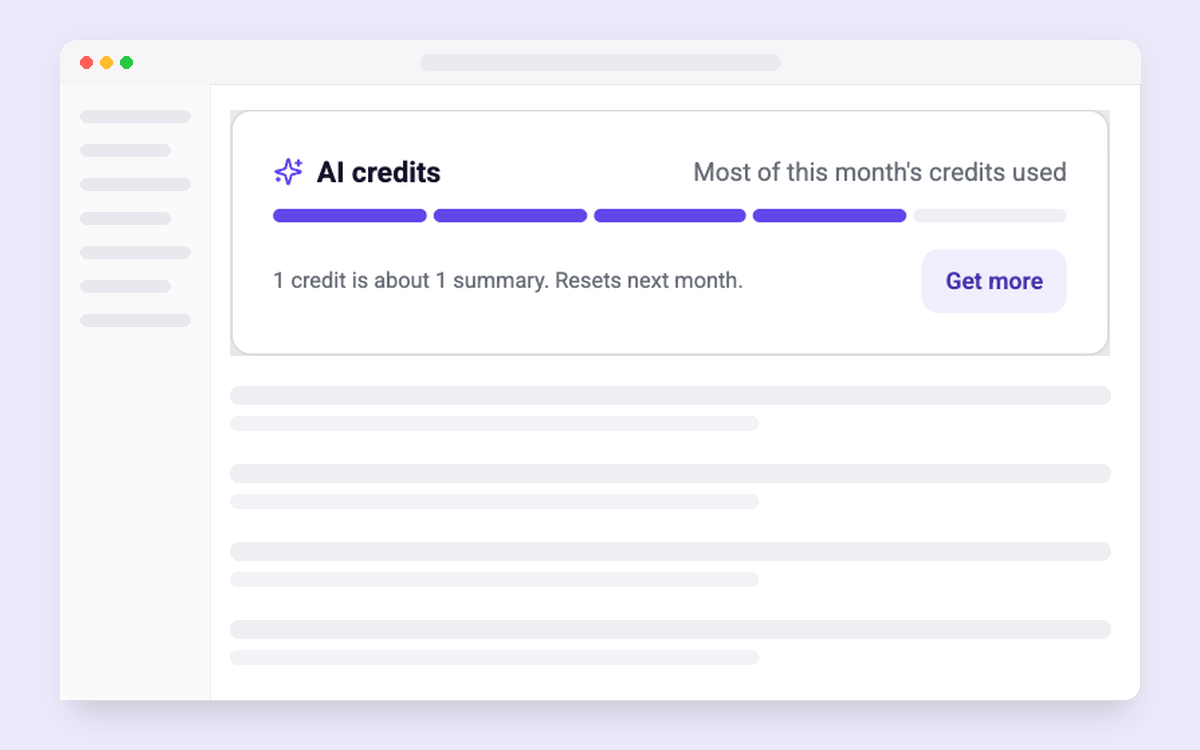
How to set it up
- Add the template next to your AI features or in usage settings.
- Send the aiCreditsUsed, aiCreditsLimit and usageResetDate traits for real numbers, and set where each button goes.
- Target accounts on credit-based AI plans, and track top-ups and upgrades from the meter.
Collaborator on this template


Collaborator on this template
Key Features

When to use it
Next to AI features; in usage settings
Who it is for
Accounts on credit-based AI plans
What to measure
Top-ups and upgrades from the meter
Other templates you might like
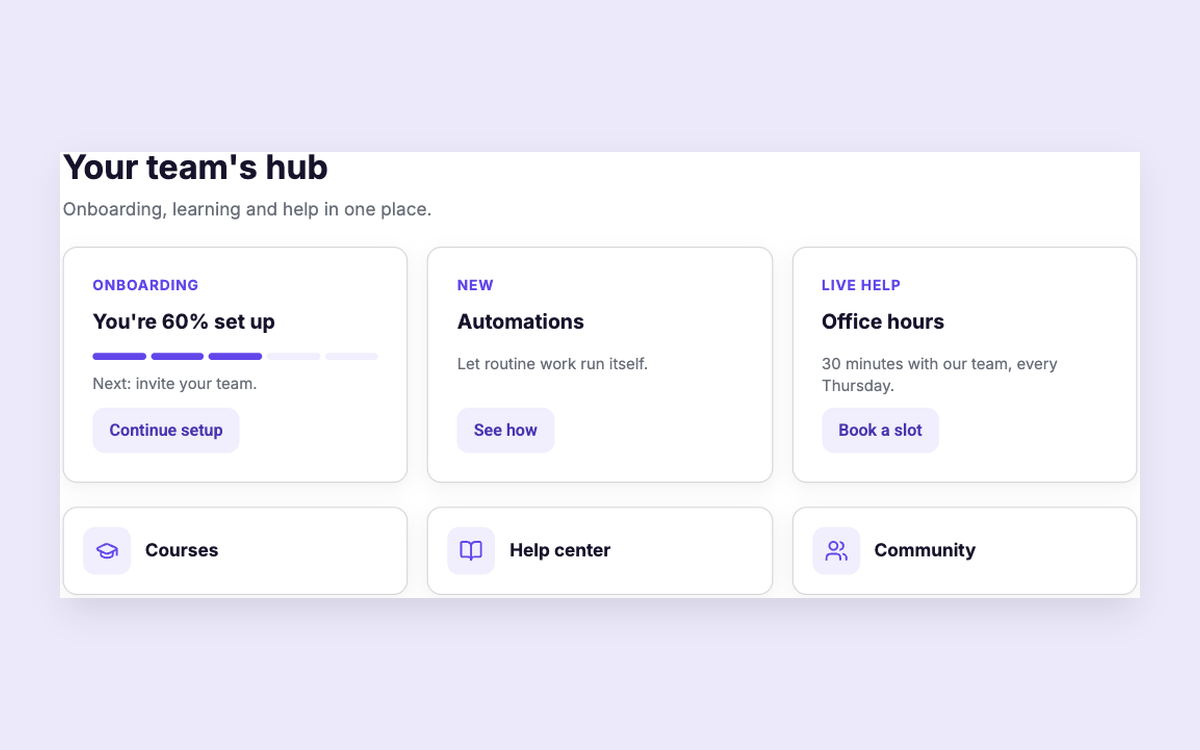
Customer Hub
Onboarding, courses, news and help in one hub
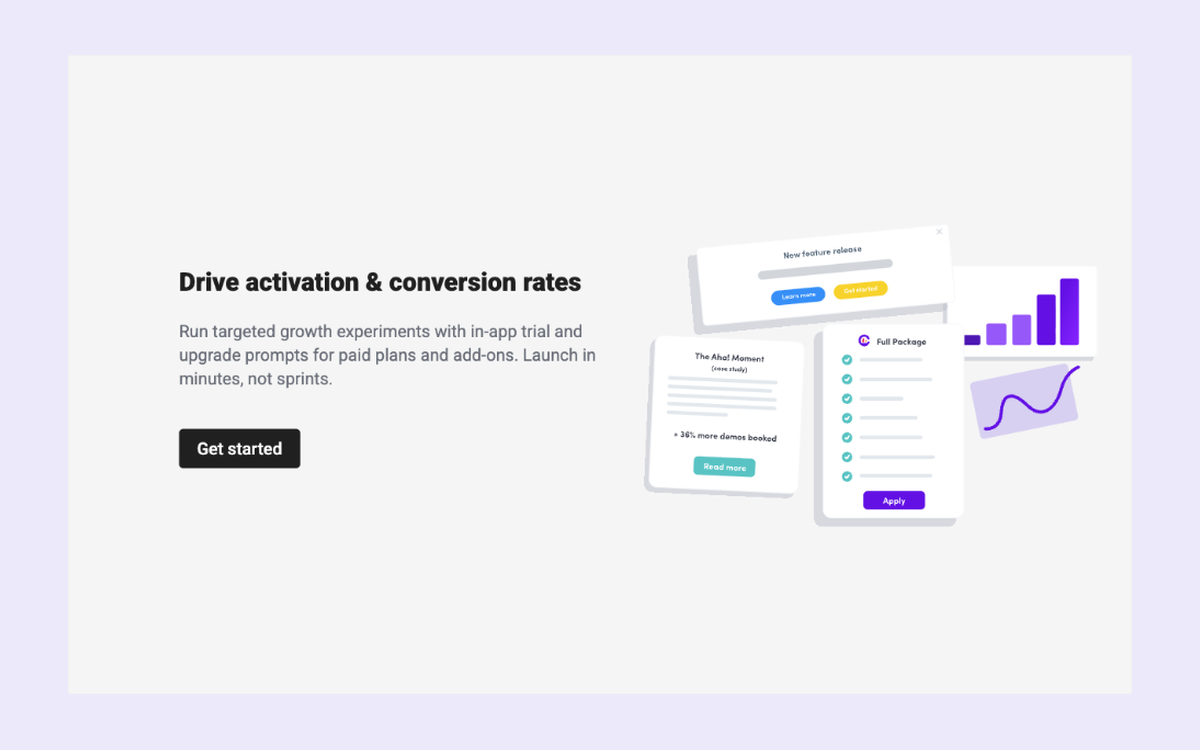
Upgrade Empty State
Drive plan or add-on conversions
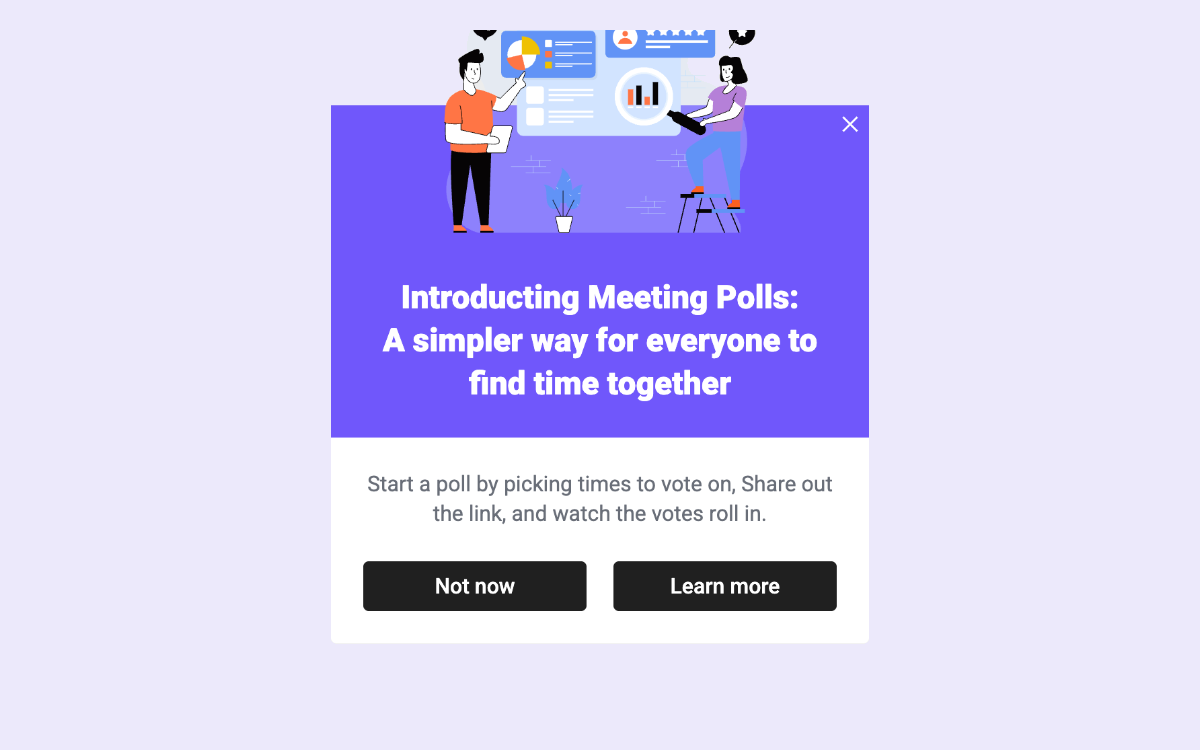
New Feature with Image Text and CTA
Announce a feature with an image and opt-in button
